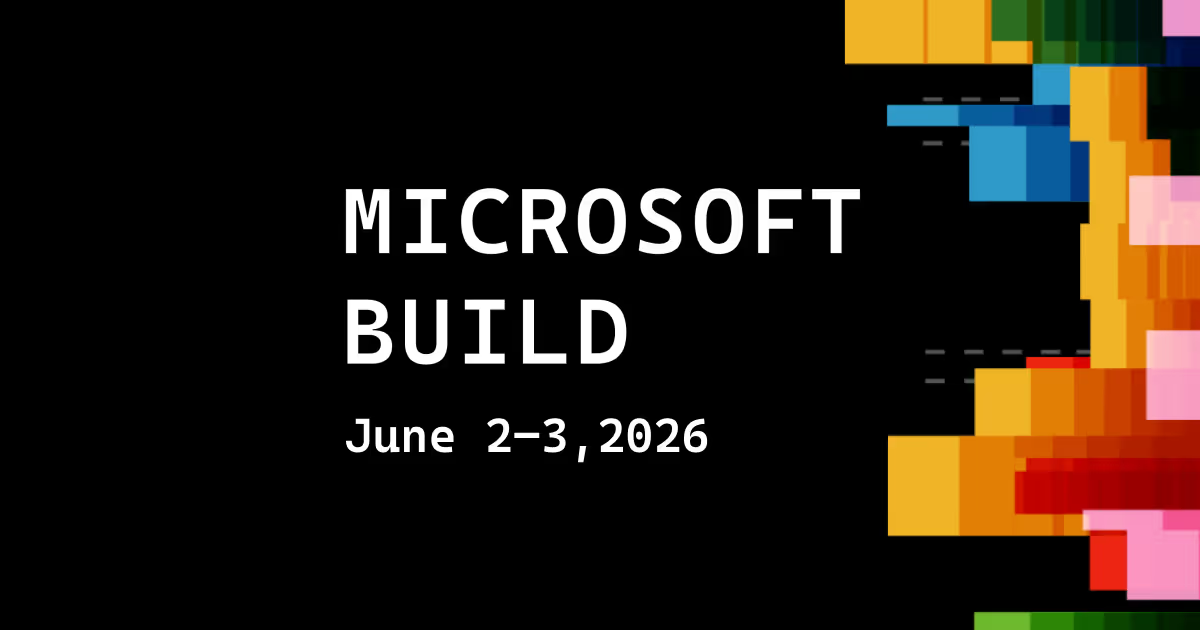
2026 event status: The Microsoft Build 2026: Sessions & Speakers edition beginning June 2, 2026 has concluded. This page is maintained as a 2026 reference for exhibitors, sessions, market research and planning the next edition. Confirm future dates, registration and program changes through the official event source.
What Is Microsoft Build 2026?
Microsoft Build is Microsoft's annual developer conference, bringing together software engineers, cloud architects, data scientists, and AI practitioners for two days of deep technical content and product announcements. The 2026 edition is scheduled for June 2–3 at Fort Mason Center for Arts & Culture in San Francisco, with a simultaneous online broadcast available to developers around the world.
Build is Microsoft's primary venue for announcing new capabilities across Azure, the Microsoft developer platform, GitHub, Copilot, and the broader AI toolchain. Unlike broader enterprise conferences, Build is explicitly developer-first — sessions are designed for practitioners who write code, build systems, and ship products. The stated mission for 2026 is direct: "Two days. Hands-on sessions. No fluff."
Microsoft Build 2026 arrives at an inflection point for AI-assisted development. The Copilot ecosystem has expanded significantly since 2024, GitHub Copilot has become standard tooling for many development teams, and Azure's AI infrastructure — including access to OpenAI models, fine-tuning capabilities, and agent orchestration — is maturing rapidly. The 2026 conference is expected to reflect this shift with a heavy emphasis on agentic AI systems, model deployment patterns, and developer productivity at scale.
Why You Should Attend Microsoft Build?
Build occupies a specific and valuable niche in the developer conference landscape. It is not a product marketing event — it is where Microsoft's engineering teams come to share what they have built, how they built it, and where they are taking the platform next. For developers who work within the Microsoft ecosystem, there is no more direct source of technical truth.
The strongest reasons to attend in person:
- Ship smarter AI systems — Learn directly from engineering leaders how to train and fine-tune models, design agent architectures, orchestrate multi-model workflows, and ship AI features that scale in production.
- Hands-on labs and workshops — Get into real code in instructor-led labs with smaller groups, direct guidance, and enough time to actually complete the work — not just watch someone else do it.
- Direct access to Microsoft and GitHub technical leaders — Join interactive meetups and workshops to debug problems with engineers who've already solved them, and get strategic guidance from the people building the platform.
- Experience what's next before it ships — Get early access to cutting-edge models, agent capabilities, data tools, and compute resources — and leave ready to apply the latest AI workflows to your own projects.
- Community and peer connection — Build is one of the few places where you can have a real conversation with a maintainer, a Microsoft PM, and a developer facing the same architecture decisions you are — all in the same afternoon.
For developers who can't travel, the online track delivers full access to keynotes and select sessions live, with on-demand content available post-event.
Who Should Attend Microsoft Build?
Microsoft Build is designed for technical and leadership roles at the intersection of AI, cloud, and enterprise software development. The conference is explicitly aimed at AI developers, technical leaders, and enterprise developers — people who are actively building, shipping, and scaling software systems.
The event is the right fit if you are:
- Software developers and engineers building AI-powered applications, cloud-native systems, or developer tooling on Azure, GitHub, or Windows platforms
- Cloud architects and solutions architects designing scalable infrastructure, multi-cloud deployments, or AI-ready data pipelines on Azure
- Data scientists and ML engineers working with model training, fine-tuning, RAG architectures, or responsible AI implementation
- CTOs and technical product managers at AI-focused startups or enterprise teams evaluating Microsoft's developer platform
- Enterprise IT leaders and architects driving digital transformation and AI adoption across their organizations
- Independent developers and open source contributors exploring GitHub Copilot, Azure AI services, or Microsoft Fabric for the first time
Build is not limited to existing Microsoft customers. The conference is an open opportunity for any developer to evaluate Azure's capabilities, explore GitHub's AI-powered workflows, and assess whether Microsoft's toolchain is the right fit for their next project.

Who Is Attending Microsoft Build
Microsoft Build draws one of the most technically concentrated developer audiences of any conference in the industry. The 2026 event is expected to bring together thousands of engineers, architects, and technical leaders from across the global developer community — both in person at Fort Mason Center in San Francisco and online via the live broadcast.
Past editions have attracted attendees from:
- Enterprise engineering teams at Fortune 500 companies building on Azure and Microsoft 365
- AI-focused startups shipping products on top of Azure OpenAI, GitHub Copilot, and Microsoft Fabric
- Independent developers and open source contributors working across the Microsoft and GitHub ecosystem
- Developer advocates and technical evangelists representing partner organizations and ISVs
- Academic and research institutions exploring AI infrastructure and responsible AI frameworks
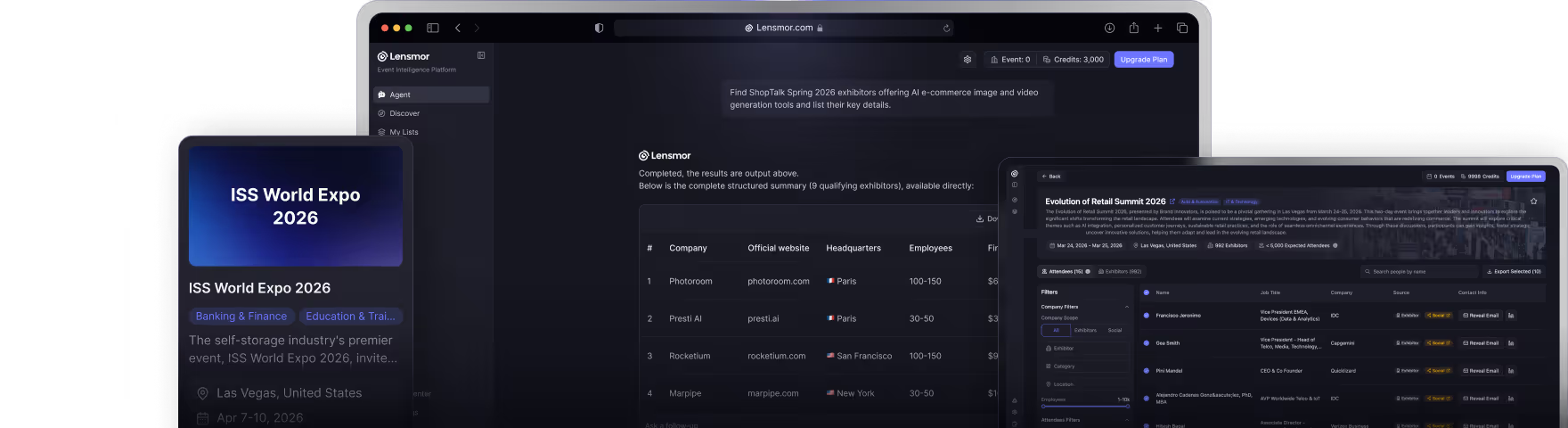
Want to see which companies and teams are sending delegates to Microsoft Build 2026? Lensmor tracks attendee organizations, company profiles, and industry segments across Build and 1,000+ other developer events.
Explore who's attending Microsoft Build on Lensmor →
Sponsors & Exhibitors at Microsoft Build
Microsoft Build features a sponsor and exhibitor presence concentrated around the conference venue. Unlike larger trade shows, the sponsor floor at Build is more focused — exhibitors are typically Microsoft partners, ISVs, and infrastructure vendors whose products integrate directly with the Azure and developer platform ecosystem.
Categories of companies typically represented at Build:
- Cloud infrastructure and DevOps vendors — tools for CI/CD, container orchestration, observability, and cloud cost management
- AI and ML platform providers — model serving, vector databases, fine-tuning infrastructure, and AI safety tooling
- Developer productivity and security tools — code quality, static analysis, secrets management, and developer experience platforms
- Data and analytics vendors — data pipeline tools, BI platforms, and real-time analytics solutions that integrate with Microsoft Fabric
- Microsoft ISV partners — companies building certified solutions on top of Azure, Microsoft 365, and the Power Platform
Notable sponsors associated with Microsoft Build include Syncfusion and a range of Microsoft's strategic technology partners. The Sponsor Directory for Build 2026 is published on the official conference website, with partner logos and booth information available to registered attendees. Microsoft also runs a Developer Resource Center for sponsor partners, separate from the main session experience.
Lensmor provides real-time exhibitor intelligence for Microsoft Build, including company profiles, product categories, and booth locations.
Access the full exhibitor list on Lensmor →
Speaker Lineup & Keynotes
Microsoft Build 2026 opens with a keynote from Satya Nadella, Microsoft's CEO, who will set the strategic direction for Microsoft's AI and developer platform investments. Nadella's keynotes at Build have traditionally been the primary venue for major Azure, GitHub, and Copilot announcements — and the 2026 edition is expected to center on how Microsoft is "creating new opportunity for developers across our platforms in this era of AI."
Joining Nadella on stage will be additional Microsoft and GitHub engineering leaders. Confirmed featured speakers include:
- Scott Hanselman — VP and Member of Technical Staff at Microsoft and GitHub, known for his direct, practitioner-focused delivery on developer tooling and .NET
- Peter Steinberger — Creator of the AI personal assistant OpenClaw and recently joined OpenAI; listed as a featured speaker for the 2026 session catalog
- Kyle Daigle — Chief Operating Officer at GitHub, who has spoken publicly about Microsoft's intent to make Build 2026 a more intimate, high-signal conference experience
Beyond the keynote, sessions are led by Microsoft subject-matter experts, engineering team leads, and external practitioners across the following priority areas:
- AI and agentic systems — multi-agent workflows, Semantic Kernel, Azure AI Agent Service
- Azure AI Platform — Azure OpenAI Service, RAG architectures, responsible AI
- GitHub and developer productivity — Copilot updates, GitHub Actions, GitHub Models
- Microsoft Fabric and data engineering — data pipelines, Power BI, AI-ready data architecture
- Azure infrastructure — AKS, Azure Container Apps, serverless, Azure Arc
- Microsoft 365 extensibility — Copilot extensions, Teams apps, unified SDK
- Windows AI — local AI-powered experiences with Microsoft Foundry on Windows
The full session catalog for Build 2026 is now live at the official Build website, with sessions browsable by topic and type.
Full Agenda & Featured Events
Microsoft Build 2026 runs across two full days — June 2–3 — from 8:00 AM to 7:30 PM Pacific Time each day. The program is structured to move between large-format keynotes, expert-led breakout sessions, and smaller hands-on formats throughout the day.
Session Formats at Build 2026:
- Keynote — Satya Nadella's opening session sets the direction for Microsoft's AI platform, streamed globally for online attendees. This is the primary venue for major product announcements.
- Breakout Sessions — Expert-led sessions covering L-200 to L-400 technical content, with live code, demos, and deep technical detail. The primary format for most of the session catalog.
- Demos — In-depth technical demonstrations designed for smaller audiences who want to see exactly how advanced concepts and product features work in practice.
- Lightning Talks — 15-minute developer-led discussions held in mini theaters on site. These are live-only sessions — not available on demand — making in-person attendance the only way to access them.
- Labs — Instructor-led, hands-on labs with smaller groups, direct guidance, and enough time to complete real work. Designed for developers who want to leave with something they've actually built.
On-Site Experiences:
Beyond the session program, Build 2026 includes a curated set of on-site activations:
- Gaming Lounge — A pick-up-and-play multiplayer space and Forza racing rigs, designed as a social, low-pressure break between sessions.
- Open Source Hub — An always-on space where attendees can discover real open source projects and talk directly with maintainers and contributors from across the ecosystem.
- GitHub at Build — A dedicated GitHub experience where attendees can explore agent-powered workflows with GitHub Copilot and get a working project up and running in as little as 15 minutes.
- Sponsor Experience Floor — Partner and sponsor booths where attendees can get hands-on with tools, talk to product teams, and explore integrations with the Microsoft platform.
The session catalog is now live and includes a session scheduler for registered attendees to plan their two days in advance.
Registration & Ticket Pricing
Microsoft Build 2026 offers both in-person and online registration options, making the conference accessible to developers regardless of location or budget.
In-Person Pass — $1,099
- Full access to all on-site sessions, labs, and lightning talks
- Access to the keynote, sponsor floor, and on-site experiences at Fort Mason Center
Online Pass — Free / Heavily Discounted
- Live access to the keynote and select streamed sessions
- Full on-demand catalog available post-event
Student / Startup Discount — Typically Available
- Reduced pricing for eligible students and early-stage startup founders
- Check the registration page for current eligibility and discount codes
How to Register:
- In-person and online passes: register.build.microsoft.com
- Free livestream registration (keynote + select sessions): available directly on the Microsoft Build event page at developer.microsoft.com/events/build
A few things to note before registering:
- The online pass is a strong option for developers outside the US or those unable to travel — it includes live access to the keynote and on-demand content for the full session catalog after the event.
- In-person capacity at Fort Mason Center is intentionally limited. Microsoft has stated that Build 2026 is designed to be a more intimate experience than previous editions — register early to secure a spot.
- Student and startup discounts are typically offered but have limited availability. Check the registration page for current discount codes and eligibility criteria.
Turn the 2026 Record Into Useful Research
Use archived exhibitor, sponsor and agenda information to understand the market, compare companies and prepare for the next edition. Separate facts announced for 2026 from assumptions about a future program.
Priority areas
- Azure development and cloud platforms
- GitHub and developer productivity
- AI models, agents and applications
- Windows, data and application architecture
Questions that improve vendor and partner conversations
- Which SDK, service version and architecture support the example?
- What security, data and deployment constraints apply?
- How does the announcement change an existing roadmap?
- Which sample, documentation or proof of concept should be tested?
Relevant stakeholders
- software engineers
- cloud and AI architects
- developer platform leaders
- ISVs and Microsoft partners
Record the reason each company fits, the evidence still needed and one owned next step. Lensmor can help organize public exhibitor and company information into a reviewable account list with verified decision-maker contacts. Event participation is context, not proof of purchase intent, so keep human review before outreach.
Frequently Asked Questions
1. What are the official dates and location for Microsoft Build 2026?
Microsoft Build 2026 is scheduled for June 2–3, 2026 at Fort Mason Center for Arts & Culture in San Francisco, California, with a simultaneous online broadcast. The event runs across two full days, 8:00 AM to 7:30 PM Pacific Time each day.
2. Is Microsoft Build available to attend online?
Yes. Microsoft Build 2026 includes a full virtual component. Online attendees can watch the keynote and many sessions live, with on-demand access to the full catalog afterward. Free livestream registration is available at developer.microsoft.com/events/build.
3. What is the main focus of Microsoft Build 2026?
Build 2026 is centered on AI-assisted development, with a particular emphasis on agentic AI systems, model orchestration, and shipping production AI features on Azure. GitHub Copilot updates, Azure AI platform capabilities, Windows AI, and Microsoft Fabric are also major areas of focus.
4. How much does Microsoft Build cost to attend?
In-person attendance is $1,099. The online pass is free or heavily discounted. Student and startup discounts are typically available — check the registration page for current pricing and eligibility.
5. Do I need to be a Microsoft customer to attend Build?
No. Build welcomes all developers, regardless of current platform use. The conference is an opportunity for any developer to learn about Azure's capabilities and evaluate whether Microsoft's tools are a fit for their projects.
6. Where exactly is Microsoft Build 2026 held?
The 2026 event is held at Fort Mason Center for Arts & Culture in San Francisco — Microsoft's first developer conference in the city since 2016. Full address and venue details are available at developer.microsoft.com/events/build.
7. What session formats are available at Build?
Build 2026 includes keynotes, expert-led breakout sessions (L-200 to L-400), in-depth demos, 15-minute lightning talks (in-person only), and instructor-led hands-on labs. The session catalog is live and browsable by topic and format.
8. How do I prepare for the Build expo and exhibitor sessions?
Reviewing the Sponsor Directory on the Build website before arriving helps you identify which vendor sessions and booth conversations are relevant to your work. Tools like Lensmor help you research exhibitors before arriving — you can filter by industry, company size, and product category to build a target list.
9. What is the Satya Nadella keynote typically about?
Satya Nadella's Build keynote sets the strategic direction for Microsoft's developer platform. It typically includes major product announcements — new Azure services, GitHub capabilities, Copilot updates — followed by live demos from engineering teams. The keynote is streamed globally and is usually the most-watched session of the conference.
10. Is Build 2026 smaller than previous years?
Yes, intentionally. Microsoft has stated that Build 2026 is designed to be a more intimate, high-signal experience. GitHub COO Kyle Daigle described the goal as creating a conference where "meeting with people that attend is just as much a part of the actual conference content, announcements, and using the tech."

Shirley An
Shirley An is a Growth Marketing specialist at Lensmor, writing about trade shows, event prospecting, and B2B growth. Lensmor helps teams identify ICP-matched exhibitors and likely attendees, and find verified decision-maker contacts for outreach before the event.