Companies confirmed by the official exhibitor source.

IMTS 2026 · POST-SHOW EXHIBITOR RESEARCH
Find the IMTS exhibitors worth following up with.
Review official IMTS 2026 exhibitors after the show, filter companies by ICP fit, and build a focused account shortlist for relevant follow-up.
Coverage and contact availability vary by source and refresh timing.
2,000 credits included · No card required
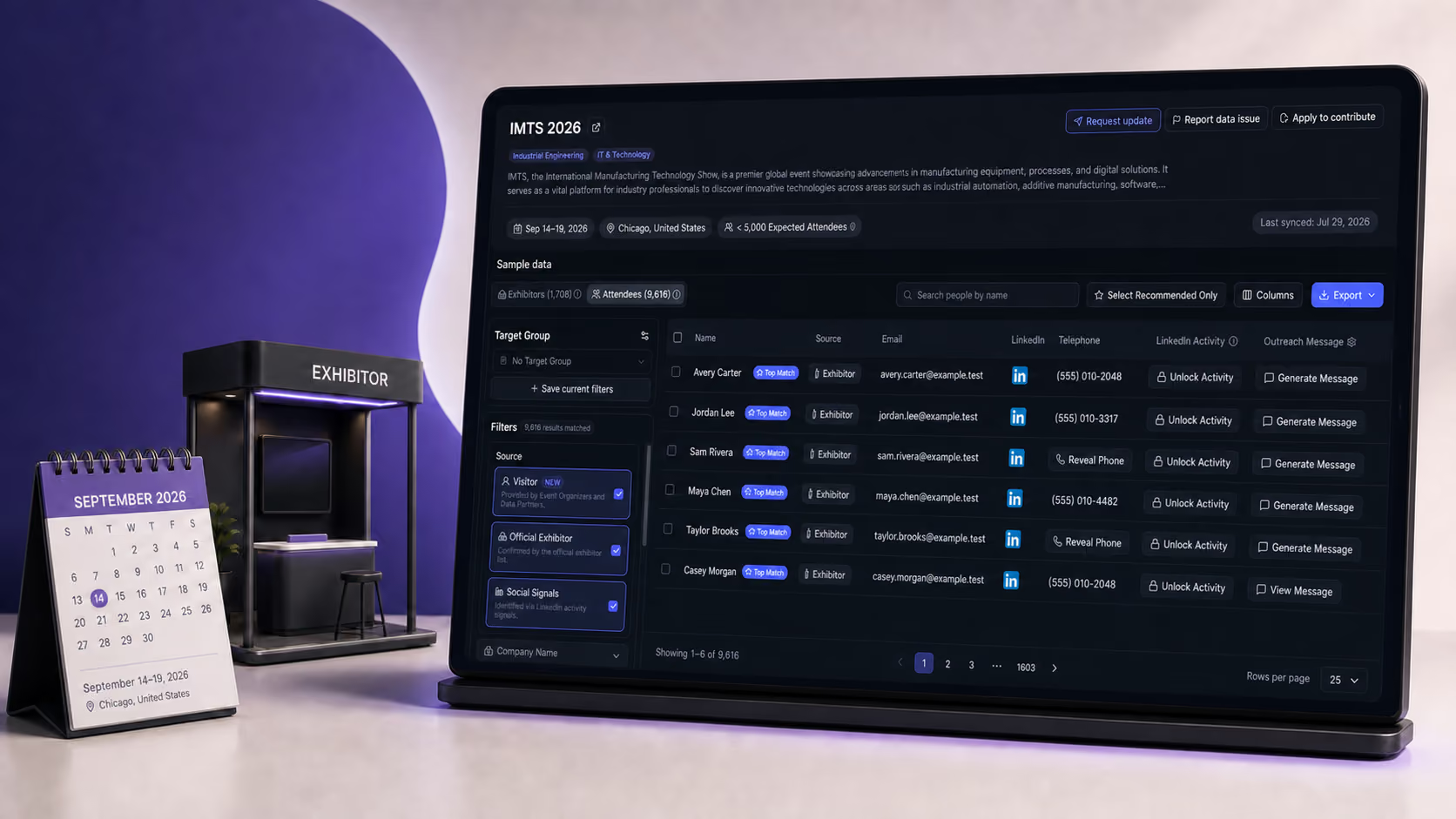
EXHIBITOR COMPANIES1,736
RECORDED PROFILES8,211
Source-labelled records · Updated Sep 26, 2026
The exhibitor list is only the starting point. The work is finding the accounts worth your team’s time.
Company and contact coverage may change as sources update.
Research people and roles behind priority accounts.

From raw exhibitor data to an outreach-ready shortlist.
FROM DIRECTORY TO DECISION
Turn exhibitors into an outreach list.
Start with the directory, then keep the accounts worth further research.
01Start with official exhibitors.
02Filter for ICP fit and company context.
03Review people, then export targets.
OUTREACH PREPARATION
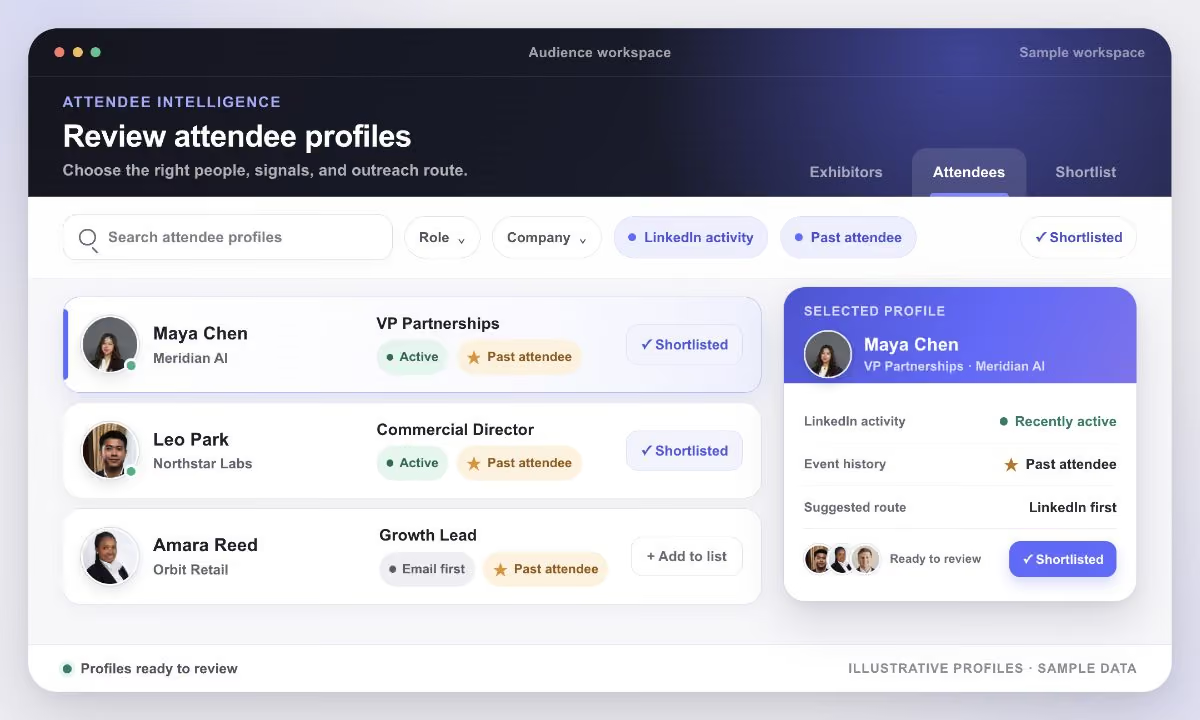
Find the right people.
Review role, source context, and available contact details before outreach.
Filter by company and roleKeep source labels visibleReveal contact fields when availableExport selected targets
SOURCE LABELS
Find people. Check the source.
Every attendee-related record shows why it appears.
Visitor
Provided by event organizers and data partners.
Official Exhibitor
At a company confirmed on the official exhibitor list.
Social Signals
Likely attendance based on public LinkedIn activity.
HOW TEAMS USE IT
One workspace. Three decisions.
Use IMTS 2026 exhibitor data to identify best-fit accounts.
Plan the next conversation with evidence.
Plan the next conversation with evidence.
Sales teams
Give reps a focused account list and relevant people to review.
Field & demand gen
Review which exhibitor segments match your market and inform future event planning.
Event teams
Give the team a ranked view of exhibitors for post-show review.
Questions
FAQ
IMTS exhibitor data, explained
Is this the official IMTS exhibitor list?

Lensmor uses the official exhibitor source for company discovery and keeps that source context visible.
Can source coverage change?
Yes. Company and contact coverage may change as sources update. Availability varies by source and timing.
Can I find people at these companies?
Review relevant roles and contact availability after you identify priority accounts.
Can I export the results?
Export the reviewed records you select, or connect them to your approved workflow.
IMTS 2026
Explore exhibitors, source context, and relevant people in one workspace.

The Operating System for Event-Led Growth

Scan to chat with Lensmor via WhatsApp




© 2026 Lensmor. All rights reserved.