Trade show prospecting, before the doors open.
Find the accounts worth meeting before your booth opens. Lensmor connects event data, company fit, and relevant decision-makers so your sales team can start trade show prospecting with a clear reason to reach out.
Start free with 2,000 credits · No credit card required

 Find relevant events
 Qualify account fit
 Review source evidence
 Prepare useful conversations
A booth is booked. The right conversations are not.

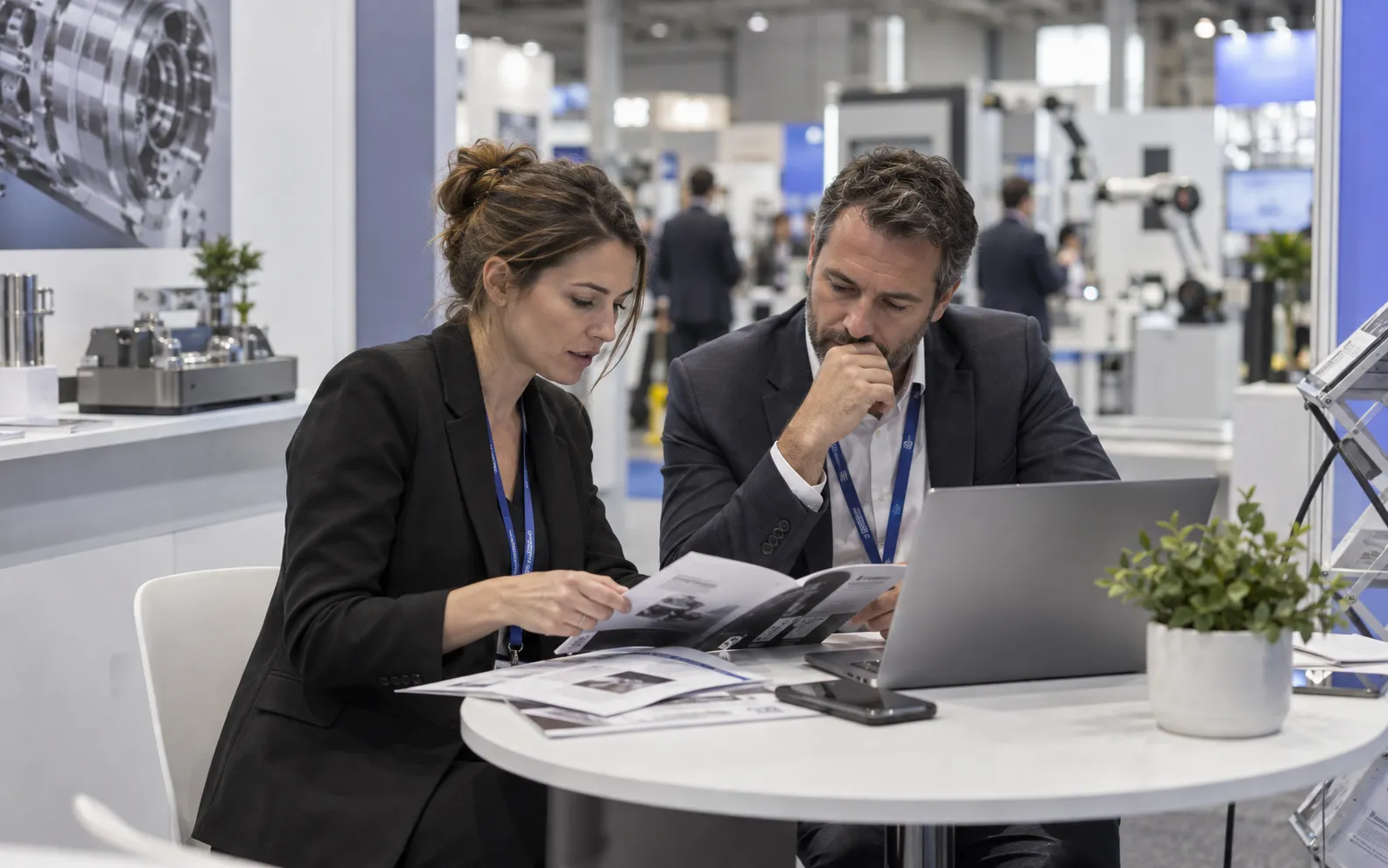






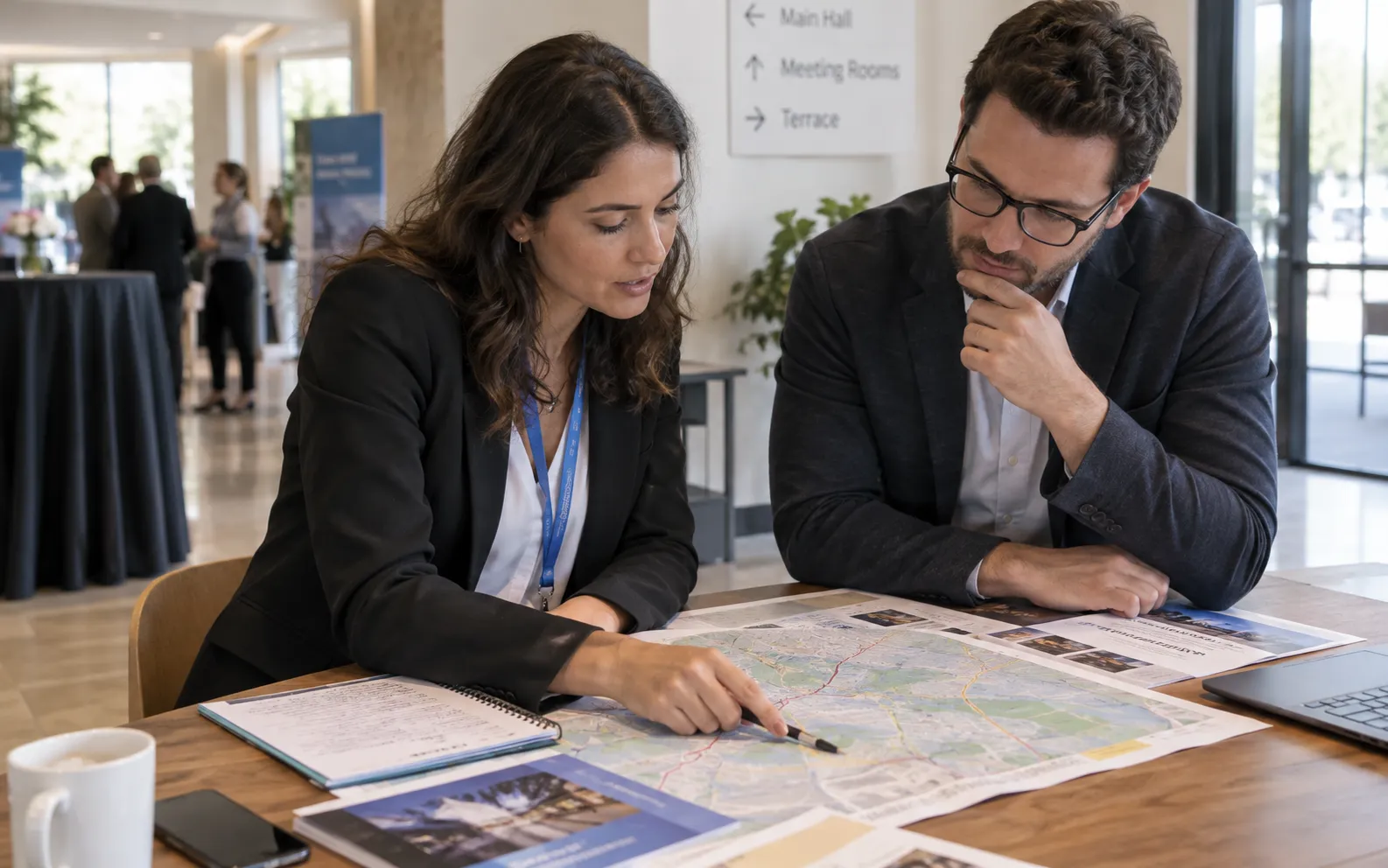


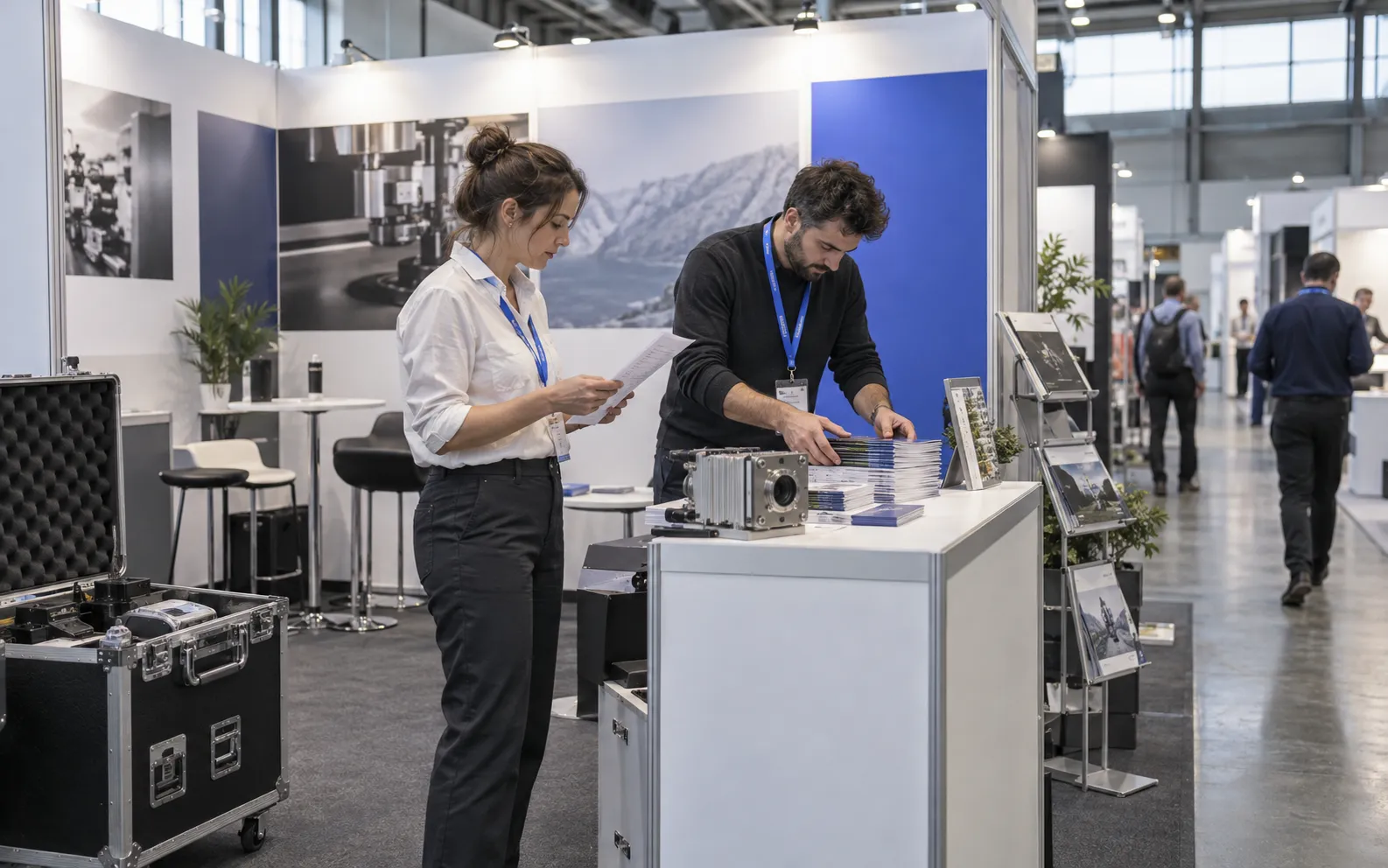
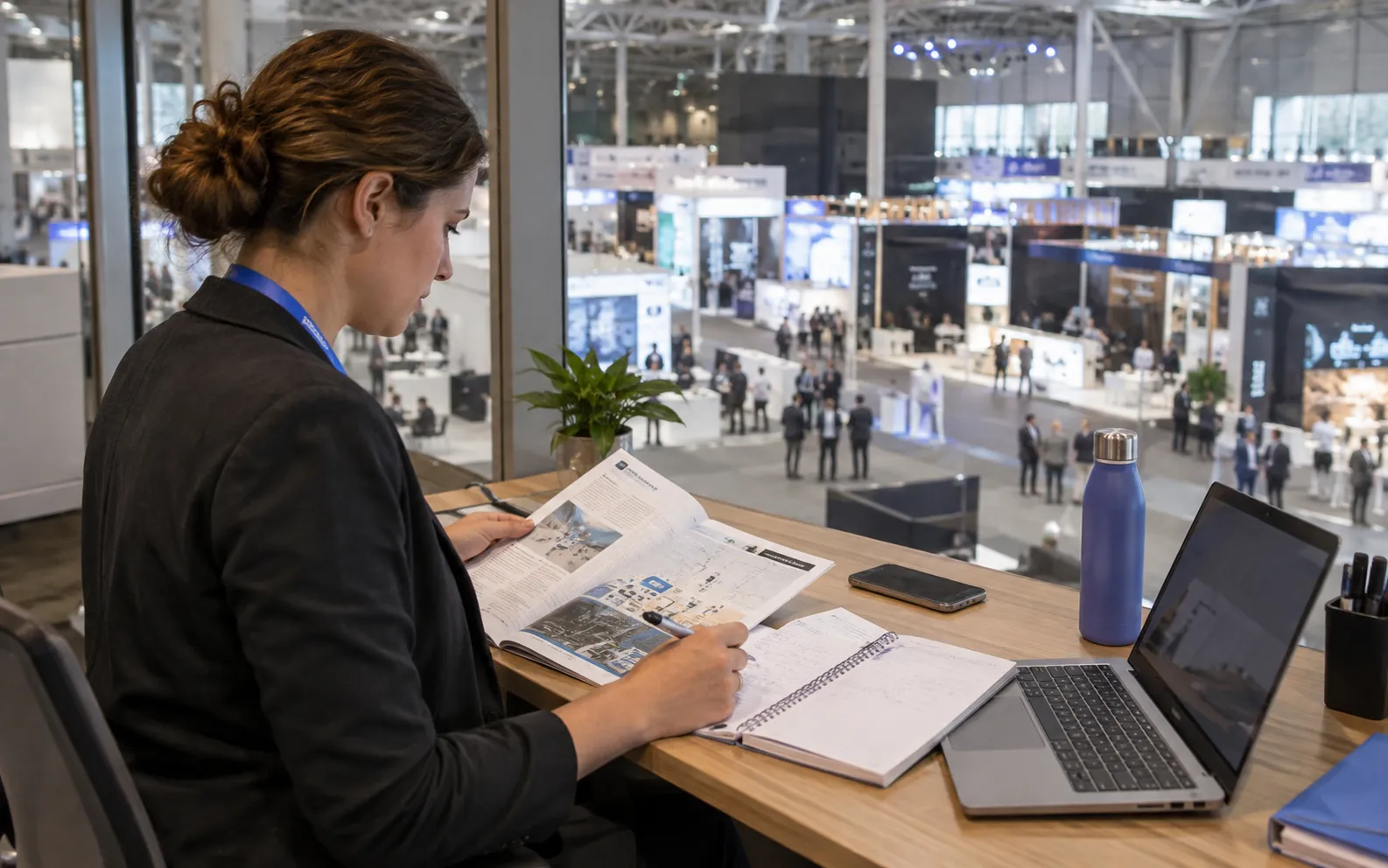

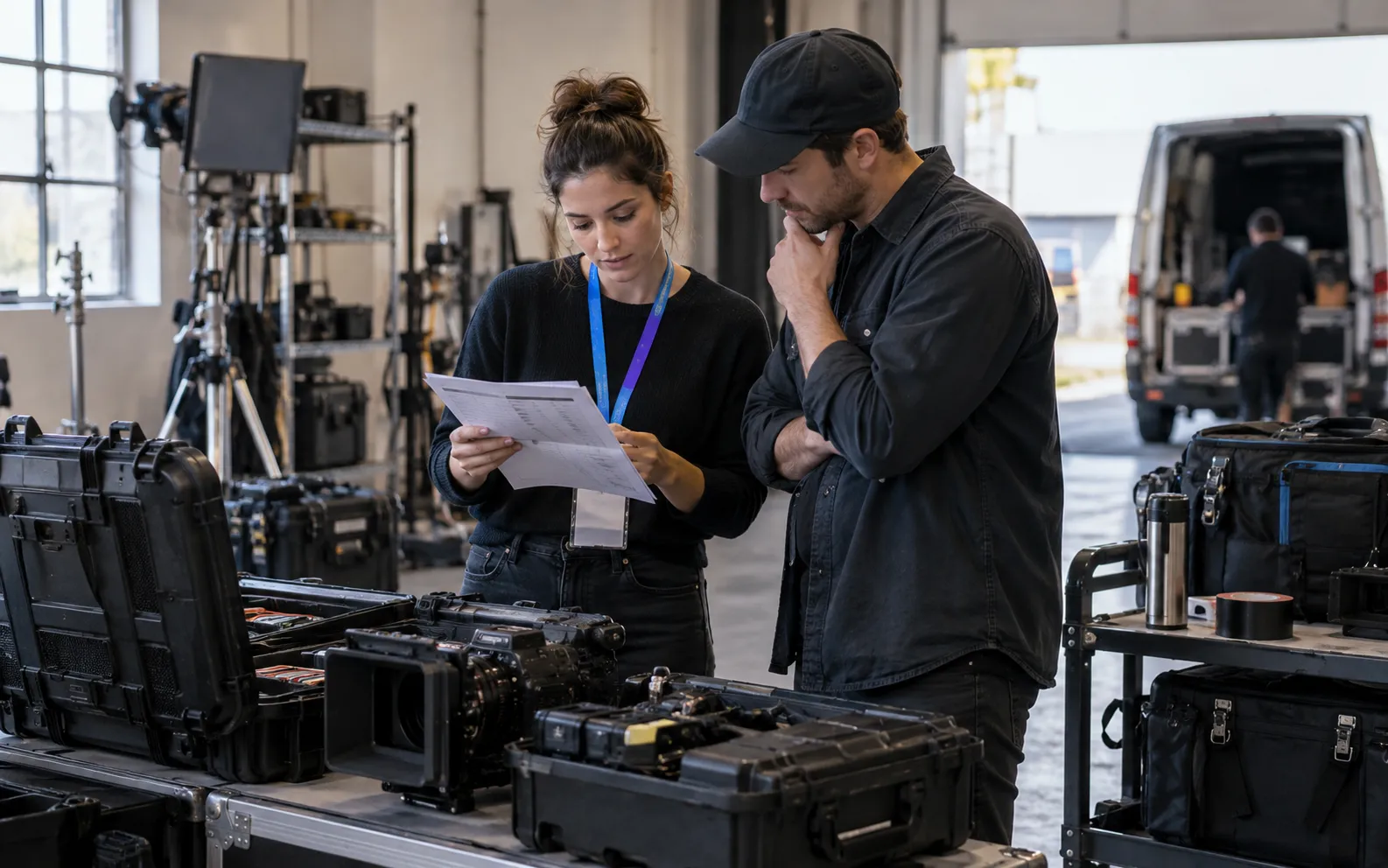
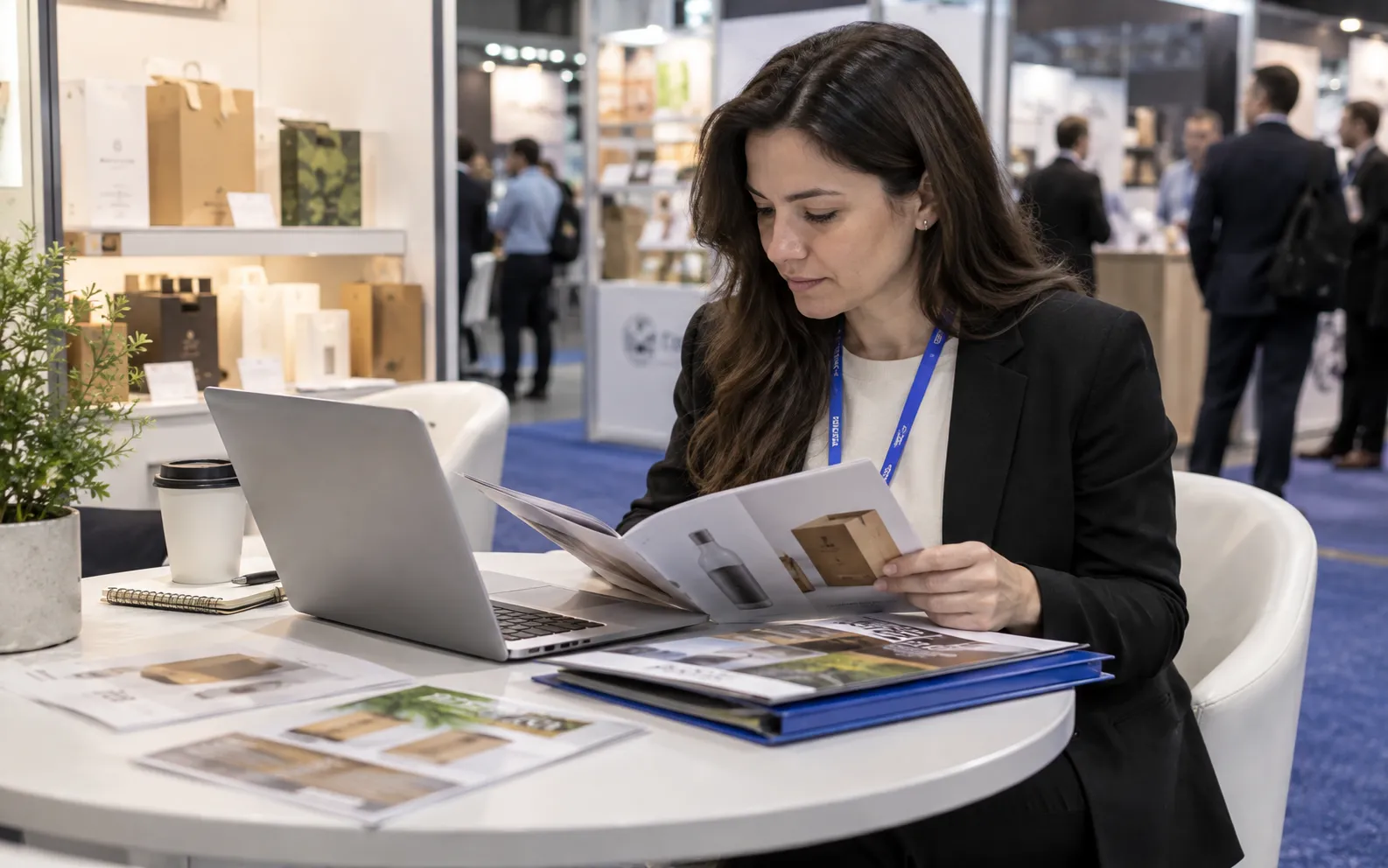







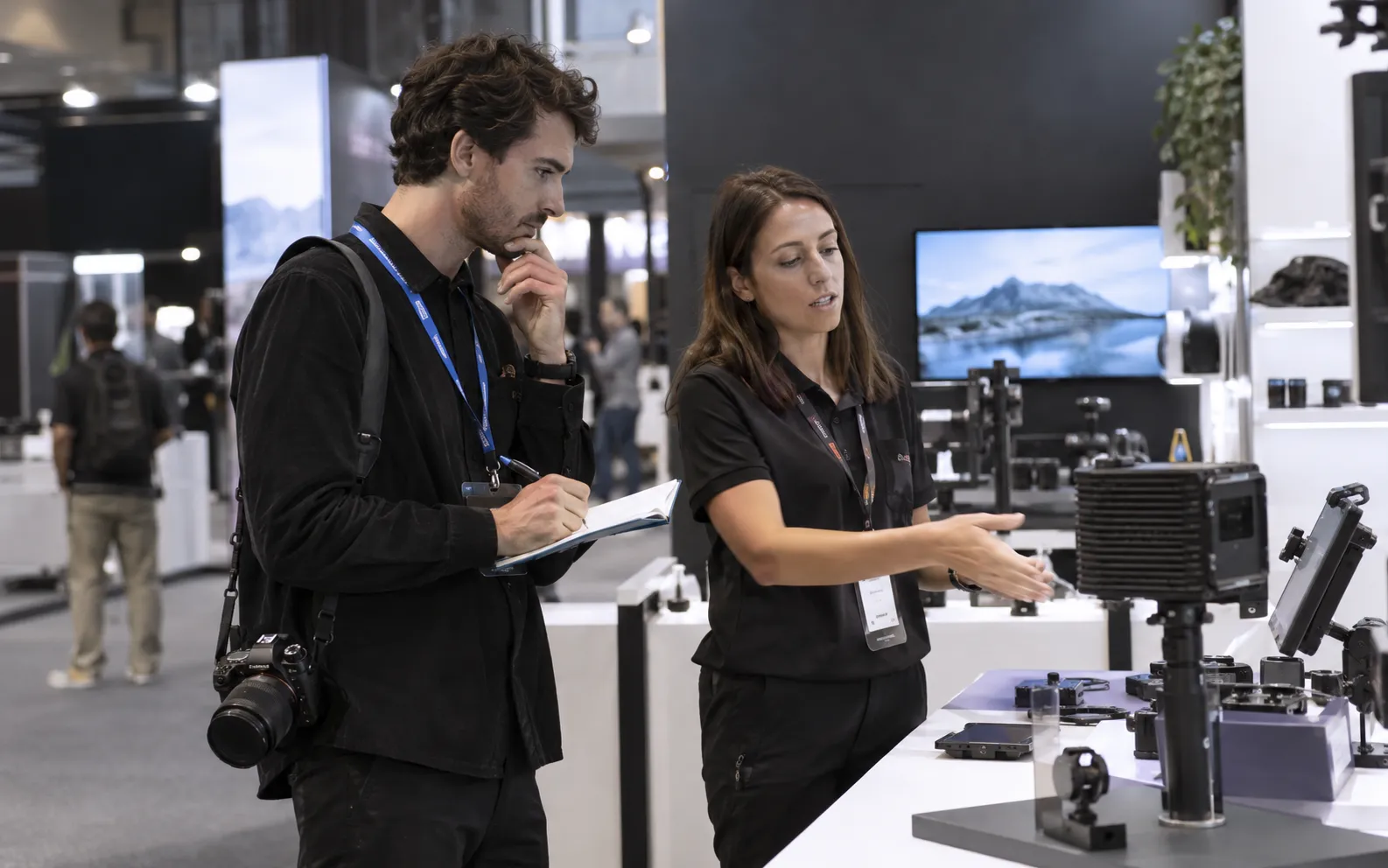
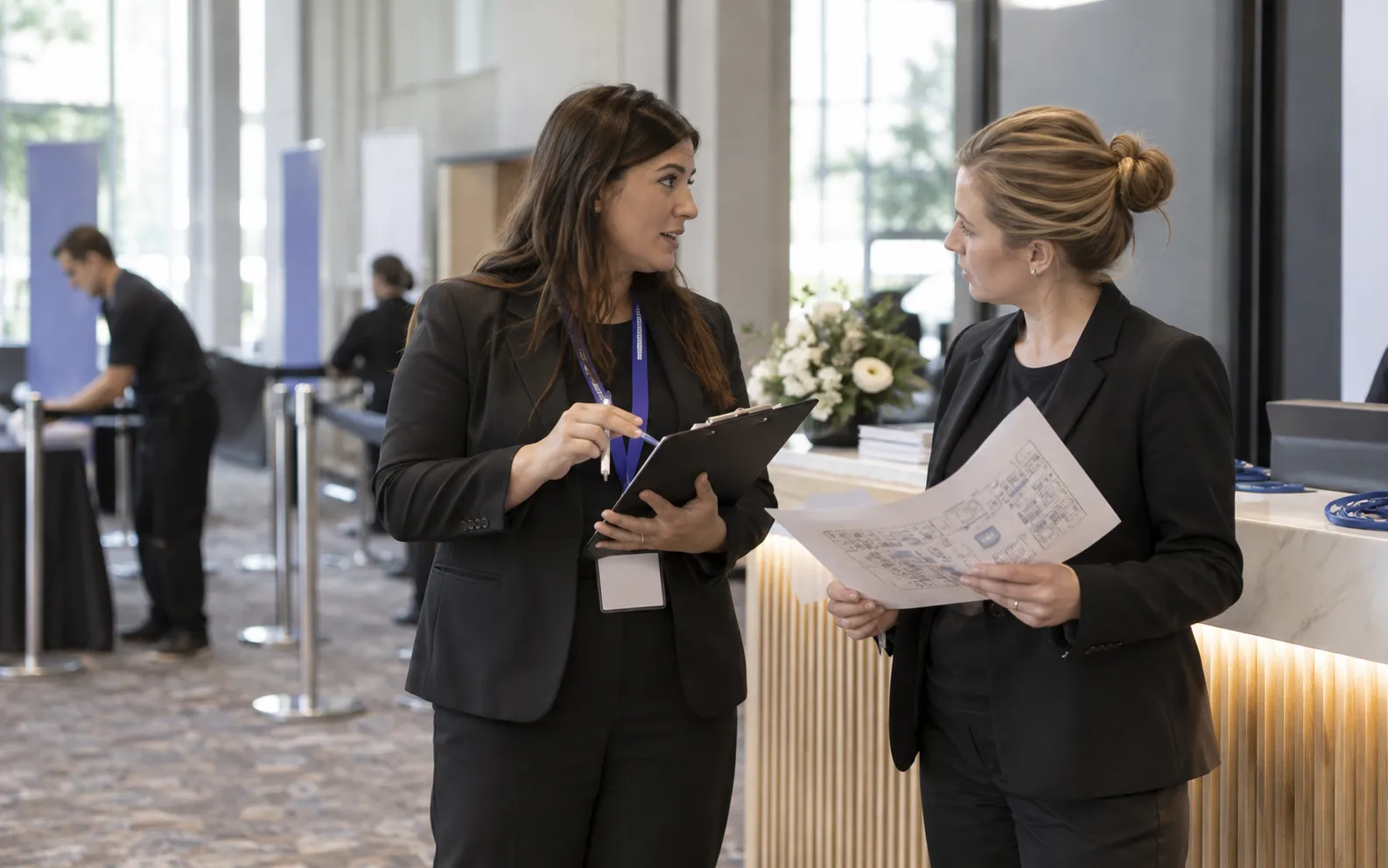
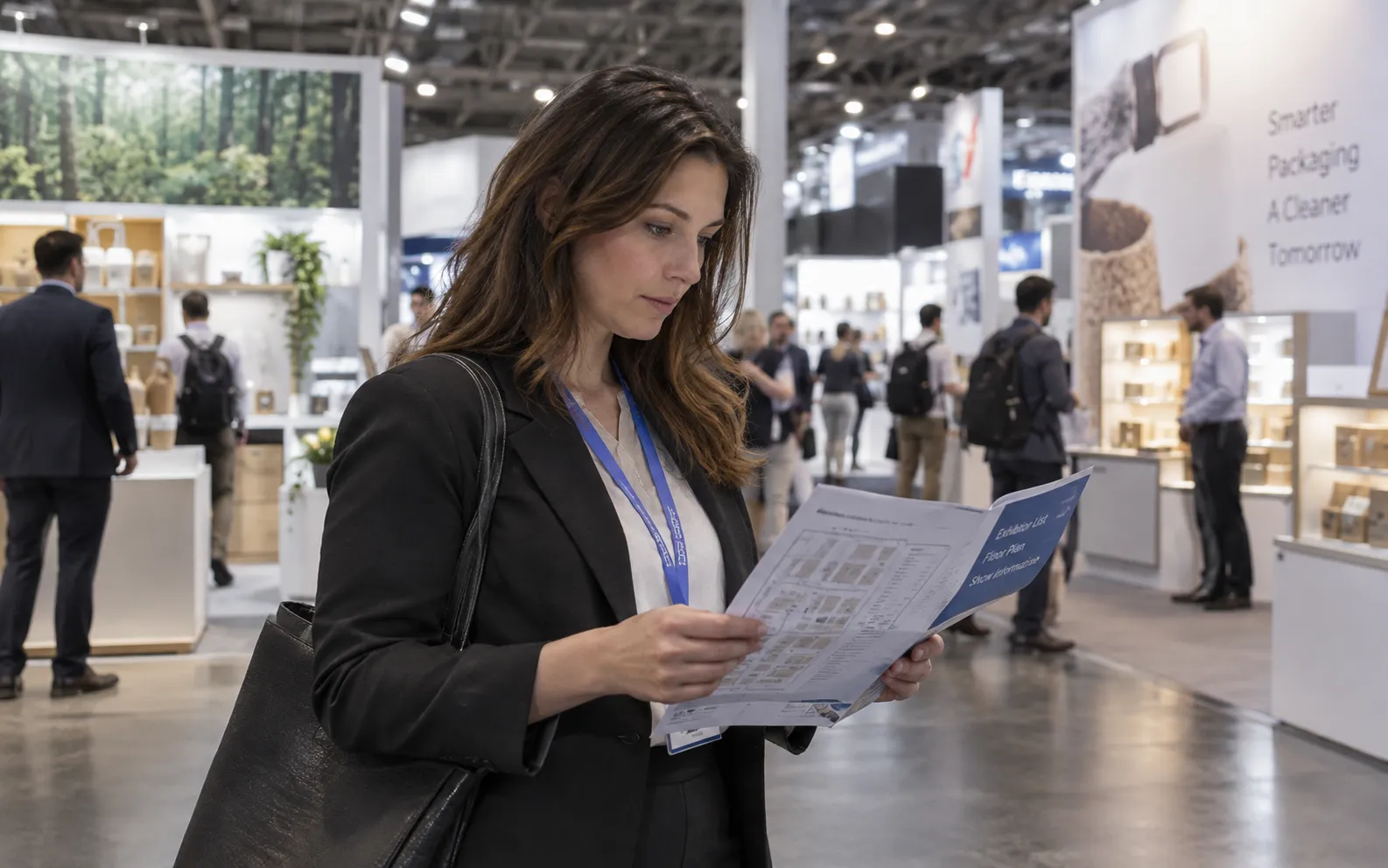





- Too many names, too little context. An exhibitor directory can tell you who is listed. Your reps still need to understand which companies fit, who to contact, and why the meeting matters.
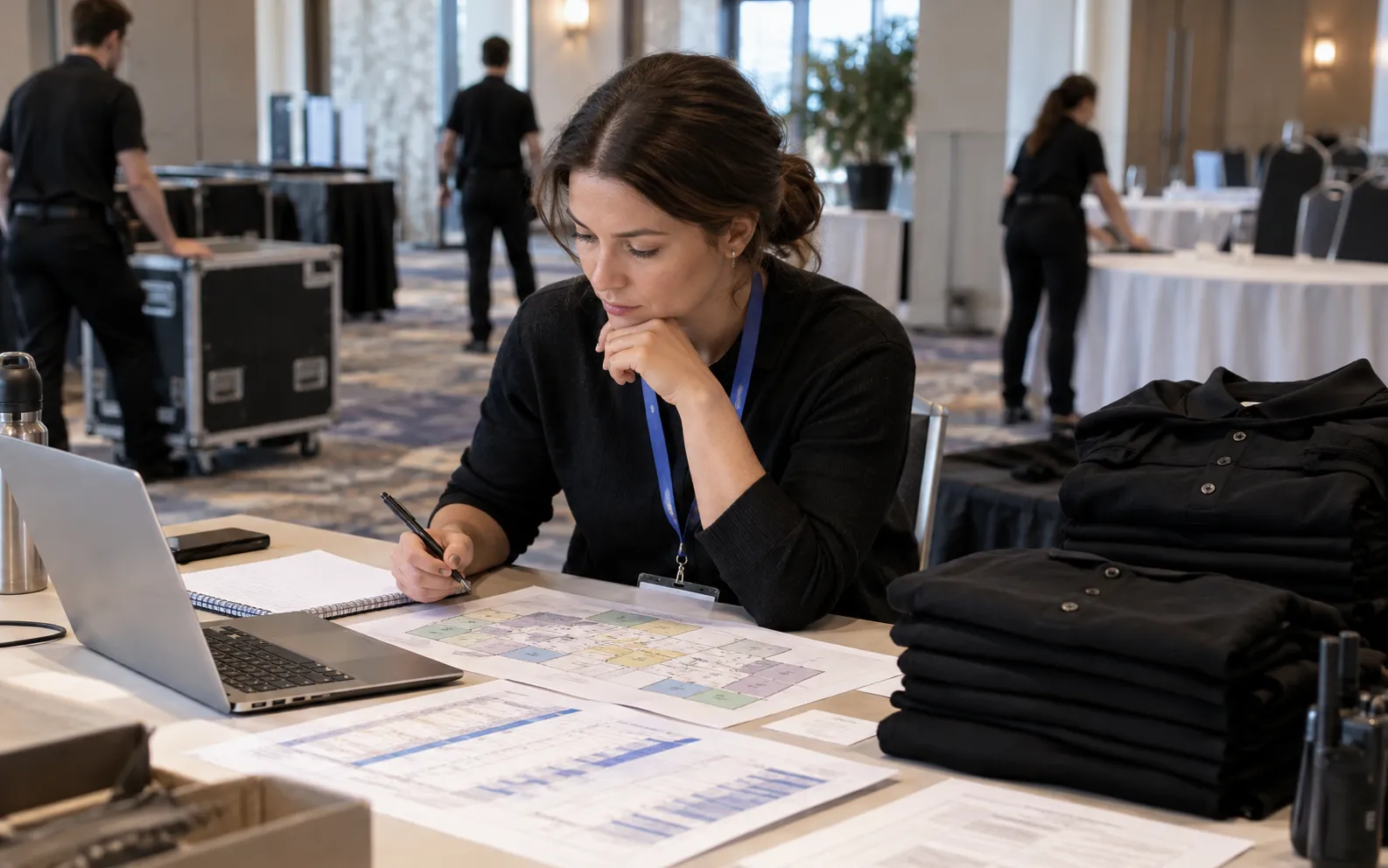
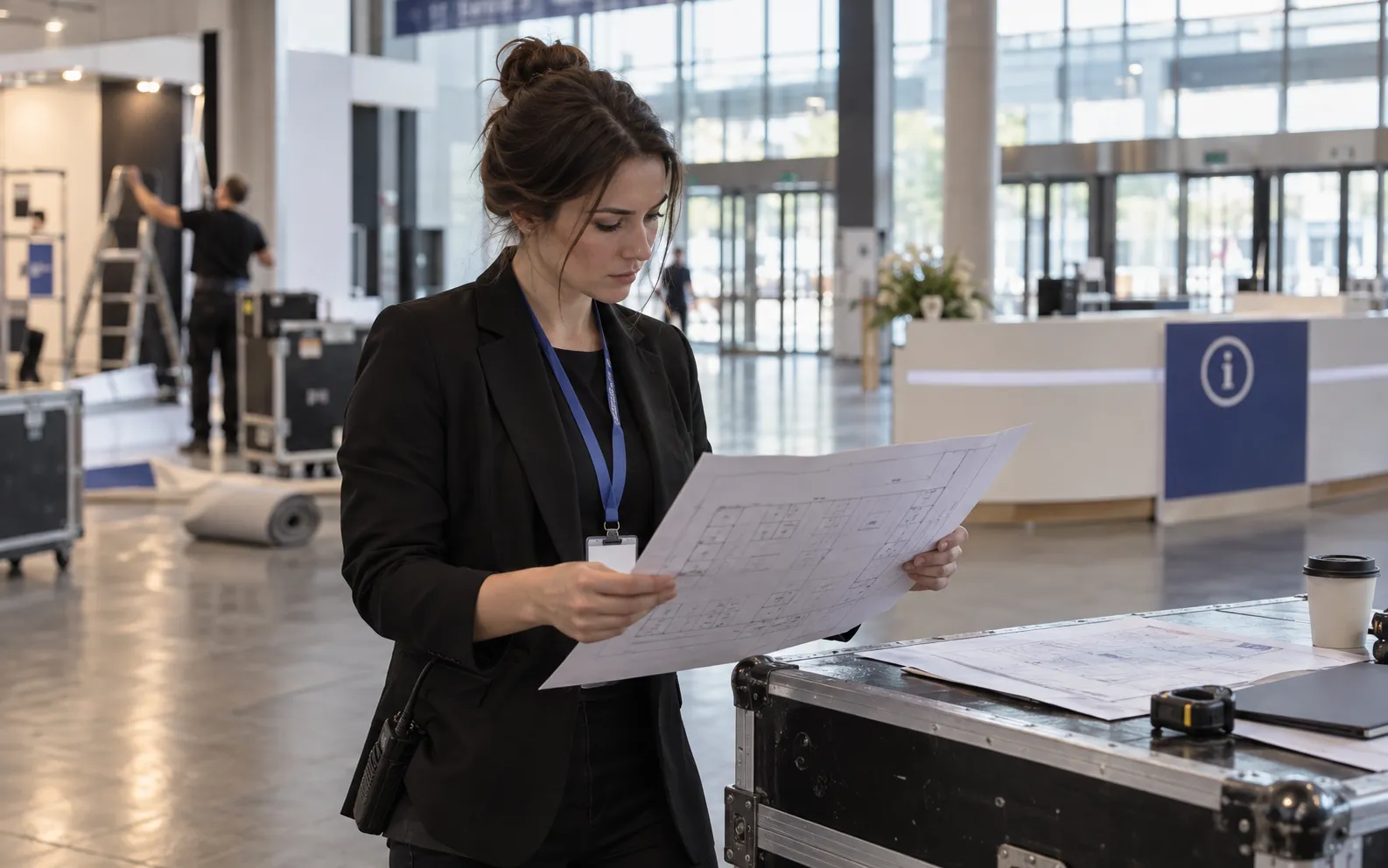
- Research competes with show preparation. Travel, booth logistics, and launch plans can push account research into the final week. By then, meeting calendars may already be filling.
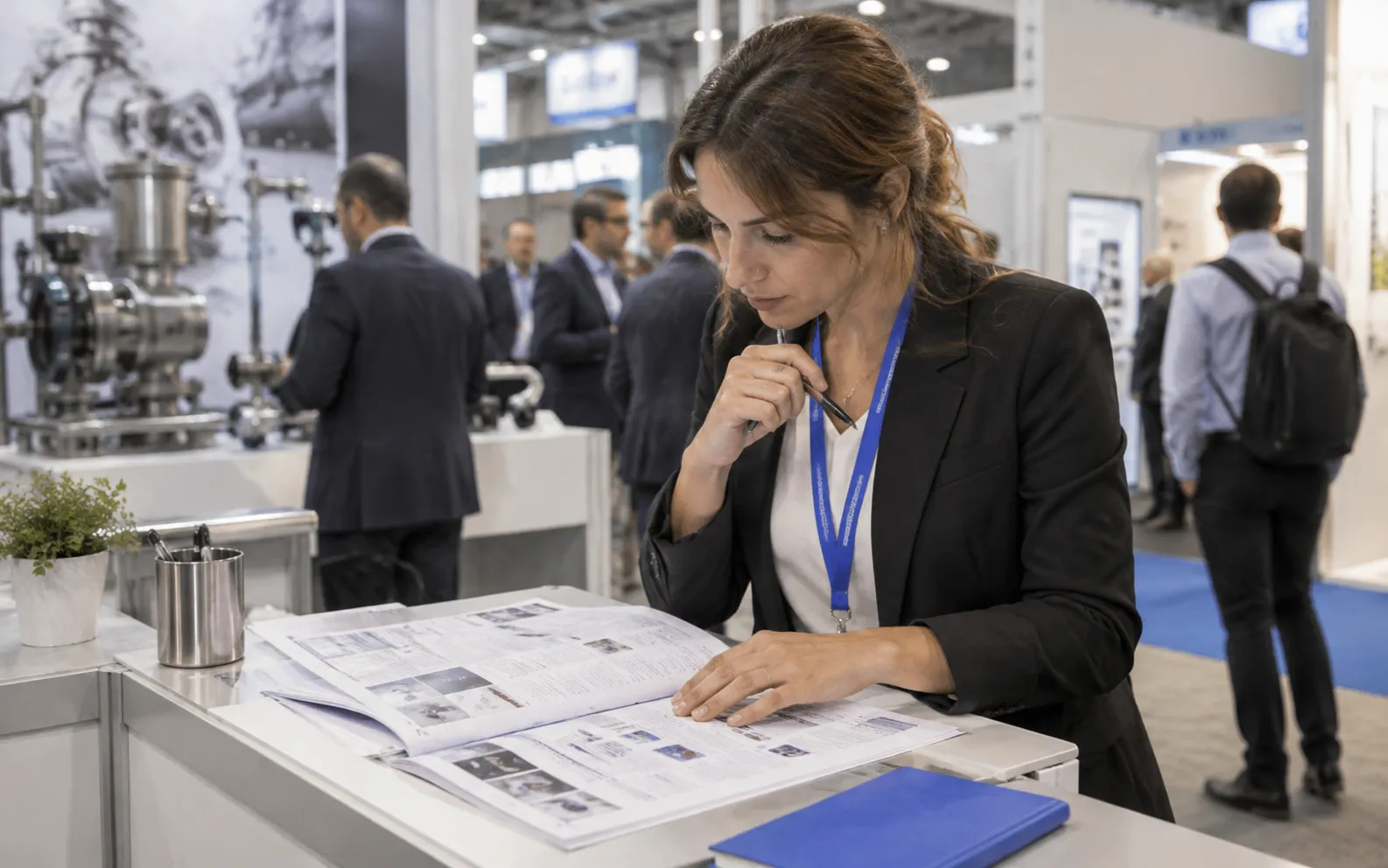
- Every contact needs a reason. A company appearing at an event does not make every employee an attendee or every interaction a sales opportunity. Qualification comes first.
From a show on the calendar to a focused account list.
- Choose the event. Search by industry and region, then review the event and available company coverage. Start with the shows your team can realistically support.
- Define a good-fit account. Use company context and compatible Target Group criteria to narrow the list by industry, geography, company size, and your ideal customer profile.
- Review the people and evidence. Distinguish official Exhibitors, public Social Signals, and Visitor data where available. Identify the buying roles relevant to your offering.
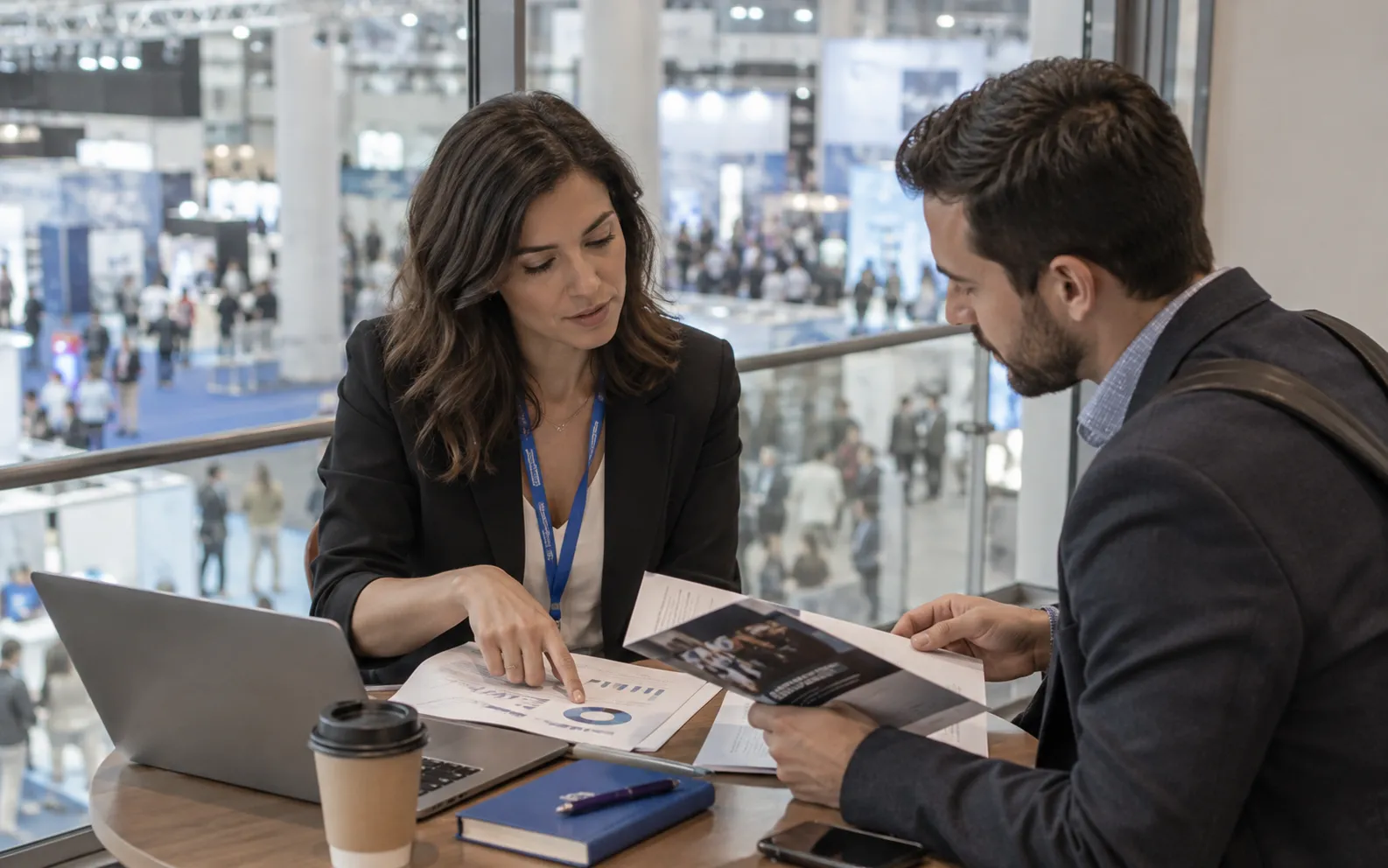
- Prepare the outreach. Reveal selected contacts, export a qualified shortlist, and give each rep the event context to use in their existing CRM or outreach workflow.
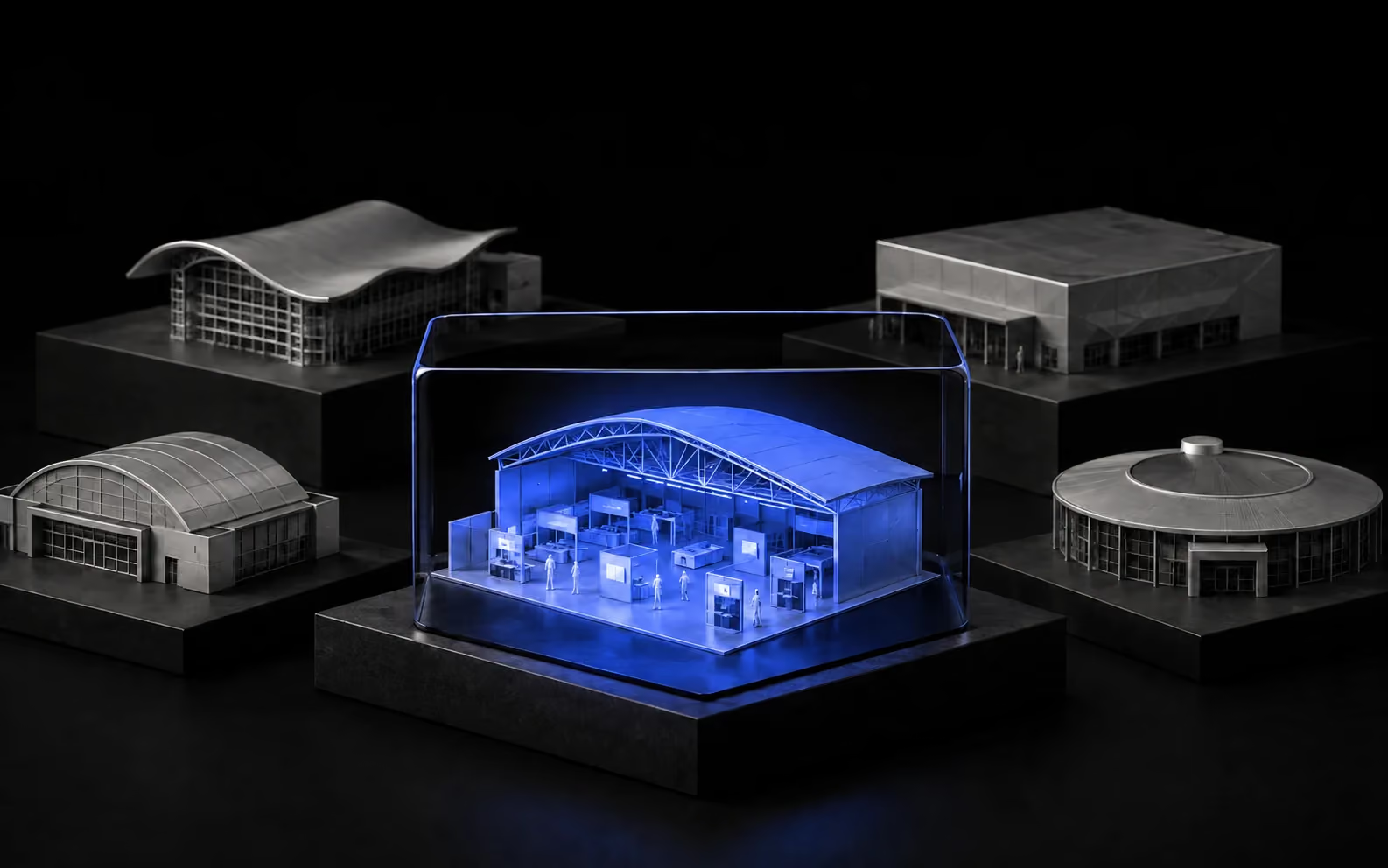
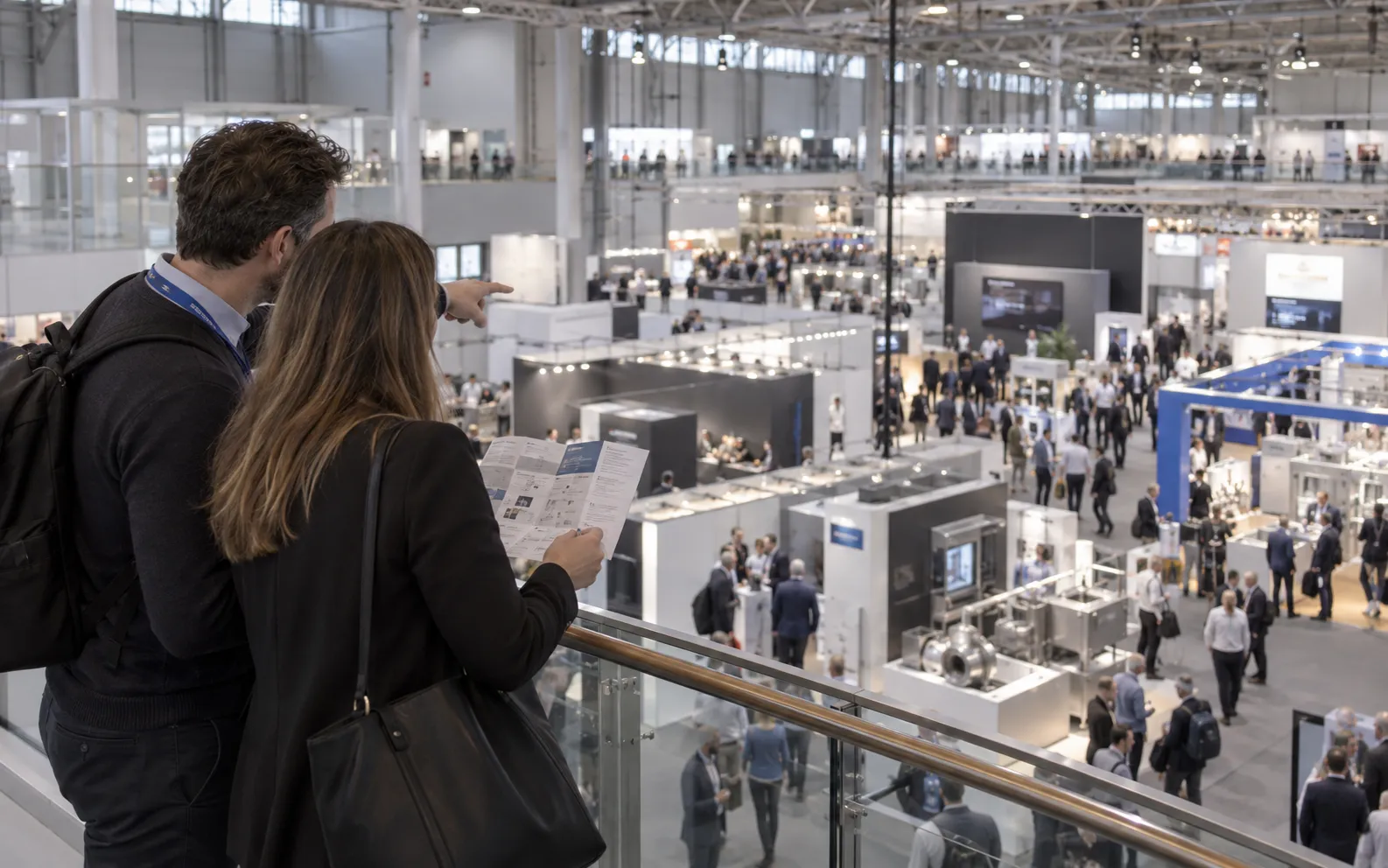
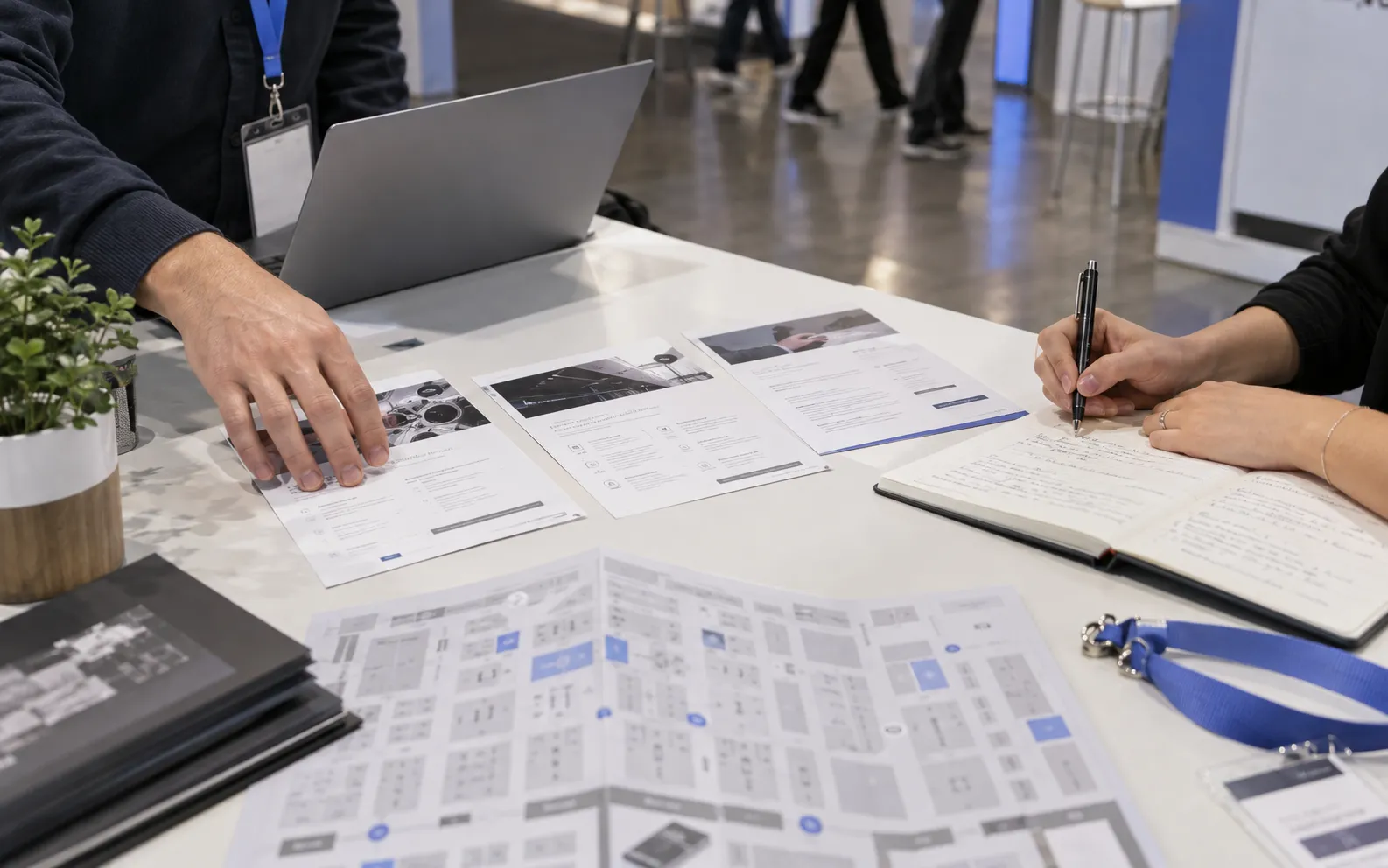









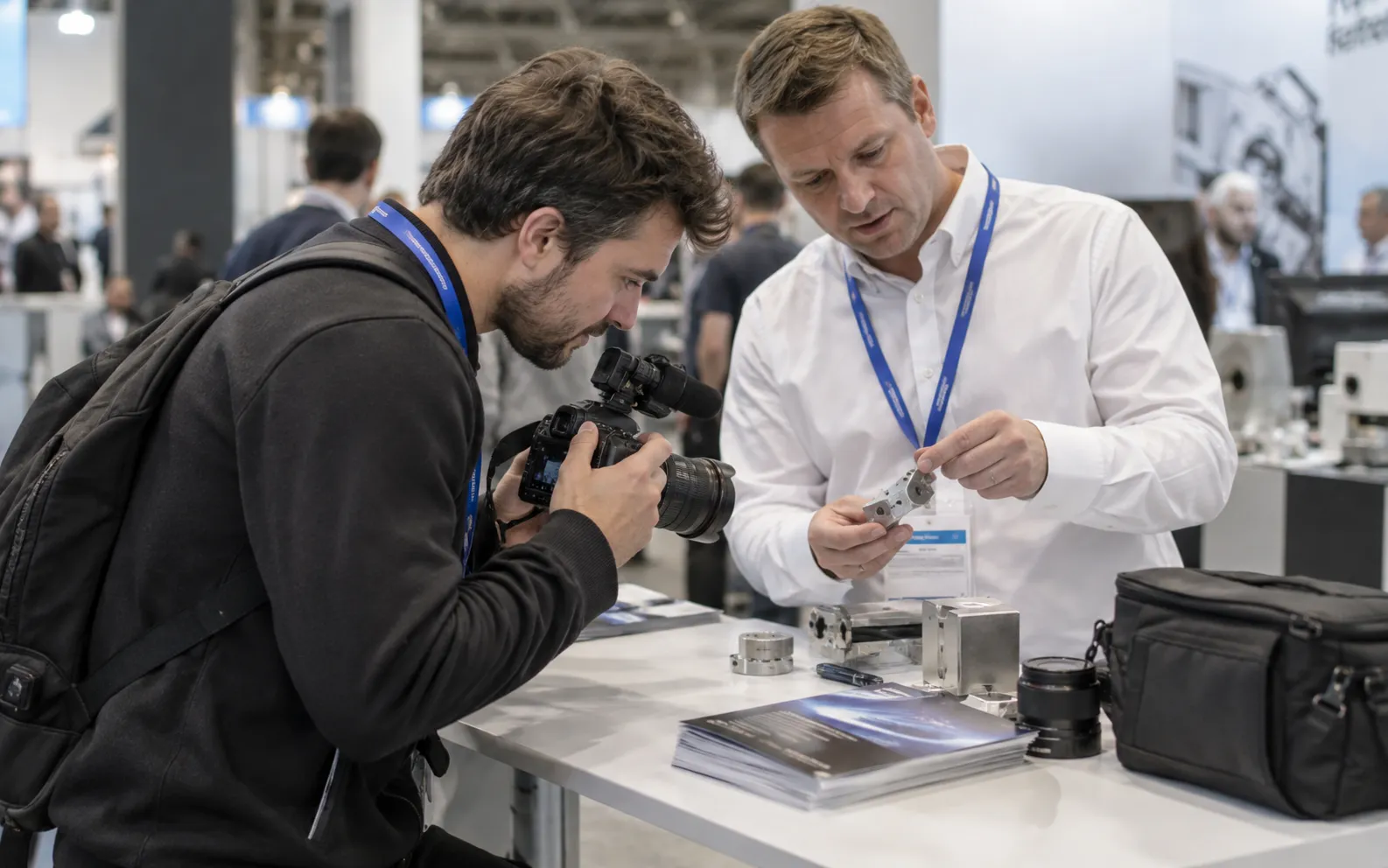











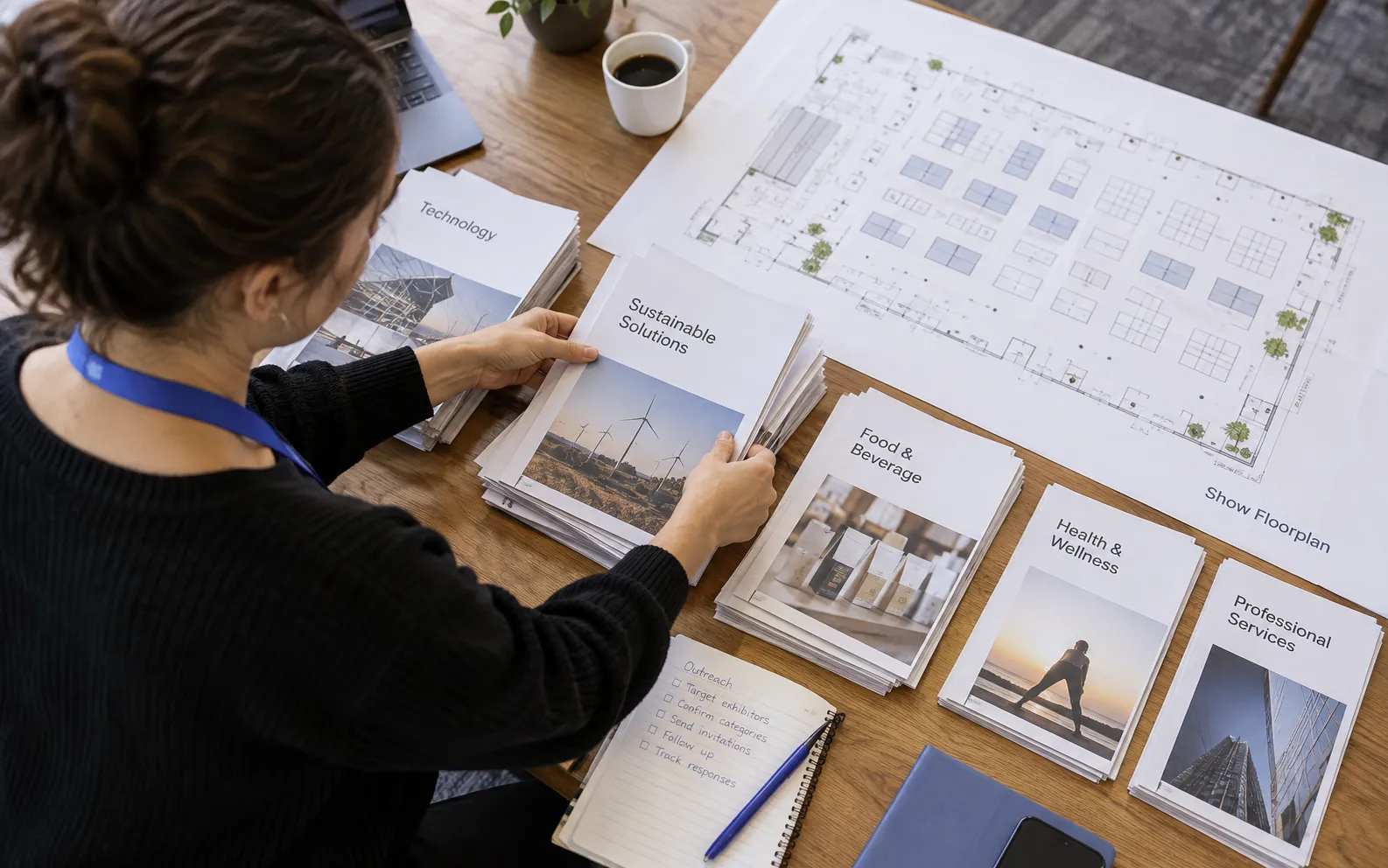
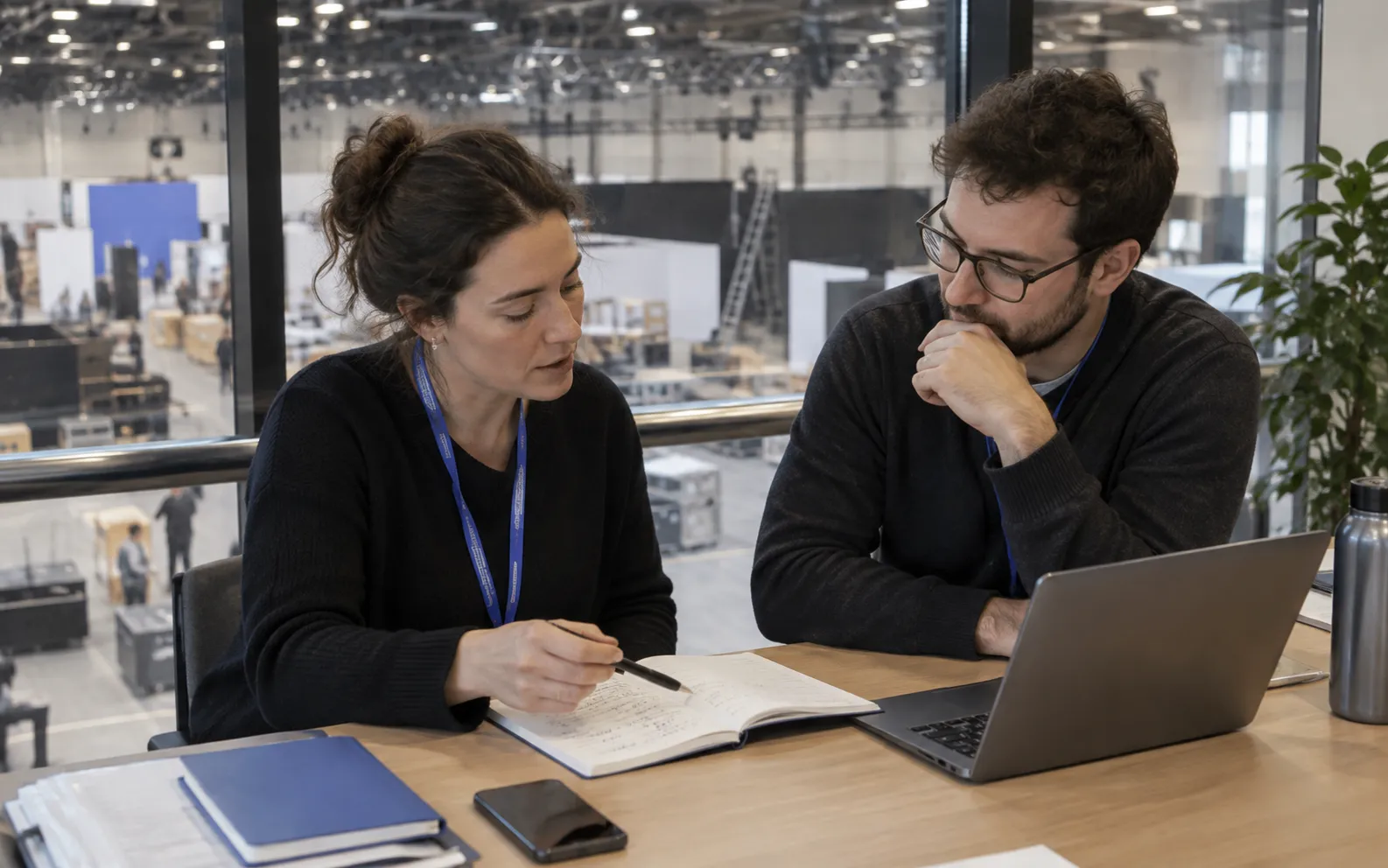
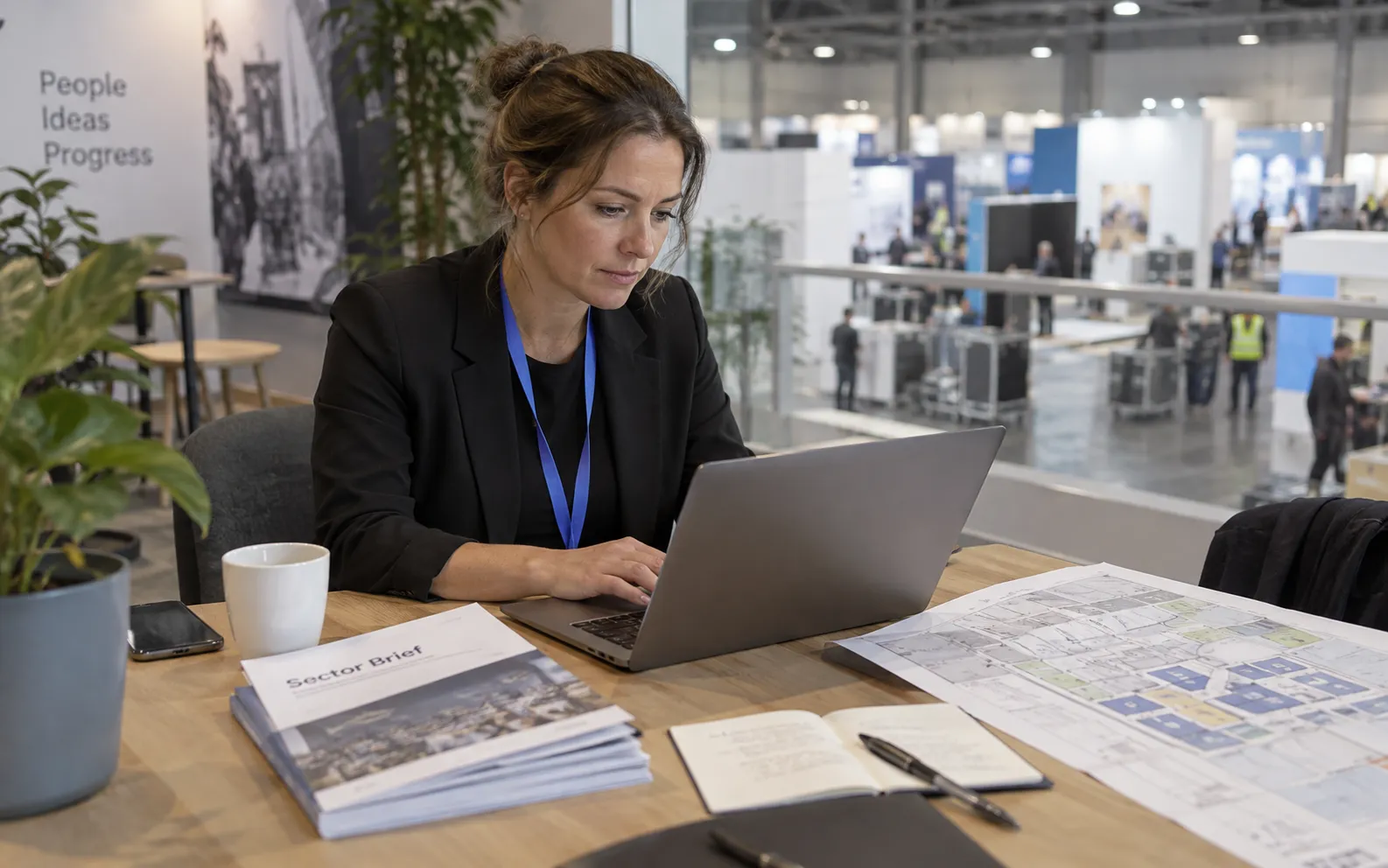
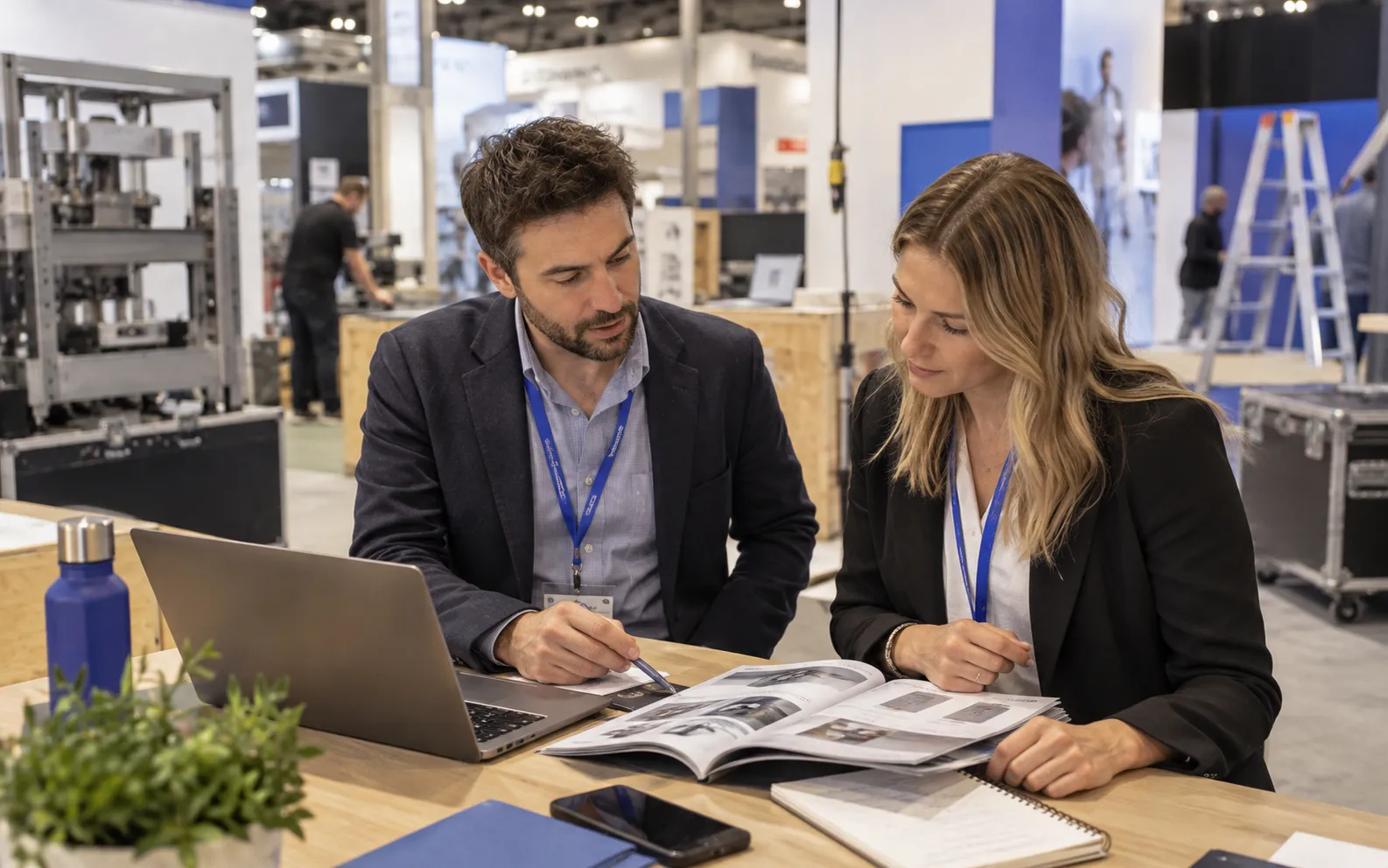

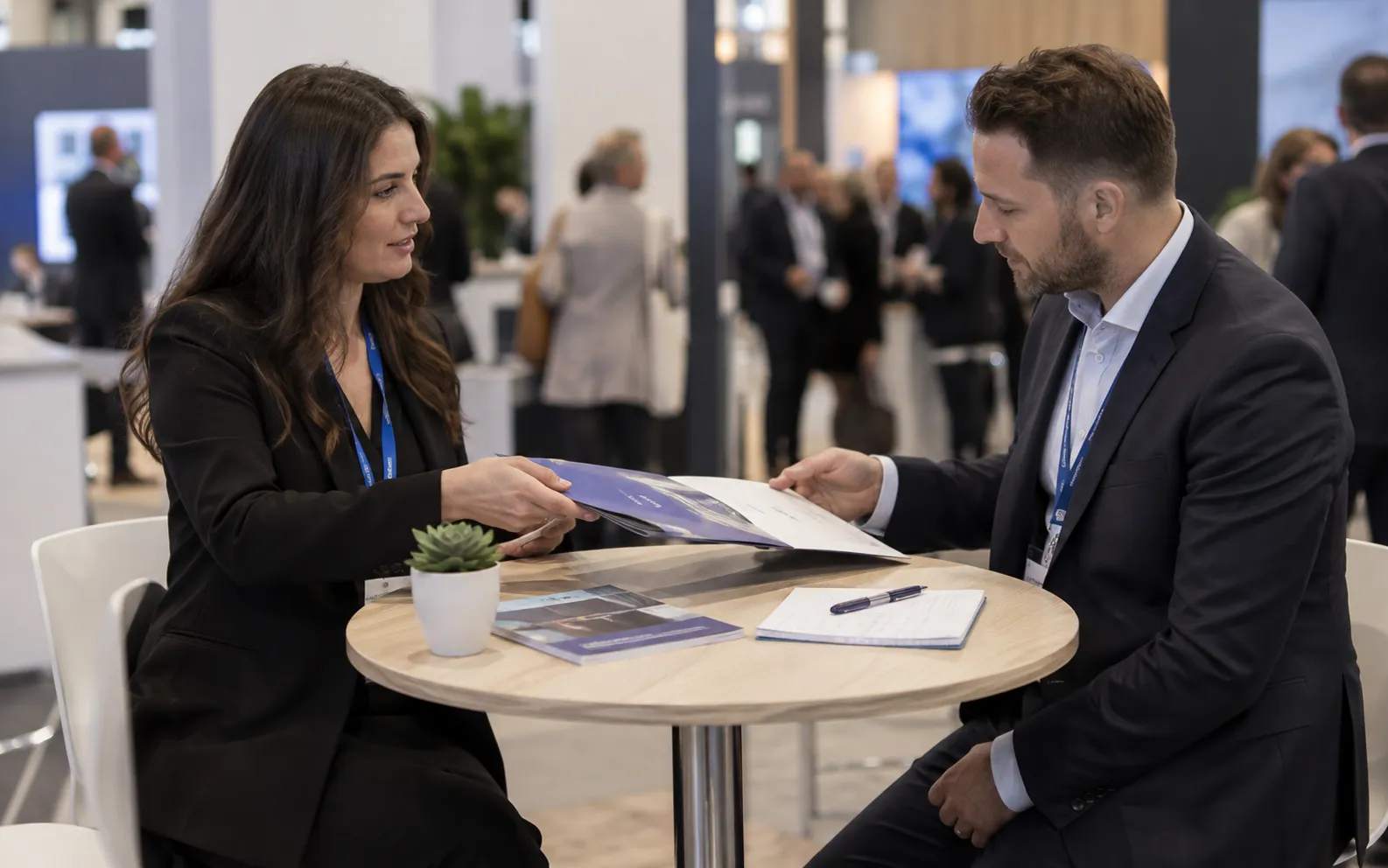






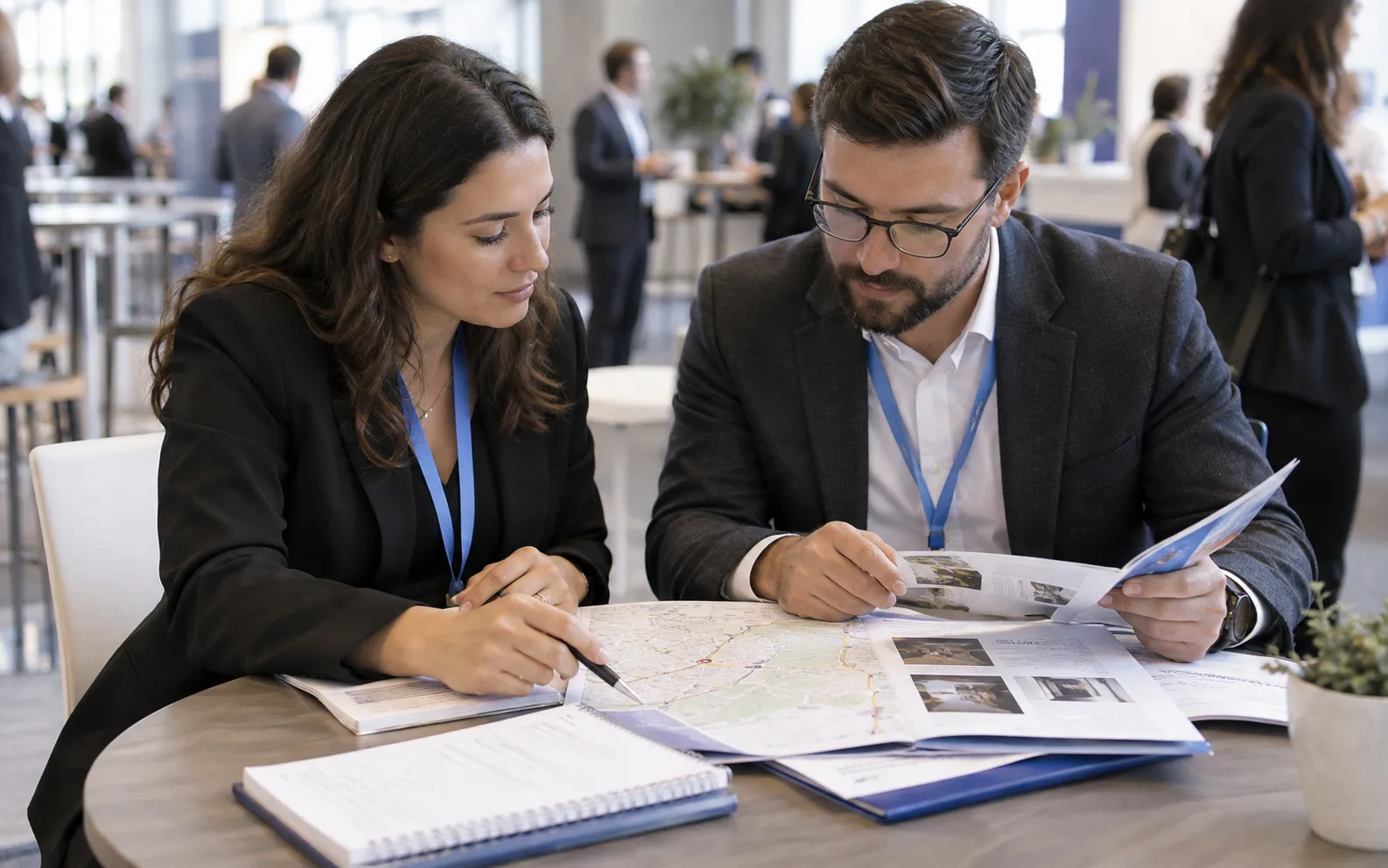






Give every rep a more useful starting point.
- A target-account shortlist Companies connected to the event, prioritized against your team’s criteria.
- Relevant buying roles Selected decision-makers and available enriched contact details, with coverage reviewed before activation.
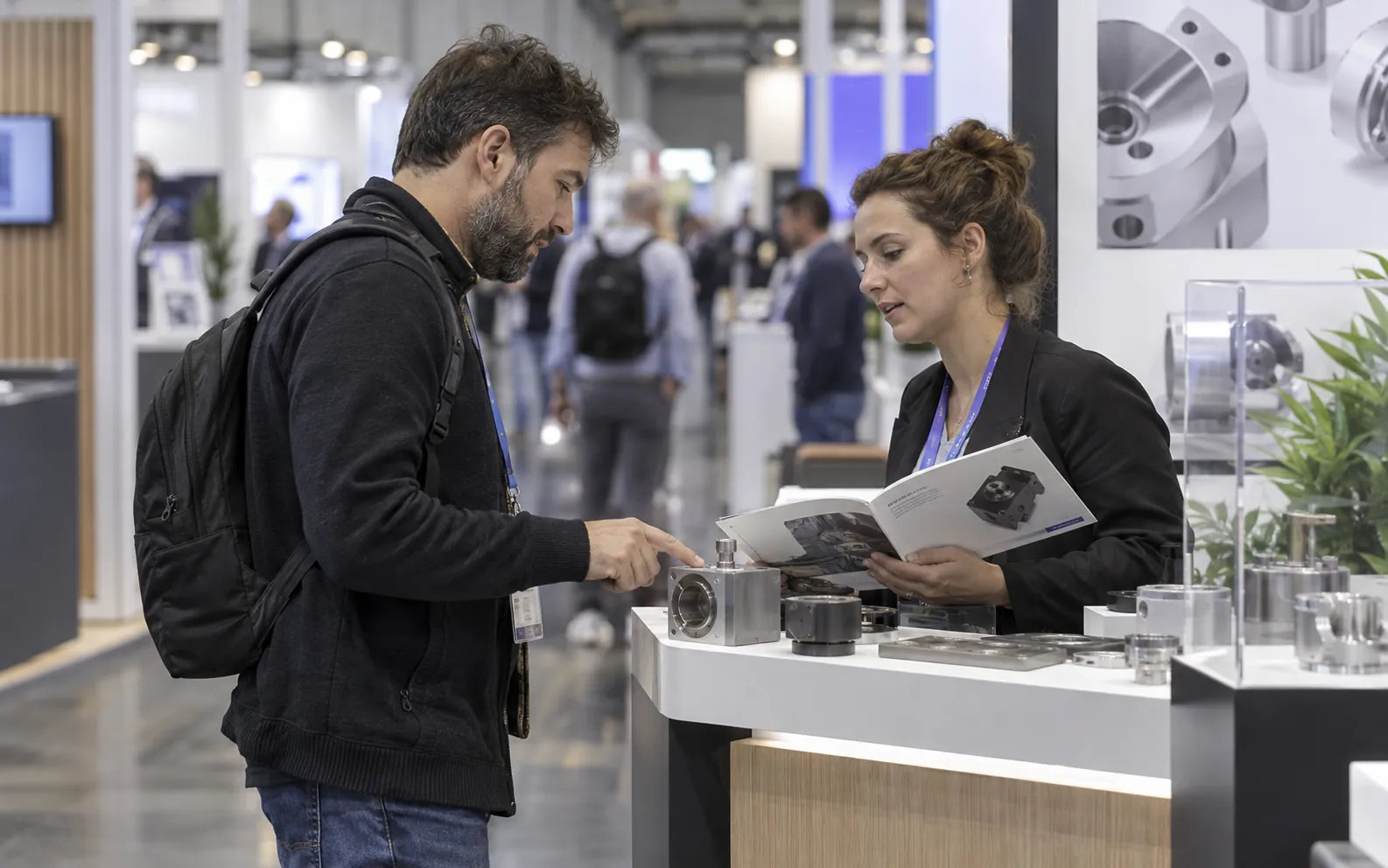
- Context for the first conversation The event connection, why the account fits, and what still needs confirmation.
One research base. Four team workflows.
Choose the work your team owns. Each workflow turns the same event research into a different next step.
- Sales Teams Assign accounts, brief each rep, and prepare the first conversation.
- Demand Generation Define account fit and prepare a clear handoff to sales.
- Field Marketers Build a regional invitation shortlist with account owners.
- Event Marketers Connect show selection with a focused account plan.
A prospect brief your team can act on.
An industrial software team is researching a manufacturing show. This fictional account illustrates the record to prepare before outreach.
Sample research, not a customer result. Keep the evidence and unanswered questions together.
- Company Sample Manufacturer A — a fictional industrial account.
- Event connection An official exhibitor listing. Record the event and source reviewed.
- Account fit Its public company description matches the team's manufacturing focus.
- Relevant role Operations or technology leadership. Confirm who owns the initiative.
- Opening question Is improving operational reporting a current priority?
- Still to confirm Need, ownership, interest, and meeting availability. Event participation alone is not buying intent.
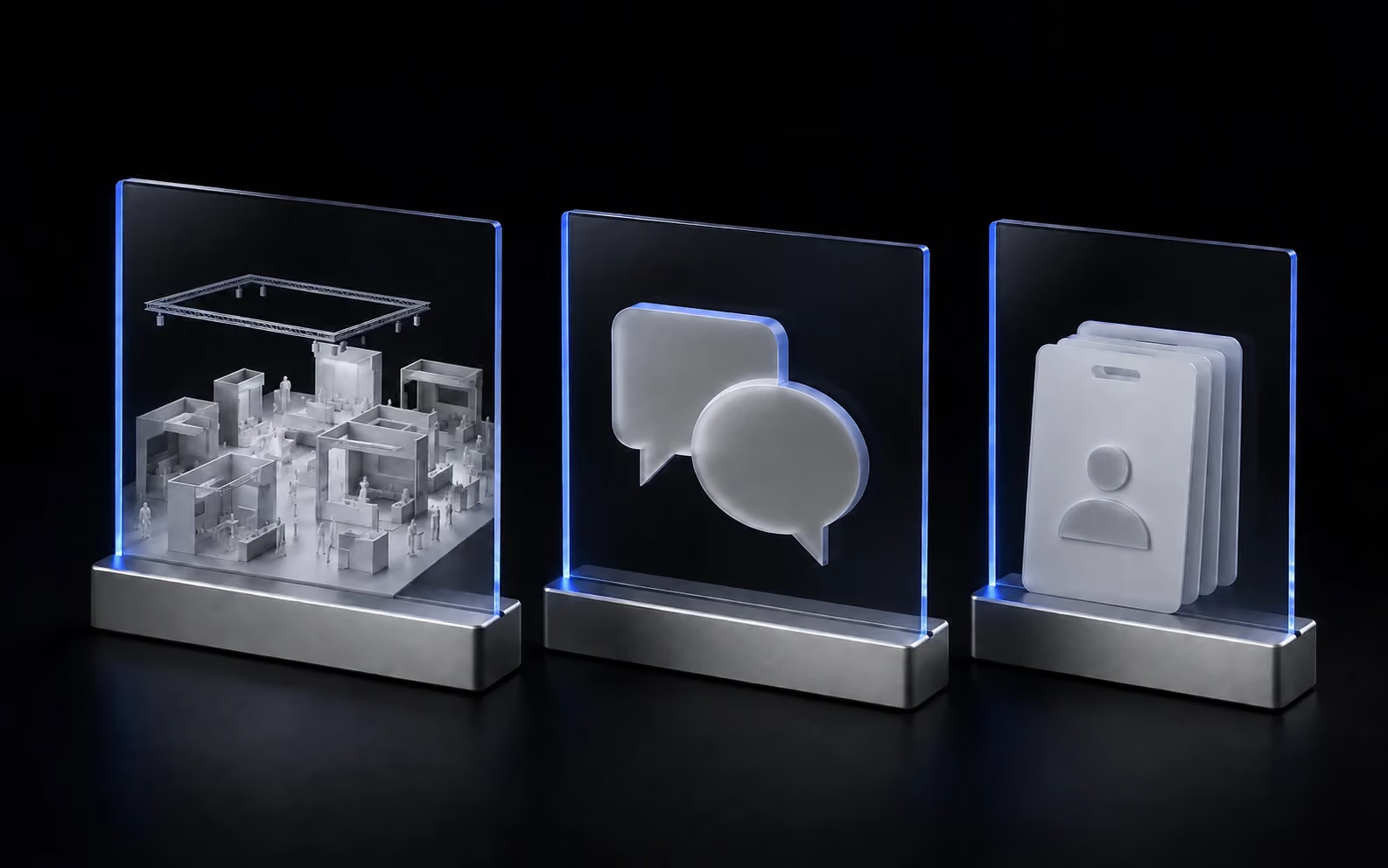
- Exhibitors
- Companies listed in official exhibitor or sponsor sources.
- Social Signals
- Public event-related activity. A research signal, not confirmed registration.
- Visitors
- Organizer or data-partner records, where available for the event.
Review the source behind each record. Exhibitors are connected to official exhibitor or sponsor sources. Social Signals reflect public event-related activity and do not establish confirmed registration. Visitors are supplied by organizers or data partners where available.
Coverage varies by event, timing, and source. Contact enrichment does not prove attendance, an open budget, or purchase intent. Keep those questions visible during qualification.
Before you build your list.
A clear view of what Lensmor helps you do and what your team should verify.
Is Lensmor a trade show lead capture or badge-scanning app?
Lensmor supports research and qualification before outreach. Use it to find event-connected accounts and relevant contacts before the show; use your existing tools for onsite badge capture, campaign execution, and follow-up.
Are all contacts confirmed attendees?
No. Official Exhibitors identify listed companies, Social Signals identify public event-related activity, and Visitors come from organizers or data partners where available. An enriched contact is not automatically a confirmed attendee.
Can I reuse my ideal customer profile across events?
You can save Target Groups and apply compatible criteria to other events. Review the resulting companies, source mix, and coverage each time before enriching contacts.
What should I measure after using the list?
Track qualified accounts, relevant contacts, replies, accepted meetings, and subsequent opportunities in your own sales workflow. Meetings and revenue depend on your offer, timing, and execution; Lensmor does not guarantee them.


Scan to chat with Lensmor via WhatsApp