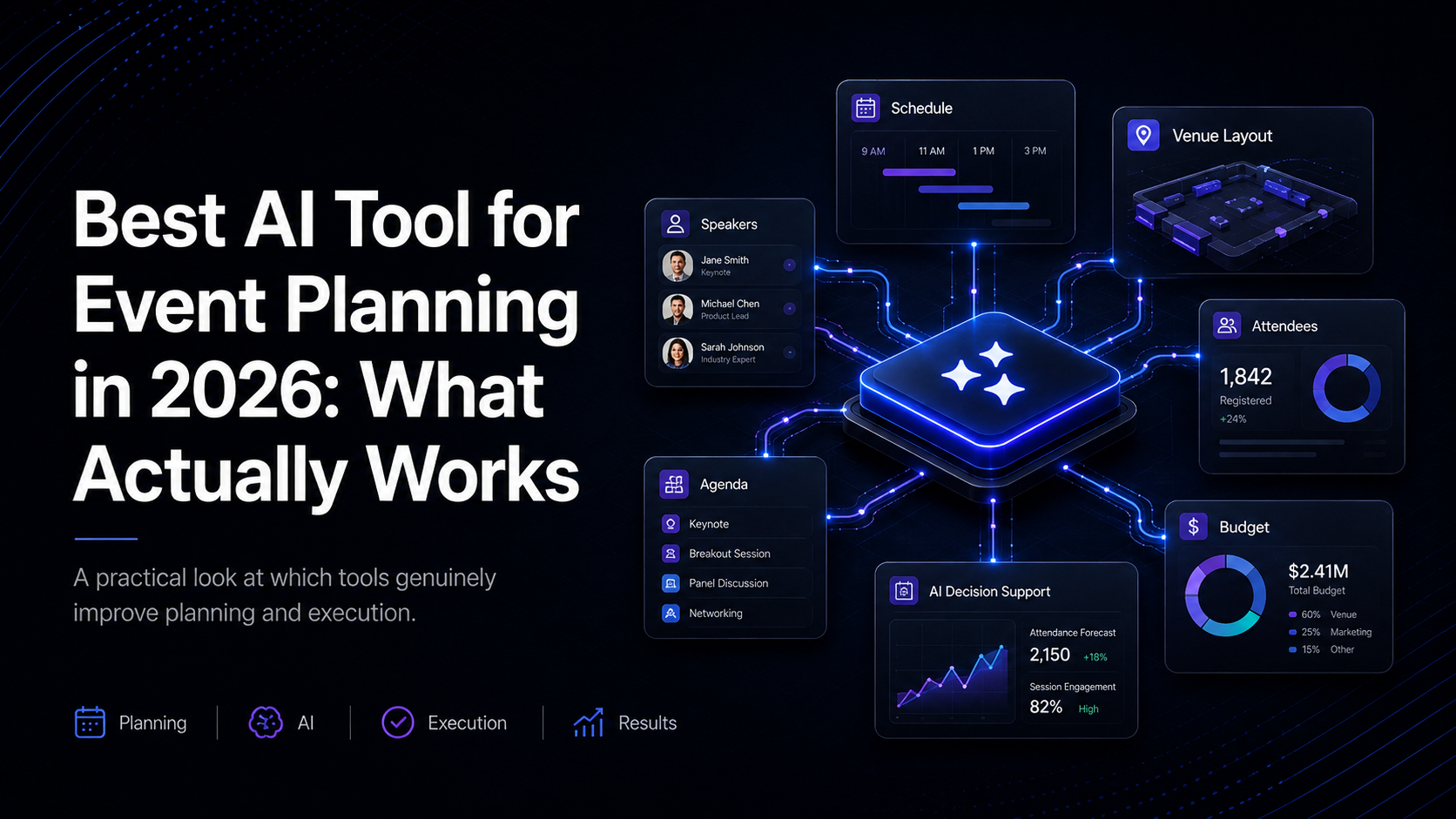
The best AI tools for event planning depend on the job your team needs to complete. Use ChatGPT or Claude for first drafts, ClickUp or Notion AI for planning workflows, Reclaim.ai for calendar coordination, Grip or Brella for attendee matching, and Lensmor for pre-show event intelligence and account research.
No single product handles every stage equally well. The practical approach is to choose a small stack around the work that still consumes the most time, then test it on one real event before expanding it. This guide compares the main options by use case, strengths, limits, and fit for B2B event teams.
Pro Tip: Compare tools with one real event brief and the same source material. A polished demo says less than the number of corrections required before your team can use the output.
Why are event planners using AI in 2026?
A Bizzabo survey found that 95% of event teams expect to increase their AI usage in 2026. That's not a prediction from some analyst firm. It's practitioners saying they've tested these tools and plan to double down.
The shift didn't happen overnight. In 2025, roughly 50% of meeting planners worldwide had incorporated AI into their workflows, according to the Amex GBT Meetings & Events Forecast. One year later, the holdouts are catching up — not because AI is trendy, but because the math works. A planner spending 6-8 hours per week on admin tasks can cut that by 40-60% with the right tools. At $75/hour, that's $300/week back in your pocket. Or more accurately, $300/week you can redirect toward client relationships, creative direction, and taking on additional events.
The planners who've adopted AI aren't replacing their judgment. They're replacing the copy-paste-reformat-repeat cycle that eats their Mondays alive.
If you're a one-person team managing multiple events, this shift matters even more. Your clients expect the output of a five-person agency. AI bridges that gap — not by doing your job, but by handling the parts of it that never needed a human brain in the first place.
What can AI tools for event planning do?

What AI Handles Well in Event Planning
AI excels at pattern-based, repetitive, and data-heavy tasks. That covers a surprising amount of event planning:
Content drafting. Event descriptions, speaker bios, email sequences, social media posts, agenda outlines. ChatGPT and Cvent's AI Writing Assistant can produce a first draft in seconds that would take you 30-45 minutes to write from scratch. You'll still edit — but editing is faster than staring at a blank page.
Data analysis and reporting. Post-event surveys, attendee feedback, session ratings, engagement metrics. Tools like Zenus and Gevme SNAPSIGHT turn raw data into summaries with recommendations you can act on.
Scheduling and logistics optimization. ClickUp AI suggests task sequences. Reclaim.ai reorganizes your calendar around priority shifts. These tools don't just remind you of deadlines — they restructure your workflow when things change.
Research and sourcing. AI can organize venue comparisons, vendor requirements, and exhibitor research. Lensmor helps teams review event and exhibitor information, prioritize accounts against an ICP, and prepare a validated list before the show.
Personalization at scale. Grip delivers 70M+ personalized networking recommendations per year. Brella matches attendees with the right sessions and meetings. Doing this manually for a 500-person conference would take weeks.
Where AI Still Falls Short — The Honest Truth
No amount of prompting will fix these gaps:
Real-time crisis management. When the AV system crashes 10 minutes before the keynote, AI won't fix it. When a sponsor pulls out the morning of the event, you need a phone call, not a chatbot.
Vendor relationships. Trust and history drive vendor negotiations. AI can draft the outreach email, but the relationship that gets you a 15% discount on short notice? That's human capital.
Reading the room. A session is dragging. The energy dipped after lunch. The speaker is running long. No AI tool can sense this and intervene. You can.
Creative direction. AI can generate 20 theme options for your gala. It can't tell you which one will make your client's eyes light up. Experiential design requires taste, context, and the kind of intuition that comes from years in the field.
Stakeholder politics. Navigating a board that disagrees on the event budget, managing a client who keeps changing scope, or mediating between two departments that both want the prime speaking slot — these are judgment calls that live outside any algorithm.
The best approach: use AI for the 60% of work that's operational. Save your energy for the 40% that's strategic and relational.
Practical next step: Looking for AI that supports pipeline as well as logistics? Lensmor helps teams discover relevant events, predict likely attendees, identify target accounts, and enrich contact data before the show. Try Lensmor for the pre-show workflow.
Which AI tools are best for event planning?
Content Creation: Writing Event Copy, Emails, and Agendas
ChatGPT remains the most versatile starting point. Use it to draft event descriptions, speaker outreach emails, attendee communications, post-event recaps, and social copy. The free tier handles basic tasks. GPT-4 on the paid plan ($20/month) gives you longer context windows and better output for multi-step prompts.
Cvent AI Writing Assistant is purpose-built for event content. It generates copy in multiple tones — formal for corporate summits, energetic for product launches, concise for internal meetings. If your team already uses Cvent for registration and management, the AI writing tools sit inside the platform, so there's no context-switching.
AudioPen deserves attention for planners who think out loud. Record your event vision, debrief notes, or brainstorm session, and AudioPen converts rambling audio into organized, structured text. Faster than typing. Better than a voice memo you'll never re-listen to.
Project Management and Calendar Automation
ClickUp AI does more than standard project management. It suggests task priorities, generates event planning templates, and auto-creates subtasks from a brief. For teams running 5-10 events concurrently, the time savings compound quickly.
Reclaim.ai optimizes your calendar around real priorities. Block time for vendor calls, event setup, and travel — Reclaim defends those blocks while automatically rescheduling lower-priority meetings when conflicts arise. For planners juggling pre-event, day-of, and post-event workflows simultaneously, this is the kind of event scheduling ai that prevents burnout.
Otter.ai captures meeting transcriptions in real time. Every vendor call, client briefing, and team standup — transcribed, searchable, and shareable. No more "what did we agree on in that call last Tuesday?"
Venue Sourcing and Vendor Research
Nowadays.ai is an AI-first venue sourcing platform with IATA certification. It automates venue matching based on your event specs, handles RFP distribution to multiple venues simultaneously, and even assists with rate negotiation. For planners who send 10-15 RFPs per event, this tool cuts the sourcing cycle from days to hours.
Cvent Venue Sourcing pairs AI-powered vendor matching with one of the largest venue databases in the industry. If you already use the Cvent platform, the venue sourcing module connects directly to your event management workflows.
Attendee Networking and Matchmaking
Grip uses AI to generate over 70 million personalized networking recommendations per year. At B2B conferences and trade shows, Grip analyzes attendee profiles, interests, and objectives to suggest the right connections. For event organizers, this means higher attendee satisfaction and more repeat registrations.
Brella focuses on conference networking with AI-driven meeting scheduling. Attendees set their goals, and Brella matches them with relevant people, sessions, and exhibitors. The attendee recommendations ai in Brella also helps organizers understand what their audience actually wants — data you can use to shape future events.
Presentations and Visual Design
Beautiful.ai generates presentation decks that stay on brand. Feed it your content and brand guidelines, and it produces slides with consistent design, typography, and layout. For planners creating sponsor decks, post-event reports, or event pitch presentations, Beautiful.ai eliminates the hours spent wrestling with alignment and formatting.
Canva offers AI-powered design for event collateral — social graphics, signage, name badges, programs. The AI features include background removal, magic resize for different platforms, and AI-generated music for event videos. The free tier covers most basic needs.
Video and Multimedia Production
Synthesia creates professional videos from text in 130+ languages. Need a welcome video for international attendees? A sponsor highlight reel? A training video for event staff? Type the script, choose an avatar, and Synthesia renders the video. No cameras, no studios, no post-production.
Cvent Video Tools add AI-generated captions, chapter markers, and video descriptions to event recordings. For hybrid and virtual events with recorded sessions, these tools make your content library searchable and accessible.
Attendee Engagement, Analytics, and Sentiment Tracking
Zenus provides privacy-preserving facial analysis for real-time engagement and sentiment tracking. Unlike facial recognition (which identifies individuals), Zenus reads aggregate audience expressions to measure engagement levels — without storing biometric data. You get a heat map of which sessions kept attention and which lost the room.
Spark generates AI session summaries and repurposes event content into 20+ languages. A 45-minute keynote becomes a blog post, social thread, email recap, and executive summary — automatically. For event organizers producing post-event content, Spark turns one asset into a dozen.
Gevme SNAPSIGHT delivers real-time session takeaways and engagement insights during live events. Organizers can see, in the moment, which topics are resonating.
EventGPT functions as an AI concierge chatbot for attendees. It answers questions about the agenda, venue logistics, session locations, and speaker bios — 24/7, without pulling your team away from higher-priority tasks.
Event Marketing and Targeted Promotion
AI tools for event marketing fall into two buckets: content generation and targeting.
For content generation, ChatGPT and Canva handle social posts, email campaigns, and ad copy. For targeting, platforms like Lensmor identify the right audience segments before you spend a dollar on promotion — scoring potential attendees by firmographic data and engagement signals rather than broad demographic spraying.
The shift from "promote to everyone" to "promote to the right people" is where ai for event marketing delivers the most measurable ROI.
Post-Event Reporting and Analysis
Post-event reporting is where most planners lose hours. Compiling survey data, attendance figures, session ratings, sponsor feedback, and financial reconciliation into a coherent report can take days.
AI tools compress this. Otter.ai transcribes debrief meetings. ChatGPT summarizes survey open-ends and identifies themes. Zenus provides engagement data by session. Spark repurposes content for stakeholder distribution. Instead of spending a full week on post-event deliverables, you're done in a day or two.
Event Intelligence and ROI Prediction for B2B Events
Vendelux uses predictive analytics across 200K+ global B2B events to forecast attendance, identify high-value attendees, and estimate event ROI before you commit your budget. For organizations evaluating which events to sponsor or attend, Vendelux turns guesswork into data-backed decisions.
Lensmor focuses on pre-show event intelligence: reviewing exhibitors and likely-attendee signals, prioritizing companies against an ideal customer profile, and enriching selected contact records for human-approved outreach.
40% of event teams still struggle to prove event ROI in 2026 — down from 70% in 2025. Tools like Vendelux and Lensmor are the reason that number keeps dropping.
Free AI Tools for Event Planners on a Budget
You don't need a paid subscription to start using ai for event planning. Four free options cover the basics:
Start free. Identify which AI capabilities save you the most time. Then invest in paid tools for those specific use cases.
How do you choose an AI tool for event planning?
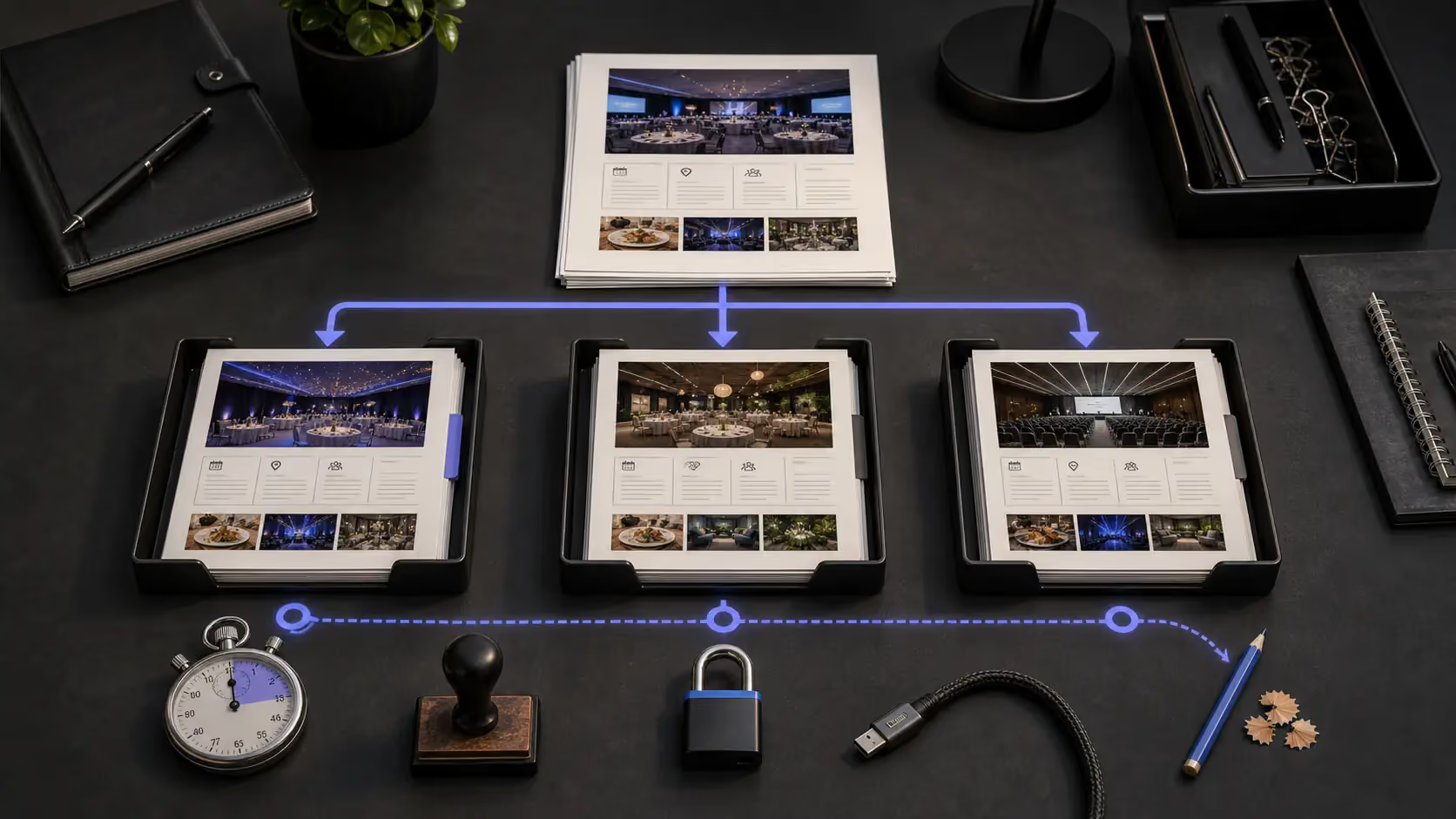
Choose the tool that produces the safest approved output for one defined job. Feature counts matter less than source quality, revision time, exportability, and the amount of human review the workflow still needs.
Run a 30-minute workflow test before buying
Take one task your team repeats every event: turn a brief into a 12-week plan, compare three venue responses, or prioritize 20 target accounts. Give each tool the same inputs and ask for the same output.
Score the result on five checks: factual accuracy, missing context, time to approval, integration effort, and data handling. Save the prompt and final approved output so another teammate can reproduce the test.
Pro Tip: Measure time to an approved result, not time to a first draft. A tool that answers in 20 seconds but requires 30 minutes of correction is not the faster workflow.
Match the Tool to Your Event Type and Scale
A 50-person corporate retreat has different AI needs than a 5,000-attendee trade show. Before evaluating any tool, define three things:
A solo planner running intimate corporate events needs ChatGPT, Reclaim.ai, and Canva. A team managing large B2B conferences needs ClickUp AI, Grip, Vendelux, and Lensmor. Don't buy a platform when a point tool solves your problem. Don't stack point tools when a platform covers three needs at once.
What Free vs. Paid AI Tools Actually Give You
Free tools give you speed on individual tasks. Paid tools give you workflow integration, higher output limits, and specialized features.
The gap matters most for teams running 10+ events per year. For occasional planners, free tools often suffice.
Integration Requirements: Which AI Tools Work Together
The biggest frustration with event planning ai tools isn't any single tool — it's that they don't talk to each other. Before committing, map your stack:
Lensmor, for example, integrates with major CRMs to push exhibitor intelligence directly into your sales pipeline. Cvent's AI tools live natively inside the Cvent platform. ClickUp connects to 1,000+ apps via Zapier. Check integration before you check features.
Protecting Client Data Before You Commit to Any Tool
Data security ai event planning is a non-negotiable evaluation criterion. Before signing up for any AI tool:
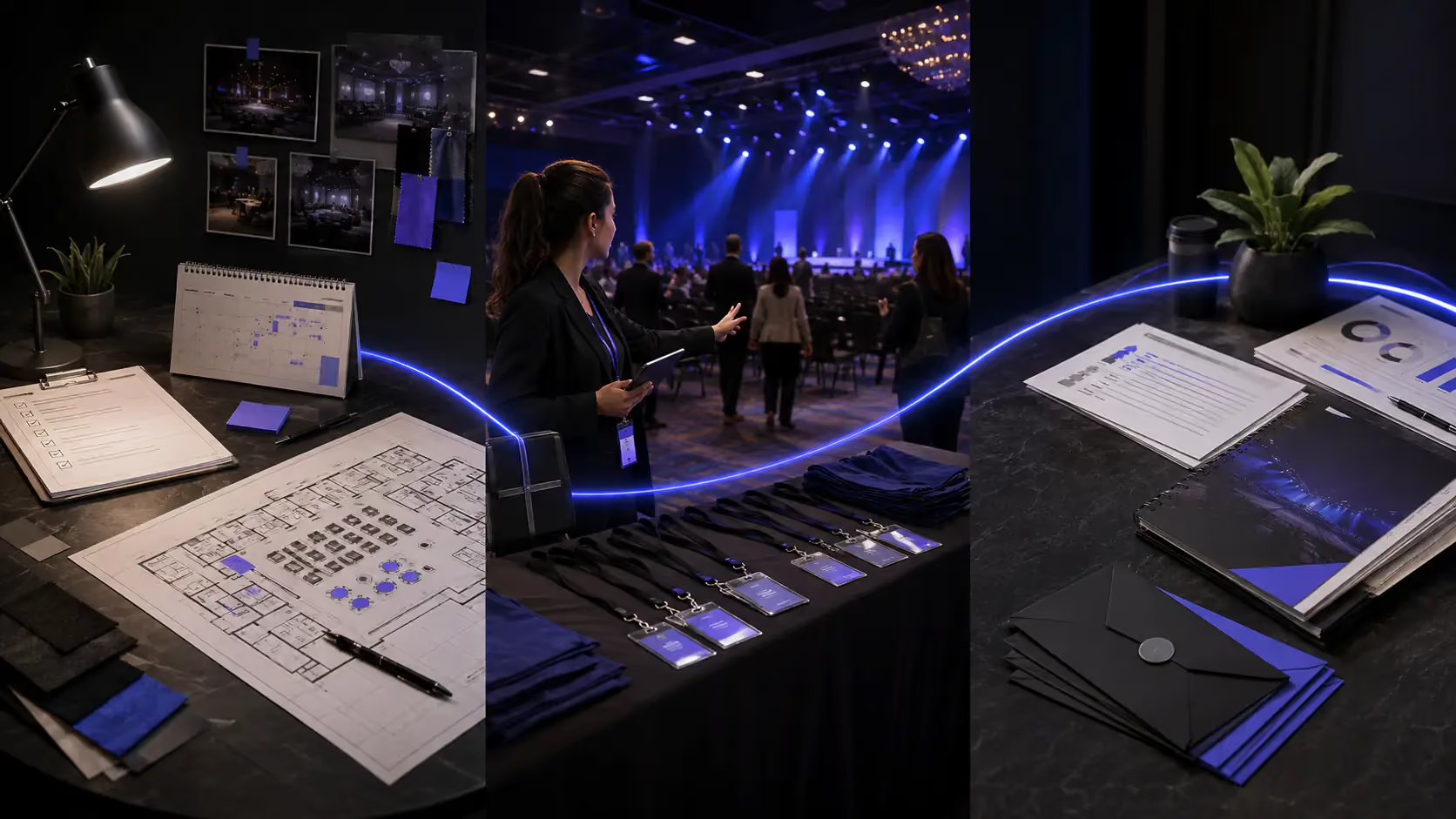
Step-by-Step: Your First Event with AI, From Brief to Final Report
Pre-Event Planning Phase
Week 1-2: Define scope with AI assistance.
Open ChatGPT and prompt: "Build a 12-week event planning checklist for a [corporate summit] with [300] attendees, including marketing milestones." Edit the output to match your reality, then import the checklist into ClickUp AI. Let ClickUp suggest task dependencies and timeline optimization.
Set up Reclaim.ai to protect your planning blocks. You'll need uninterrupted time for vendor outreach and creative work — Reclaim defends those windows when meeting requests pile up.
Venue Research and RFP Writing
Week 2-4: Source and negotiate.
Use Nowadays.ai to input your event specs: date range, city, headcount, room requirements, budget range. The platform matches you with qualifying venues and distributes your RFP automatically.
For the RFP itself, prompt ChatGPT: "Draft a vendor outreach email for [boutique hotel conference center] asking about availability and pricing for [March 15, 300 attendees]. Keep it under 150 words." Customize with specific requirements and send.
Promotion and Attendee Acquisition
Week 4-8: Build and execute the marketing plan.
Use ChatGPT to draft email sequences, social posts, and landing page copy. Canva handles the visual assets. For B2B events, use Lensmor to identify target attendees and exhibitors matching your ICP — then build personalized outreach sequences with higher response rates than batch-and-blast promotion.
Prompt for social: "Write 5 social media captions for promoting [Annual Supply Chain Summit]. Platform: LinkedIn. Tone: thought leadership. Include a CTA to register."
Day-of Execution
The event itself.
EventGPT handles attendee questions via chatbot. Grip or Brella powers networking matchmaking. Zenus tracks session engagement in real time, so you know which afternoon breakout is losing the room before you walk in.
AI doesn't run the event. You do. But it gives you a data layer you didn't have before — live feedback instead of post-event guesses.
Post-Event Follow-Up and Reporting
Week 1-2 post-event: Close the loop fast.
Otter.ai transcribes your debrief meeting. Spark generates session summaries in multiple formats. ChatGPT summarizes open-ended survey responses: "Summarize these meeting notes into a post-event recap with 3 key takeaways and 3 action items: [paste notes]."
Compile engagement data from Zenus, attendance figures from your event platform, and financial results from your budget tracker. What took a full week now takes 1-2 days. Your client gets the report faster. You move on to the next event sooner.
ChatGPT Prompts for Event Planning That Actually Get Results
Generic prompts produce generic output. These six prompts are tested and structured to give ChatGPT event planning outputs you can actually use:
1. Event Description
"Write a 150-word event description for [Tech Leaders Summit 2026], targeting [VP-level decision-makers in SaaS], with [networking with 50+ industry peers as the key benefit]. Tone: professional but approachable."
2. Run-of-Show
"Create a 5-step run-of-show for a [half-day product launch] lasting [4 hours], including buffer time between sessions."
3. Vendor Outreach
"Draft a vendor outreach email for [AV production company] asking about availability and pricing for [June 12, 200 attendees, main stage + 3 breakout rooms]. Keep it under 150 words."
4. Social Promotion
"Write 5 social media captions for promoting [Annual HR Innovation Conference]. Platform: LinkedIn. Tone: thought leadership. Include a CTA to register."
5. Post-Event Recap
"Summarize these meeting notes into a post-event recap with 3 key takeaways and 3 action items: [paste notes]"
6. Planning Checklist
"Build a 12-week event planning checklist for a [corporate gala] with [500] attendees, including marketing milestones."
The key to better outputs: be specific about audience, format, tone, and length. "Write an email" fails. "Write a 150-word vendor outreach email for an AV company, asking about June availability for 200 attendees" works.
AI for Solo Event Planners vs. Large Teams: What Changes
Solo planners need tools that act as a second brain. ChatGPT for content. Reclaim.ai for calendar sanity. Canva for design. Otter.ai for meeting notes. The total cost: under $50/month for paid tiers. The time saved: 15-20 hours per month on admin alone.
The solo planner's biggest win from AI isn't speed — it's scope. You can take on events you'd previously turn down because the prep work was too time-intensive for one person. "My clients expect more than I can deliver manually" stops being true when AI handles the deliverable assembly.
Teams of 5+ need coordination tools first, productivity tools second. ClickUp AI for task management. Grip or Brella for attendee experience. Cvent's integrated AI for the full event lifecycle. The priority shifts from "help me do everything" to "help everyone on this team stay aligned."
Large teams also benefit from AI-powered analytics. Zenus gives you engagement data that informs next year's programming decisions. Vendelux and Lensmor provide event intelligence that shapes your annual conference strategy. These are tools that solo planners rarely need but enterprise teams can't afford to skip.
AI Tools for B2B Trade Show Event Planning

B2B trade show teams should use AI to improve preparation, not replace qualification. The useful workflow starts before the show: choose the right event, identify relevant companies, validate decision-makers, and prepare outreach that a human approves.
Pre-show: turn the event into an account plan
Start with a defined ICP and a target event. Review the exhibitor list, likely-attendee signals, company fit, relevant roles, and the reason each account may care. The output should be a prioritized account list with source context, not a large contact export.
Pair that research with a documented trade show planning workflow and a broader B2B event marketing strategy. The planning article controls timing and ownership; the strategy article connects the target list to pipeline goals.
On-site: preserve the context behind each conversation
Bring the prioritized list into your CRM or shared working sheet. Record the problem discussed, buying role, timing, agreed next step, and permission to follow up. AI can summarize notes, but the person who had the conversation should approve the record.
Post-show: route context, not just contacts
Segment follow-up by fit and conversation outcome. High-fit accounts with an agreed action move first. Research-only contacts and weak-fit records follow a different path. This keeps the event workflow connected to the same qualification logic used before the show.
Pro Tip: Test the process on 20 accounts before scaling. If reviewers cannot explain why an account is prioritized, improve the criteria before enriching more contacts.
How Lensmor supports B2B event planning
Lensmor supports the pre-show intelligence layer of event planning. It helps teams discover relevant trade shows, review exhibitors and likely-attendee signals, prioritize companies against an ICP, enrich contact records, and export the selected data for outreach or CRM work.
A practical workflow has four steps. First, define the target company and role criteria. Second, choose the event and review the available source labels. Third, validate a sample of companies and contacts before expanding the list. Fourth, export only the records that pass review.
This is different from venue, agenda, or project-management software. Use the event intelligence platform comparison when pre-show account selection is the main problem. Use the event marketing tech stack guide when you need to connect research, execution, and reporting across several systems.
Data availability varies by event, so source context and human review remain part of the workflow. The goal is a smaller, defensible account plan—not a larger list with weaker evidence.
Start Free Trial — Start using Lensmor for event discovery, attendee prediction, and contact enrichment before your next trade show.
The ROI of AI in Event Planning: A Framework for What You Can Measure
Proving ROI on AI adoption doesn't require complex models. Use this framework:
Time savings (the baseline metric):
Average event planner spends 6-8 hours per week on tasks AI can handle — content drafting, scheduling, data compilation, vendor research. AI reduces this by 40-60%.
Capacity increase (the multiplier):
Those saved hours let you take on additional events. If each event generates $5,000-$15,000 in revenue, even one extra event per quarter changes the math.
Calculate your number:
(Hours saved per event x your hourly rate) + (Additional events you can take on x average event fee) = your AI ROI.
Quality improvement (harder to quantify, still real):
Faster post-event reports mean happier clients. Better attendee matching means higher satisfaction scores. More personalized marketing means higher registration rates. Track these metrics before and after AI adoption to build your case.
For teams spending on event intelligence tools like Vendelux or Lensmor, measure the pipeline generated from pre-show targeting against your previous "walk the floor and hope" approach. The difference tends to be stark.
Data Privacy, Fact-Checking, and Getting Stakeholder Buy-In
Privacy-Safe Workflows When AI Meets Client Data
The rule is simple: never paste personally identifiable information into a general-purpose AI tool.
That means no client names, email addresses, phone numbers, or financial details in ChatGPT's free tier. OpenAI's Enterprise plan opts out of training on your data. Teams on standard plans should anonymize inputs — use "[Client A]" instead of real names, strip email addresses from survey data before analysis.
For tools handling attendee data (Grip, Zenus, Cvent), verify their compliance certifications. GDPR for European data. CCPA for California residents. SOC 2 Type II for enterprise security requirements.
Build a simple checklist: (1) What data does this tool need? (2) Where is it stored? (3) Is it used for model training? (4) What compliance certifications does it hold? Answer those four questions before any tool touches client data.
How to Fact-Check AI-Generated Event Content
AI generates confident-sounding content that can be wrong. Dates, venue capacities, speaker credentials, pricing figures, statistical claims — verify everything before publishing.
Three-step check:
This takes 10-15 minutes per piece of content. Skip it, and you'll eventually publish something wrong. That costs more than the time saved.
Presenting AI Time Savings to Your Team or Clients
Stakeholder buy-in comes from math, not enthusiasm. Track two weeks of your pre-AI workflow: how long each task takes, measured in hours. Then track the same tasks with AI.
Present the comparison:
Real numbers from your own workflow beat any vendor's marketing claims. Decision-makers respond to specific dollar figures, not abstract "efficiency gains."
Virtual and Hybrid Events: Where AI Has the Biggest Impact
Virtual and hybrid formats generate more data than in-person events — and data is where AI thrives.
Real-time translation. Synthesia and similar tools produce content in 130+ languages. For global virtual events, this means attendees engage in their native language without a team of live interpreters. Hybrid events ai tools are closing the language gap that used to make global events logistically painful.
Engagement tracking at scale. In a physical room, you can sense energy. On a virtual platform, you can't. Zenus and Gevme SNAPSIGHT measure engagement across virtual sessions — tracking attention, drop-off points, and interaction patterns. This data shapes your programming for the next event.
AI-powered networking across formats. Grip and Brella work across in-person and virtual attendees, matching people regardless of how they're attending. For hybrid events, this solves the common problem of virtual attendees feeling like second-class participants.
Content repurposing. A hybrid event produces hours of video content. Spark summarizes sessions, generates highlights, and creates derivative content in multiple formats and languages. One day of sessions becomes weeks of marketing material.
Chatbot support. EventGPT and similar AI concierges handle attendee questions 24/7 — especially valuable for virtual events spanning multiple time zones where live support can't cover every hour.
Virtual events ai tools aren't just "nice to have" anymore. For organizations running global programs, they're the infrastructure that makes scale possible.
AI Event Planning Mistakes to Avoid
Six mistakes that cost planners time, money, or trust:
1. Pasting client PII into ChatGPT. Free-tier AI tools may use your input for model training. One attendee list pasted into ChatGPT is a data breach waiting to happen. Use enterprise tiers or anonymize data first.
2. Publishing without fact-checking. AI hallucinates. It invents dates, misattributes quotes, and fabricates statistics with absolute confidence. Every piece of AI-generated content needs human verification before it goes live.
3. Using AI for everything. AI handles operational tasks well. It handles creative direction, vendor relationships, and experiential design poorly. Know the boundary. Planners who automate the wrong tasks produce generic events.
4. Choosing tools that don't integrate. A brilliant AI tool that doesn't connect to your CRM, event platform, or email system creates more manual work than it saves. Check integrations before features.
5. Expecting magic without detailed prompts. "Write me an event plan" produces garbage. "Build a 12-week planning checklist for a 300-person corporate summit with marketing milestones and vendor deadlines" produces something useful. Context in, quality out.
6. Ignoring compliance requirements. GDPR, CCPA, and industry-specific regulations apply to AI tools that process attendee data. Choosing a non-compliant tool can result in fines that dwarf any efficiency savings.
Future Trends in AI for Event Planning: What's Coming in 2026 and Beyond
AI agents, not just AI tools. The shift from "AI helps me write an email" to "AI handles the entire pre-show outreach workflow" is already underway. Lensmor's AI Agent is an early example — it doesn't just suggest prospects, it identifies them, scores them, writes the outreach, and manages follow-up. Expect more event tech vendors to move from feature-level AI to agent-level AI by late 2026.
Sustainability tracking. AI tools that calculate the carbon footprint of event logistics — travel, catering, venue energy — and suggest lower-impact alternatives. Early versions exist. Expect integration into mainstream event platforms within 12-18 months.
Hyper-personalized attendee journeys. Beyond session recommendations: AI that adjusts the event experience in real time based on attendee behavior, preferences, and engagement signals. Personalized agendas that update mid-event. Networking suggestions that evolve as the day progresses.
AR and immersive AI experiences. AI-powered photo booths, gamified exhibit interactions, and augmented reality wayfinding. These are moving from "wow factor at CES" to practical features at mid-market corporate events.
Predictive staffing. AI that forecasts attendance by session, time of day, and attendee segment — then recommends staffing levels for registration, catering, and support. This reduces both understaffing crises and overspending on labor.
The through-line: AI is moving from assistant to operator in specific, well-defined domains. Event planners who learn to direct AI agents — rather than just prompt AI tools — will have a structural advantage.
Related reading: event marketing tools for B2B teams.
Conclusion
The best AI tools for event planning are the ones that fit a defined job, use acceptable data, and reduce time to an approved result. Start with one repeated workflow and measure the corrections, handoffs, and review it still requires.
For content and coordination, begin with a general assistant and a work-management system. For networking, evaluate dedicated event platforms. For B2B pre-show research, use event intelligence to turn event participation into a focused account plan.
Start Free Trial — Use Lensmor to discover relevant events, predict likely attendees, and enrich contact data for your next trade show.