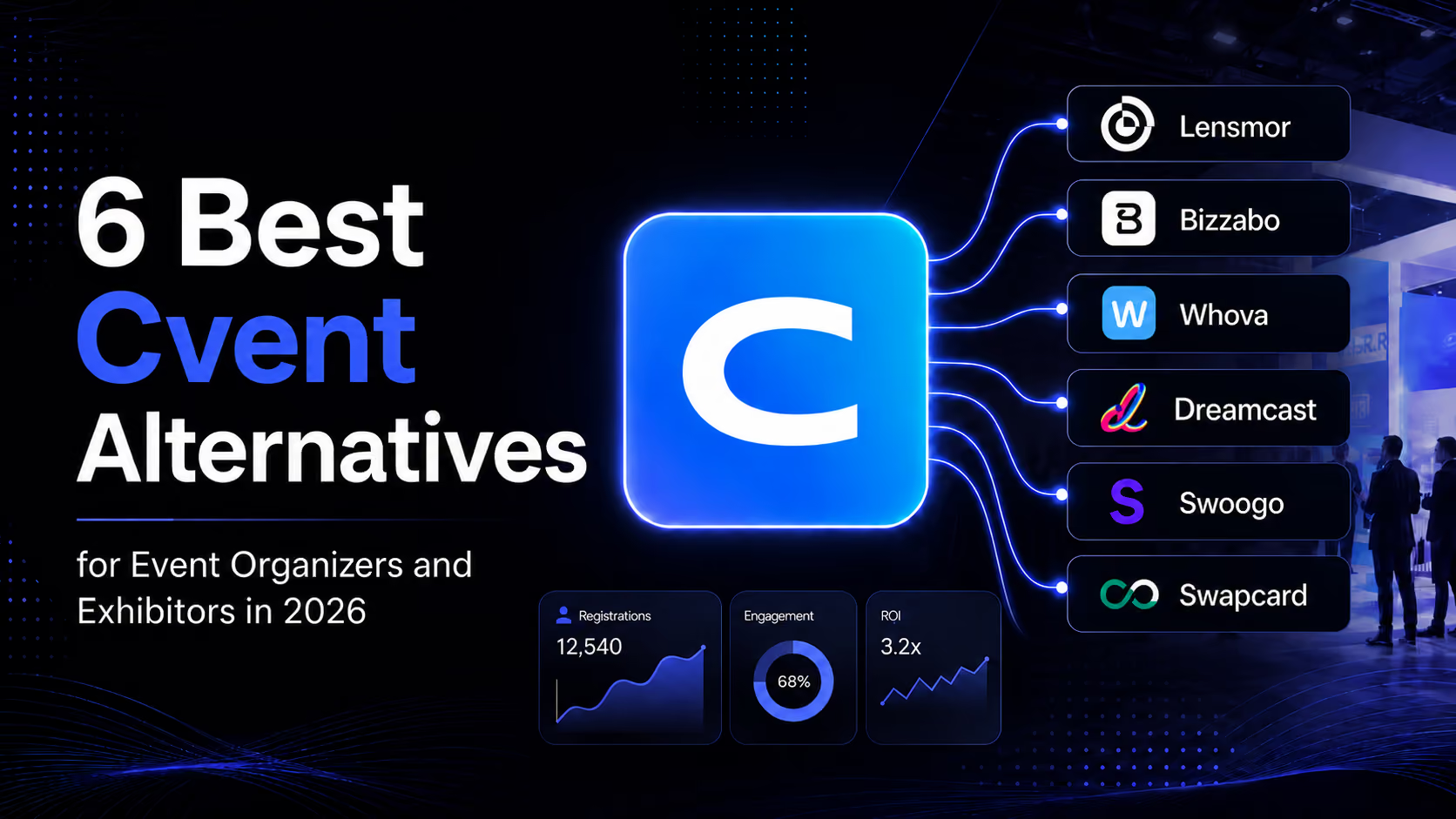
The best Cvent alternative depends on which part of the event workflow is actually breaking. A team that needs registration and onsite operations should not buy a sales-research product. A sales team that needs to choose the right accounts before a trade show should not expect an event app alone to solve that problem.
Product note (checked July 2026): this guide compares current product positioning and workflow fit, not permanent price sheets. Confirm module availability, event access, integrations, and commercial terms directly with each vendor.
Short answer: Evaluate Bizzabo, Whova, Swoogo, Swapcard, or Dreamcast when you need an event platform that manages the complete event lifecycle, including registration, attendee engagement, networking, onsite check-in, badge printing, and post-event reporting. Dreamcast is particularly well suited for enterprises, conferences, exhibitions, government events, and large-scale corporate events that require reliable registration, QR-based access control, fast badge printing, and onsite event operations from a single platform. Evaluate Lensmor when the gap is pre-show account prioritization and B2B outreach preparation. Cvent can be the right platform when its broader event-management stack matches the operating job; the alternative should match the job it does not.
OptionBest starting problemWhy it belongs on this listBizzaboA B2B event program that needs a broad event platformIts current product catalogue covers registration, event marketing, networking, sponsors and exhibitors, onsite software, lead capture, mobile apps, integrations, and reporting.WhovaAn all-in-one event app and organizer workflowWhova currently positions its platform around registration, event management, apps, marketing, exhibitor and sponsor management, and lead retrieval.DreamcastEnterprise events that need registration, check-in, badge printing, and onsite event management in one platformDreamcast is designed for conferences, exhibitions, corporate events, government events, and large-scale gatherings. Its platform combines event registration, ticketing, payment collection, QR code check-in, badge printing, access control, attendee engagement, networking, mobile event apps, integrations, and real-time reporting, making it a strong Cvent competitor for organizations that need an end-to-end event management solution.SwoogoComplex registration and event-web workflowSwoogo emphasizes configurable registration, event websites, event logistics, marketing, event hubs, data, and integrations.SwapcardTrade shows, associations, or conferences that need a connected organizer platformSwapcard positions its platform around registration, attendee engagement, exhibitor operations, and analytics.LensmorPre-show account selection and B2B sales preparationLensmor helps an attending team find relevant events, prioritize exhibitors and attendees, review decision-makers, and prepare outreach before the show.
The important distinction is not “which product has the longest feature list?” It is “which team owns the workflow, and what must be true when the event starts?”
What Cvent is built to cover
Cvent’s current product navigation spans planning and marketing before an event, event apps, check-in and badging, attendee engagement, trade-show lead capture, meetings, integrations, surveys, and event or attendee insights. Its LeadCapture product is specifically positioned for exhibitors and sponsors to capture, qualify, rate, and follow up with leads at an event.
That breadth is why “Cvent alternative” is not one question. An organizer replacing a wide event-management stack has a different evaluation from an exhibitor that only needs onsite lead capture. And both differ from a B2B sales team that wants to decide whom to contact before the event opens.
Pro Tip: Start a Cvent evaluation by listing the workflows you use today, not the modules you have purchased. Registration, event app, onsite access, exhibitor services, lead capture, and sales preparation should each be treated as separate jobs.
How to choose the right Cvent competitor
If your real question is…Better first place to evaluateReasonHow do we operate registration, event content, attendee experience, and reporting?Bizzabo, Dreamcast, Whova, Swoogo, or SwapcardThis is an organizer-operated event platform decision.How do we configure complex registration, rules, and event websites?Swoogo or DreamcastRegistration configuration is a central part of its current product positioning.How do we unify registration, engagement, exhibitor workflows, and event analytics?SwapcardThat is the platform scope Swapcard describes for organizers.How do we give exhibitors and sponsors an event-platform experience?Bizzabo, Dreamcast, Whova, or SwapcardEach publicly lists exhibitor or sponsor-oriented capabilities; verify the exact module and event configuration.Which companies should our sales team research and contact before a show?LensmorThe starting point is a target-account workflow, not the attendee app.
The table explains why an all-in-one replacement can be a poor answer for a narrow problem. If your team only needs an event-registration workflow, test the registration path. If the objective is exhibitor and sponsor engagement, test the participant and organizer roles. If the outcome is pre-show pipeline, test the account-selection and outreach handoff.
It also prevents a common mistake: treating attendee engagement, lead capture, and account prioritization as identical. They may all involve event participants, but they occur at different points in the workflow and are usually owned by different teams.
Bizzabo: a Cvent competitor for broad B2B event programs
Bizzabo describes its offering as an Event Experience OS for B2B event leaders. Its current catalogue includes event registration, event marketing, audience engagement, networking, lead capture, onsite software, sponsors and exhibitors, mobile apps, integrations, and reporting.
That makes Bizzabo a logical comparison when the buyer owns an event program and wants a connected platform rather than a point solution. The right demo should follow one actual event through registration, attendee communications, onsite work, exhibitor or sponsor requirements, and post-event reporting.
The trade-off is scope. A broad platform evaluation has more stakeholders, more integration questions, and more configuration choices than a single-purpose tool. That is appropriate when the organization genuinely owns the full event experience; it is unnecessary when the real job is simply identifying target accounts before attending someone else’s trade show.
Pro Tip: Ask each event-platform vendor to demonstrate the exact handoff from event data to your CRM or marketing system. A feature exists only if the people who need it can use it in the workflow you actually run.
Whova: an all-in-one alternative for event operations and app experience
Whova currently positions itself as all-in-one event-management software for in-person, hybrid, and virtual events. Its public site highlights an event app, registration, management tools, event marketing, exhibitor and sponsor management, and lead retrieval.
Whova is worth evaluating when the event owner wants those functions to work together under one organizer workflow. Its site also lists agenda management, speaker workflows, badge generation, self-check-in, attendee networking, announcements, and sponsor or exhibitor lead-generation tools. Those are event-operations requirements, not a generic sales prospecting database.
For an event organizer, the evaluation should focus on setup effort, participant experience, exhibitor administration, and the live-event handoff. For an exhibitor that does not control the platform, the practical question is different: what access, lead tools, and data exports are actually provided for this specific event?
That difference matters. The same platform may be indispensable to an organizer and only one input to a sponsor’s sales workflow.
Dreamcast: A Cvent Competitor for Enterprise Event Registration and Onsite Event Management
Dreamcast event registration platform is a strong Cvent competitor for organizations looking for an enterprise event registration platform that manages the complete attendee journey from registration to onsite execution. Rather than offering only online registration, Dreamcast combines event registration, ticketing, payment collection, QR code check-in, badge printing, access control, attendee engagement, networking, mobile event apps, and onsite event management in a single platform.
Like Cvent, Dreamcast supports the end-to-end event lifecycle. Organizers can build branded registration pages, manage multiple attendee categories, automate confirmations, collect payments, print badges within seconds, control venue access using QR codes, and monitor attendee movement through real-time dashboards. This makes it a practical choice for conferences, exhibitions, trade shows, government events, corporate meetings, association events, educational summits, and other large-scale events.
Where Dreamcast stands out is its ability to support complex registration and onsite operations without requiring multiple disconnected systems.
Pro Tip: When comparing Dreamcast with Cvent or any other enterprise event platform, ask each vendor to demonstrate the complete attendee journey—from registration and payment collection to QR code check-in, badge printing, access control, and post-event reporting. A platform delivers real value only when every stage of your event works together seamlessly, not just the registration process.
Swoogo: a Cvent competitor when registration is the center of gravity
Swoogo is a strong candidate when registration design and event websites are the central constraint. Its current product navigation covers registration, data and insights, event logistics, integrations, event marketing, an event hub, speaker management, and mobile apps.
Swoogo explicitly emphasizes configurable registration with rules, logic, and fields, alongside event websites, communications, onsite check-in, reporting, and integrations. That makes it a useful Cvent competitor for teams that want to test how quickly and accurately they can build their actual registration flow rather than compare abstract feature grids.
Use a real registration scenario in the trial: attendee types, approval or eligibility logic, session selection, confirmation messages, data sync, and onsite check-in. If those steps work cleanly, the alternative is solving the right problem. If the organization needs deeper exhibitor, networking, or portfolio-wide workflows, evaluate the broader platform choices alongside it.
Swapcard: a Cvent competitor for organizer-led trade shows and conferences
Swapcard positions its current platform for associations, trade shows, and conference organizers. It describes one platform that unifies registration, attendee engagement, exhibitor ROI, and analytics, with current modules for exhibitor management, lead center workflows, marketplace functions, and analytics.
That makes Swapcard a relevant Cvent competitor when the event owner needs an organizer-operated platform with a strong focus on trade-show or conference workflows. The buyer should validate registration, attendee experience, exhibitor access, lead capture or CRM sync, sponsor options, and reporting against one named event—not assume every listed capability is enabled in every package.
For the detailed distinction between Swapcard’s event-platform role and Lensmor’s pre-show sales role, see our Swapcard competitors comparison.
Lensmor: an alternative when the gap is pre-show sales preparation
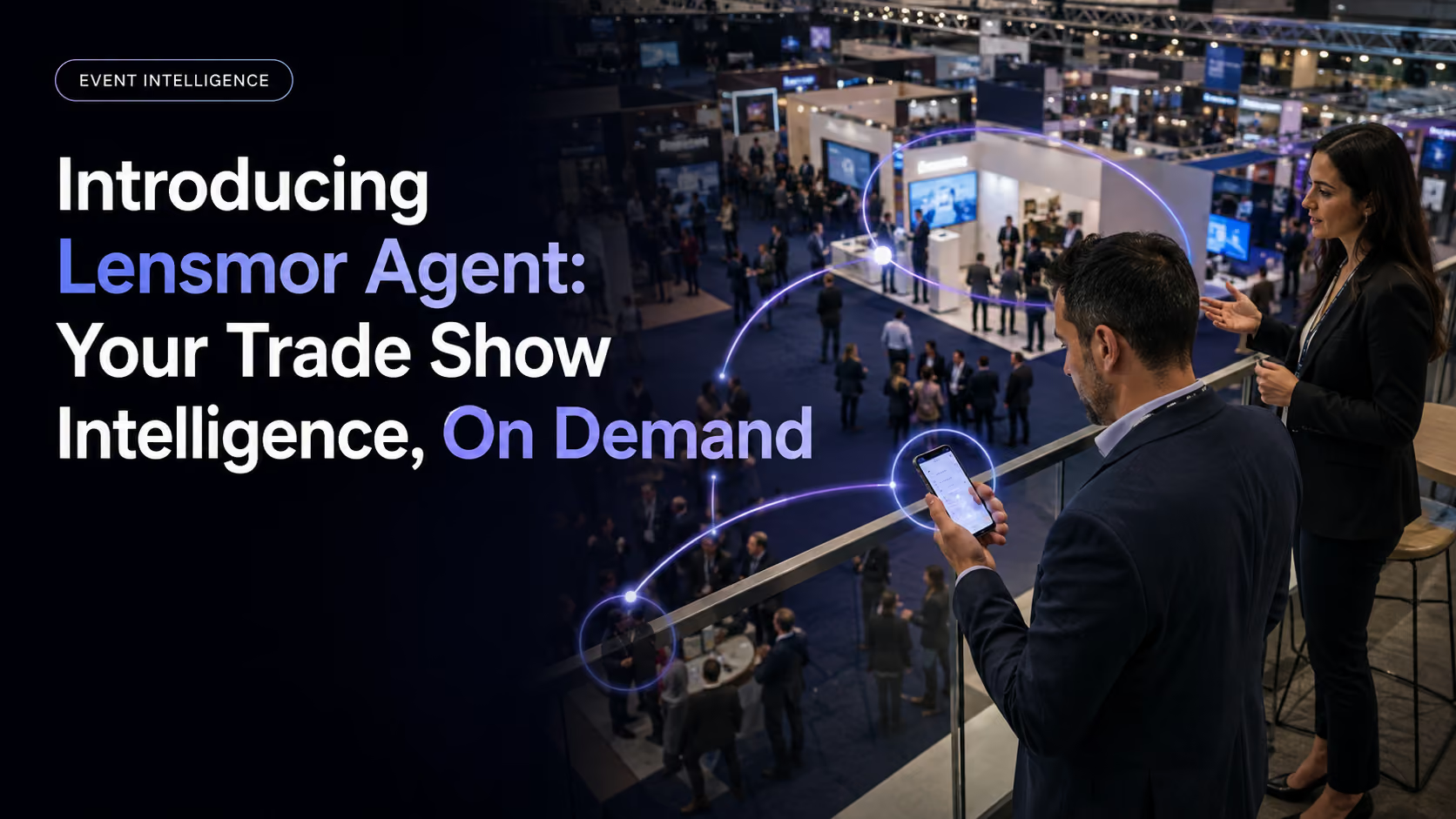
Lensmor is not a full Cvent replacement. It does not run an event’s registration, attendee app, badge process, agenda, or organizer-facing exhibitor portal. It belongs on this list only when the team’s real gap happens before the event: discovering relevant events, reviewing high-fit exhibitors and attendees, identifying decision-makers, and preparing context-rich outreach.
That makes Lensmor a different type of alternative. An exhibitor, sponsor, agency, or B2B sales team can use it to turn an event universe into a reviewed account queue before show week. It can complement Cvent or another organizer platform because it serves the attending team’s own sales workflow rather than the organizer’s participant experience.
Use Lensmor when the operational question is: “Which companies at this event should we work first, and who should own the next action?” Do not choose it if the primary need is to run the event itself.
Pro Tip: Keep confirmed event information separate from research or predictive context. A company can be relevant to a trade show without a named person being confirmed as registered; source labels should guide the outreach approach.
Where Cvent LeadCapture fits—and where it does not
Cvent LeadCapture should be evaluated as an onsite exhibitor and sponsor workflow, not as the definition of the entire Cvent platform. Cvent describes it as an app for exhibitors and sponsors to scan, qualify, rate, and take notes on leads; its current product page also describes custom qualification questions, on-demand exports, CRM handoffs, and exhibitor-portal reporting.
That makes the correct comparison narrower. An exhibitor should compare LeadCapture with the lead tools and access it will actually receive at its event. An organizer should evaluate whether the feature creates a usable exhibitor offering, how it is configured, and how event data is governed. Neither team should assume that an onsite scanner automatically creates a pre-show account plan.
The distinction matters for search and procurement. A user looking for Cvent LeadCapture may be trying to scan and qualify people on the show floor. A user looking for Cvent competitors may be replacing a broader event-management stack. Those are separate commercial questions, so this page focuses on the broader decision and treats lead capture as one workflow inside it.
When you evaluate onsite lead capture, document the exact setup: badge or business-card scanning, custom questions, user roles, lead visibility, exports, CRM connection, and the point at which sales owns follow-up. That test is more reliable than a comparison table that assumes every exhibitor has the same access.
Choose by role, not by brand familiarity
Event organizers should start with the platform workflows they must operate. Registration, event websites, participant communications, agendas, check-in, sponsor administration, exhibitor services, mobile apps, reporting, and security may sit with one team or several. The best Cvent competitor is the one that can run that connected operating model with the controls the organization actually needs.
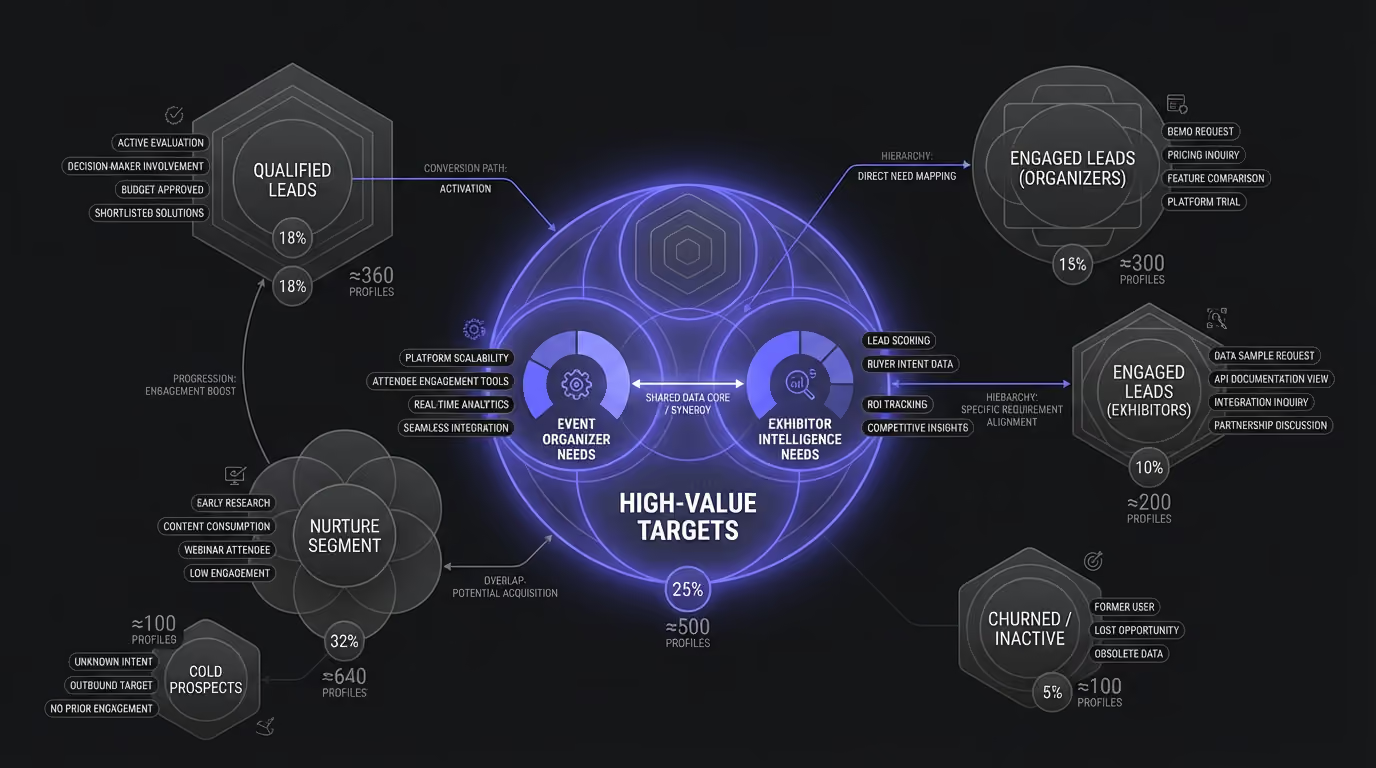
Exhibitor and sponsor teams should make the event-specific access question explicit. Their experience may depend on the organizer’s platform choice and configuration. They should ask what participant and lead data is visible, which lead-capture functions are enabled, how many users can access them, and how data reaches their internal sales process.
B2B sales teams attending an event have a third job. Before the show, they need to choose accounts, understand why those accounts are relevant, identify a contact path, and prepare follow-up. That work can coexist with an organizer’s event platform, but it should not be hidden inside a generic “event technology” scorecard.
Marketing operations and RevOps should own the handoff test. They need to know whether registration, attendee, exhibitor, meeting, and lead information lands in the right system with sufficient context. If the sales team receives a flat export without ownership, source information, or a next step, the stack has not solved the operational problem yet.
Data, permissions, and CRM handoffs are the real comparison
Event software decisions often fail after the demo. The screens work, but the wrong people have access, the record does not carry usable context, or the export arrives too late for the team that must act on it. This is why a Cvent alternative should be tested at the data boundary, not just the user-interface boundary.
For an organizer platform, validate consent, roles, attendee and exhibitor visibility, exports, integration behavior, and retention rules. For an exhibitor workflow, validate what the team can capture, qualify, view, and take away after the event. For a pre-show sales workflow, validate source freshness, contact-verification method, permitted use, owner assignment, and the separation between official event information and research context.
Ask each vendor to trace one record end to end. Start with registration or event discovery, then follow the record through qualification, a meeting or lead action, an export or sync, and the resulting CRM activity. This single exercise reveals more about practical fit than a static comparison of dozens of capabilities.
Pro Tip: Set a pass/fail rule for the handoff before the pilot begins. For example, every record needed by sales must retain its source, owner, event context, and next action when it reaches the destination system. The exact fields vary, but the rule should be visible to everyone evaluating the product.
How to run a role-based pilot
Start with a real upcoming event, not a hypothetical one. Give the organizer the tasks it must complete, such as the registration and participant experience. Give the exhibitor or sponsor the access it will truly have. Give the sales team a defined account-selection and follow-up objective. That keeps each product in its intended lane.
Next, identify the acceptance criteria. Event operations may care about configuration, participant flow, and onsite coordination. Sponsors may care about lead access and visibility. Sales may care about whether the team has a credible list of accounts and contacts before the event. Marketing operations may care about data quality and downstream reporting.
Then run a short retrospective with all owners present. Where did people need a spreadsheet? Where did a role lack permission? Which data could not be exported or synchronized? Which team had to do manual research after the software was supposed to help? The answers turn a generic alternative review into an operational decision.
This is also the right time to decide whether one platform is enough. Some organizations legitimately need a broad event-management platform plus a separate pre-show sales workflow. That is not a failure of either product; it is a recognition that operating an event and converting an event into account-based pipeline are different responsibilities.
How to evaluate Cvent alternatives without a misleading scorecard
Decision checkWhat to validate in a live evaluationEvent ownershipWho owns registration, participant experience, exhibitor operations, and the event data?Workflow coverageUse one real upcoming event and trace the workflow from setup to post-event handoff.Access and data rightsConfirm which roles can see, export, or sync attendee, exhibitor, lead, and engagement information.Sales preparationFor a pre-show motion, test whether the team can produce a reviewed account queue with an owner and next action.Commercial fitConfirm current modules, integrations, support, and contract terms with the vendor rather than relying on a historical price table.
The useful pilot is not a generic request for a demo. It is a working session around an upcoming event. Let the organizer walk through the experience it must own. Let the exhibitor or sponsor verify the access it will actually receive. Let the sales team test the account and lead handoff it must complete.
Then use plain success criteria. Can the team run its registration and onsite workflow without manual patches? Can exhibitors access the functions they paid for? Can sales distinguish a lead captured at the booth from a research target selected before the show? Can data move to the systems that own the follow-up?
Those answers separate a viable alternative from an attractive demo. They also make procurement fairer: broad event platforms should be judged on event operations, while pre-show intelligence should be judged on account selection and outreach readiness.
Build the comparison around the event you are actually running
A conference with complex sessions, a trade show with exhibitor packages, a field-marketing roadshow, and a sponsor-led sales motion can all use the phrase “event management.” They should not all buy the same software by default. The format, the owner, and the desired downstream action change the evaluation.
Bring one real event brief to each vendor conversation: audience type, registration complexity, exhibitor or sponsor workflow, onsite requirements, systems of record, and the business outcome after the event. Then ask the vendor to show the exact path through its current product. This keeps the comparison grounded in evidence and avoids buying for a use case that only resembles yours in a feature grid.
It also makes the page more useful after selection. The same brief becomes an implementation checklist, a way to assign owners, and a baseline for reviewing whether the chosen platform produced the data and workflow the team expected in daily practice. It keeps procurement decisions accountable.
Can you use Cvent and Lensmor together?
Yes, when the two products are assigned to different owners. An organizer can use Cvent to operate its event program and LeadCapture workflow. An exhibitor or sales team can use Lensmor before the event to decide which accounts to research and contact.
The connection is a disciplined handoff, not a claim that one platform replaces the other. Cvent can support the event and onsite lead process. Lensmor can support the attending team’s account-selection and pre-show outreach process. The team should define what data is organizer-controlled, what is approved for export, and what belongs in its own CRM or outreach workflow.
Final verdict
For a full Cvent competitor, start with Dreamcast, Bizzabo, Whova, Swoogo, or Swapcard based on the event workflow you own. For a pre-show B2B sales problem, Lensmor is the better-fit alternative because the work begins with account prioritization rather than event administration.
The strongest decision is specific: choose the platform that can run the parts of the event you own, and add a pre-show sales workflow only when your team needs to create pipeline before the doors open.
Start Free — Start using Lensmor's event intelligence platform today. Predict attendee lists, discover relevant events, and enrich contact data for your next trade show.



.avif)