
THE DATA
Find people who fit your offer.
Research potential buyers from available event-related people records.

BUYER & ATTENDEE RESEARCH
Find relevant people before the show. Filter by company and role, review attendance evidence, then reveal the contact details you need.
No credit card required. Data access and contact reveals use credits.
CES 2027 / LENSMOR SNAPSHOT
event-related attendee records
Not a confirmed buyer count. Viewed Sep 15, 2026 · Coverage varies.
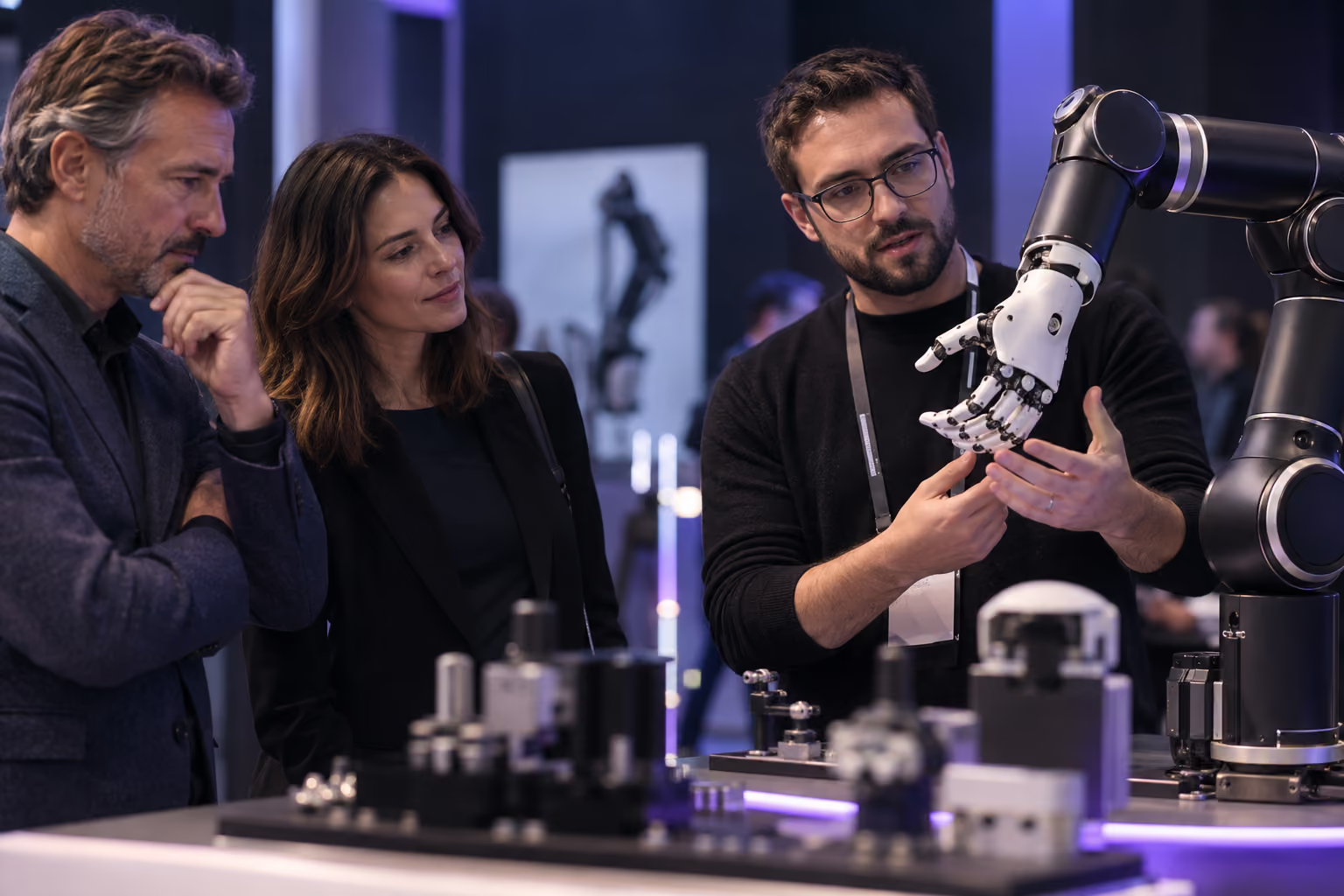
AI-generated industry scene. Not CES 2027 footage.
BEFORE THE SHOWTHE DATA
Research potential buyers from available event-related people records.
THE DECISION
Evaluate commercial fit separately from someone’s connection to CES.
THE NEXT STEP
Reveal available details for the people you choose to contact.
SEE THE DATA BEFORE YOU DECIDE
A person’s role and their attendance evidence answer different questions. Lensmor keeps both visible while you research.
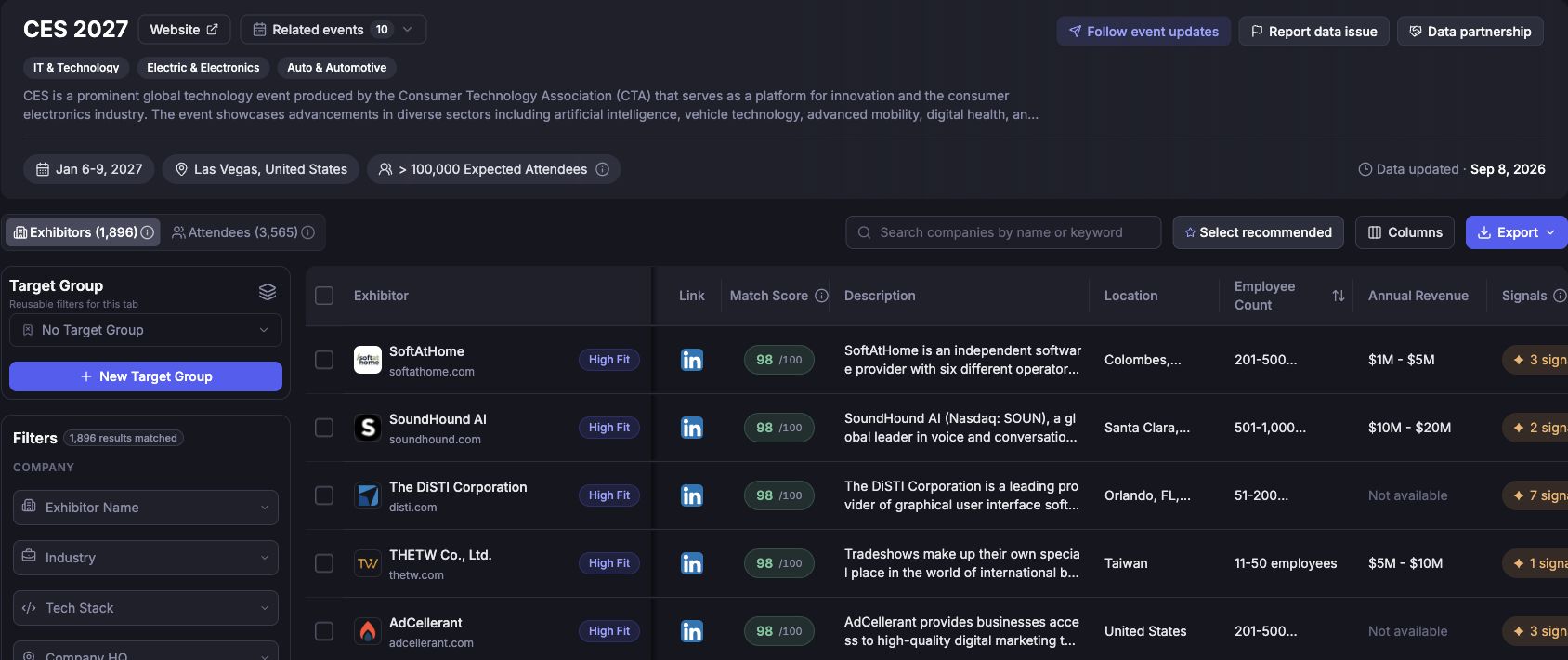
Illustrative workspace capture with fictional sample data. Role, company and event-evidence fields are shown for context; counts and coverage vary by record.
Open the Attendees workspace ↗THE SHOW IS BIG. YOUR LIST SHOULD BE FOCUSED.
Research the person, understand the company and bring a reason to reach out. Don’t leave every introduction to chance.
AI-generated exhibition illustration. Not actual CES footage. Silent video.
RESEARCH THE MARKETS THAT MATTER TO YOU
Your offer determines who matters. Use industry and role context to decide where to focus your research.
 AI-generated industry illustration
01 / AI & ROBOTICS
A technology demonstration draws engineers, partners, media and potential buyers. Filter by company and responsibility to find the people relevant to your offer.
Example in the observed dataset: SoundHound AI, voice and conversational AI.
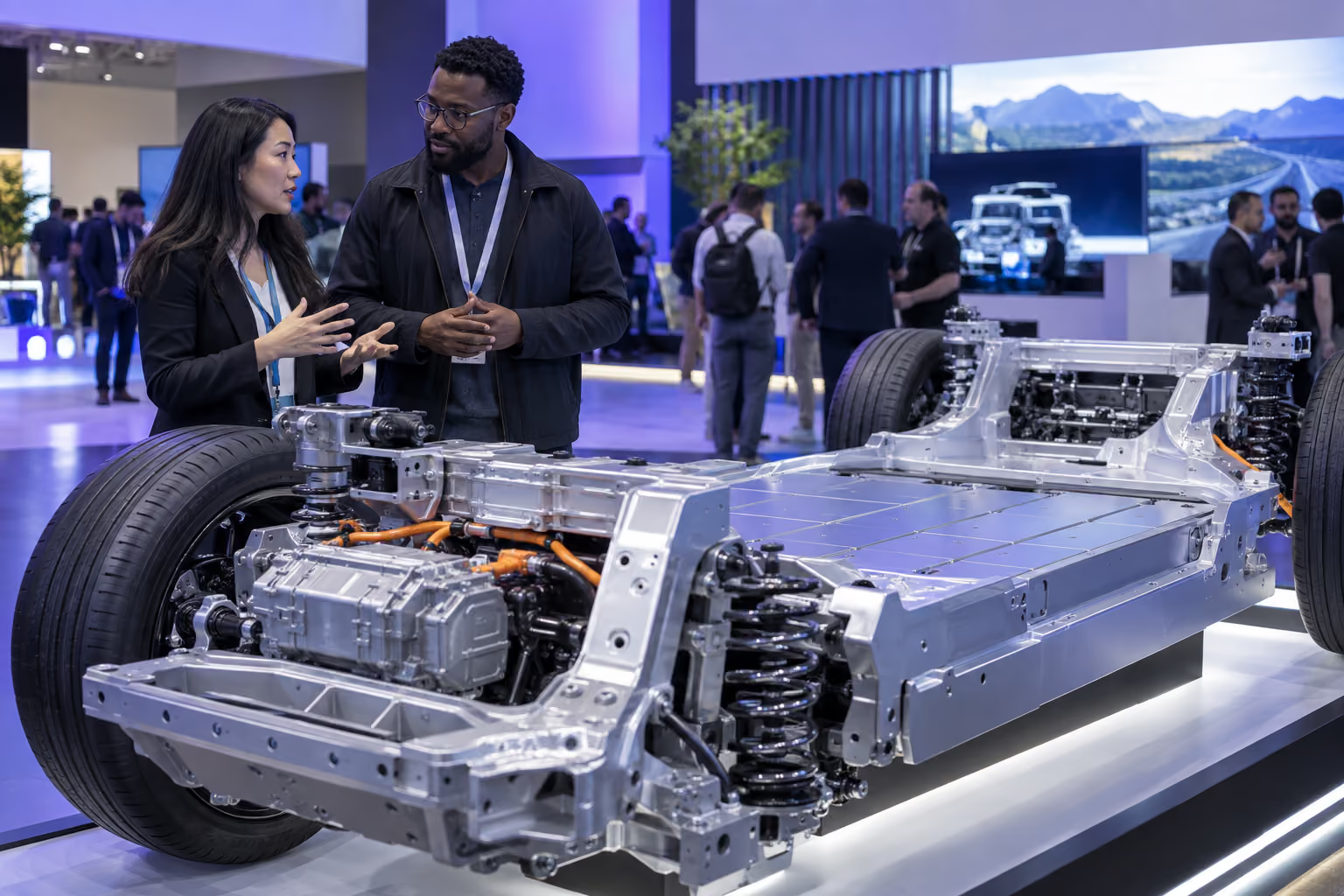 AI-generated industry illustration
02 / VEHICLE TECH & CONNECTED MOBILITY
Review the person’s company and event evidence before you write. A relevant message starts with understanding why the conversation could matter.
Example in the observed dataset: Cerence AI, automotive AI.
YOUR PRE-SHOW WORKFLOW
Start with CES 2027. Keep the research connected to the next decision your team needs to make.
Start free ↗Account creation is free. Event access and email or phone reveals are separate credit-based actions. View pricing ↗
Open CES 2027 → Attendees. Use company, job title, department and management-level filters to focus your research.
Review the person's job title, company fit and available source evidence before deciding whether the record belongs on your outreach list.
Review selected people, reveal available contact details and export the records you need for your outreach workflow.
BEFORE YOU START
Need to check whether CES coverage fits your use case?
See if CES coverage fits your market ↗Lensmor provides searchable event-related people records with company, job title, department, management level and available attendance evidence. Coverage and contact availability vary by record.
Yes. Use company, job title, department and management-level filters to narrow the research to the people relevant to your offer. Review the event connection separately from commercial fit.
The official CES directory is the source for organizer listings and event information. Lensmor adds searchable people records, company and role context, attendance evidence and contact-reveal workflows for pre-show research.
Available email or phone details can be revealed for selected people where present. Event-related records do not automatically include every contact detail, and hidden details remain hidden until revealed.
The CES 2027 workspace was viewed on September 15, 2026 and showed 3,565 event-related attendee records. Coverage changes as records are added and refreshed. Check the app for the current count.
Open CES 2027, choose Attendees, apply company and role filters, review event evidence, then reveal selected contact details and export the records needed for outreach.
Build a shortlist around relevant people, company fit and the evidence behind each event connection.