
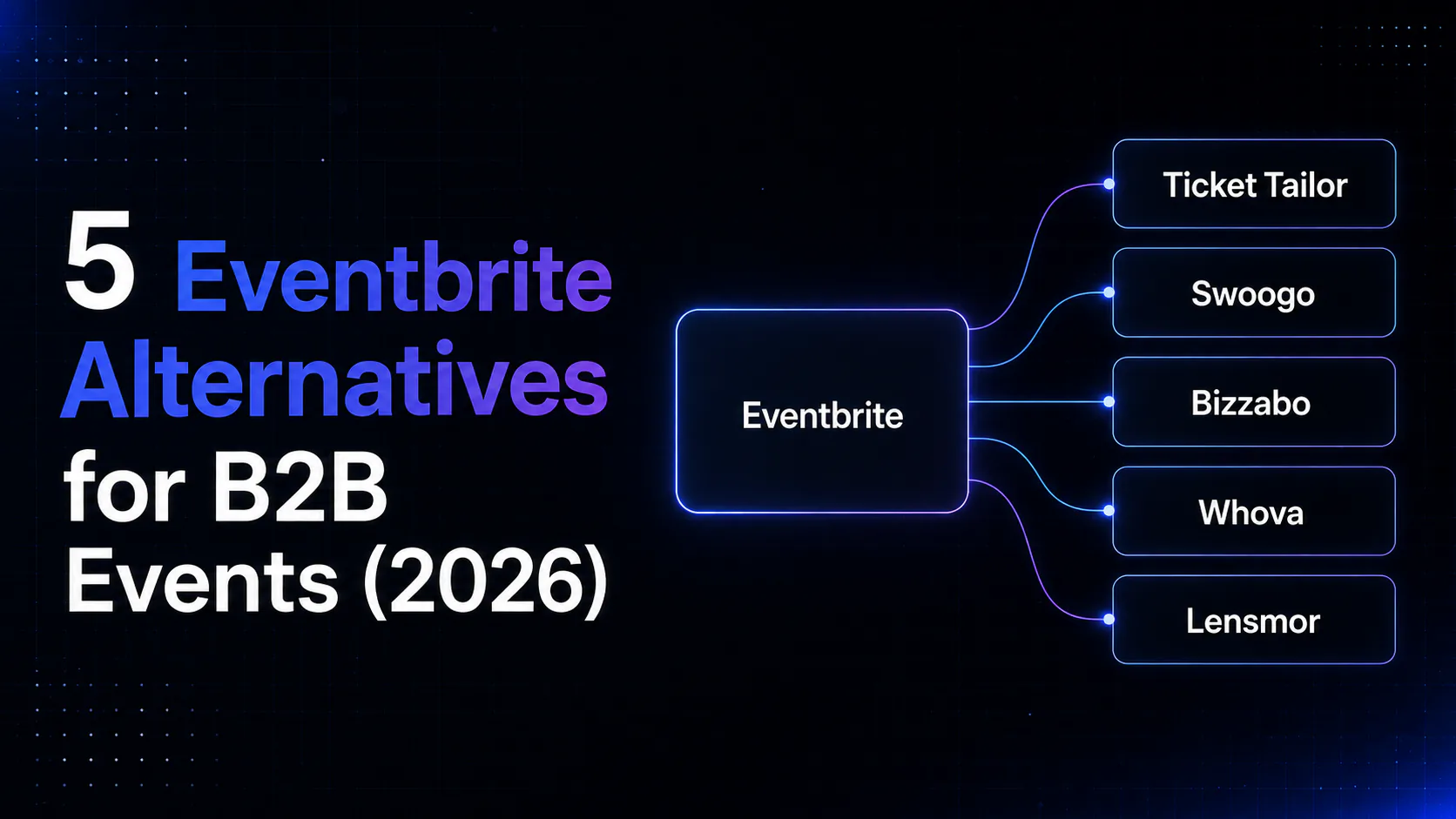
The best Eventbrite alternative depends on the job your B2B event team needs to complete. Ticket Tailor is a focused option for self-service ticketing, Swoogo emphasizes configurable registration, Bizzabo supports larger event portfolios, Whova centers the attendee experience, and Lensmor handles pre-show account intelligence rather than ticket sales.
That distinction matters because “Eventbrite alternative” sounds like one software category. It is not. A team selling 300 conference tickets has a different problem from a field marketing team running 40 executive dinners, and both differ from an exhibitor trying to identify target accounts before a trade show.
This guide compares five options by their primary job, pricing model, strengths, and limits. It also explains when staying with Eventbrite is the more rational decision.
What is the best Eventbrite alternative for B2B events?
There is no universal Eventbrite replacement for B2B events. Choose Ticket Tailor for straightforward ticket economics, Swoogo for configurable event registration, Bizzabo for a multi-event operating system, Whova for mobile engagement, or Lensmor for finding and prioritizing event prospects before the doors open.
Start with the operating gap, not the vendor list:
The products overlap at the edges, but their centers of gravity are different. Treating them as interchangeable creates expensive implementation surprises.

Why do B2B teams look for Eventbrite alternatives?
B2B teams usually leave Eventbrite because their workflow has outgrown simple event publishing and ticket checkout. The trigger may be transaction cost, branded registration, organizer permissions, cross-event reporting, attendee engagement, or the need to build pipeline before an event.
Eventbrite remains easy to start. Its current U.S. organizer pricing publishes free events without ticketing fees. Paid tickets carry a 3.7% plus $1.79 service fee per ticket and a 2.9% payment-processing fee per order. Buyers pay by default, although organizers can choose to absorb the fees. Review Eventbrite's current organizer pricing.
Here is an illustrative cost check. Assume a B2B conference sells 500 tickets at $100, with one ticket in each order. The service fee is $5.49 per ticket, and processing adds $2.90 per order. That is $8.39 per order, or $4,195 across 500 orders, before taxes or optional products.
This is not a universal quote. Actual order sizes, geography, agreements, refunds, and who pays the fees change the economics. The point is to model the real checkout before comparing it with a flat per-ticket fee or annual software contract.
Pro Tip: Compare net organizer revenue and buyer checkout price separately. Passing fees to attendees protects event revenue but can make the final purchase price materially higher than the advertised ticket.
How should you compare Eventbrite competitors?
A useful comparison separates six decision layers. If a vendor cannot explain which layer it owns, the product demonstration will blur capabilities that your team later has to connect itself.
- Demand and discovery: How will new attendees find the event, and does the platform provide a marketplace or only registration infrastructure?
- Registration and payment: Can the form handle approvals, invite-only paths, group registration, invoicing, tax, refunds, and the payment methods your buyers use?
- Event operations: Does the team need websites, email, speakers, sessions, hotels, check-in, badge printing, and onsite support in one system?
- Attendee experience: Are mobile agendas, networking, announcements, sponsor visibility, and session engagement central to the event?
- Revenue workflow: Must event data connect to the CRM, marketing automation, ownership rules, and follow-up reporting?
- Pre-show intelligence: Is the team organizing the event, or exhibiting at somebody else's event and trying to identify likely target accounts?

Price the full workflow over 12 months. Include transaction fees, organizer seats, premium modules, integrations, onboarding, payment processing, onsite hardware, and staff time. A low ticket fee can still sit inside an expensive manual process. An annual platform can be economical when it replaces repeated setup across dozens of events.
Pro Tip: Ask each vendor to price your actual event calendar. Use the same number of events, organizer users, registrations, paid orders, onsite days, integrations, and support assumptions in every quote.
1. Ticket Tailor: best for focused self-service ticketing
Ticket Tailor is the closest option in this list when the core job is selling and scanning tickets without an annual event-management contract. It uses a usage model rather than taking a percentage of ticket value.
How Ticket Tailor works
Organizers create a box office, build event pages, issue free or paid tickets, take payments through providers such as Stripe, PayPal, or Square, and scan attendees with the check-in app. Paid tickets consume usage; organizers can pay as they go or prepay credits.
Ticket Tailor's current help documentation says free tickets are free within fair-usage limits, while paid tickets, products, imported tickets, and some API-issued tickets consume usage. Payment processors charge their own fees. Read Ticket Tailor's current billing model.
Ticket Tailor strengths
The cost model is easy to connect to ticket volume. There is no required annual platform contract, organizers retain direct control of their payment accounts, and the product covers the practical basics of event pages, orders, attendee email, and door scanning.
This makes it appealing for paid workshops, associations, local conferences, training programs, and event teams that want ticketing without buying a broader event operating system.
Ticket Tailor limitations
Ticket Tailor is primarily a ticketing product. Teams that need complex approval paths, a deep multi-event data model, sophisticated sponsor operations, or an integrated attendee networking layer may still need additional tools.
The cost comparison also needs the connected processor. A flat platform fee does not remove Stripe, PayPal, or Square charges, and optional white labeling, custom domains, or paid integrations add cost.
Ticket Tailor pricing
Pricing varies by market and usage and is shown in the organizer billing area. The current public help page lists U.S. white labeling at $49 per month and a custom domain without white labeling at $8 per month. Confirm the per-usage rate in the account before modeling a switch.
Who should choose Ticket Tailor?
Choose Ticket Tailor when ticket sales, payment control, and predictable usage costs matter more than running an enterprise event portfolio from one platform.
2. Swoogo: best for configurable B2B registration
Swoogo is built for teams that need branded event sites and registration logic across a repeatable B2B event program. Its center of gravity is event operations rather than a public event-discovery marketplace.
How Swoogo works
Teams build event websites, registration paths, email communications, approval workflows, reports, integrations, and onsite check-in. The platform supports unlimited events and registrations under its public Professional plan, with access controlled through Full and Reporting user roles.
Swoogo strengths
Swoogo is a strong fit when the registration journey must adapt to account type, invitation status, geography, sessions, or internal approval rules. Unlimited events and registrations can also simplify budgeting for teams running many field events.
Its public capability list includes custom questions, conditional logic, event cloning, mobile apps, check-in, integrations, reporting, and access management. That is a broader operating surface than a lightweight ticketing tool.
Swoogo limitations
The annual commitment can be hard to justify for one or two simple events. The pricing model is also tied to team access: a Full User can build registration paths, websites, and communications, while a Reporting User has a narrower administrative scope.
Buyers should map each internal role before signing. Otherwise a low assumed seat count can turn into an operational bottleneck.
Swoogo pricing
Swoogo currently lists its Professional plan at $11,800 per year with one Full User and one Reporting User. Enterprise pricing is sales-led and adds advanced personalization, branding, security, and compliance options. Review Swoogo's current plans.
Who should choose Swoogo?
Choose Swoogo when a B2B team runs a recurring event calendar and values configurable registration, branded sites, and workflow control more than marketplace discovery.
Pro Tip: Build one representative registration path during the evaluation. Include an invite-only attendee, a paid attendee, a partner, an employee, and a rejected registrant. A polished default form proves very little.
3. Bizzabo: best for a larger event portfolio
Bizzabo is designed for organizations treating events as a connected portfolio rather than isolated ticket pages. It combines registration, websites, email, mobile, reporting, and optional onsite capabilities under an annual subscription.
How Bizzabo works
The Event Experience OS covers unlimited events and registrations, contact management, registration flows, ticketing, email, event websites, a mobile app, and analytics. Premium add-ons include advanced onsite operations, integrations, sponsor and speaker portals, networking, branded apps, and API access.
Bizzabo strengths
The platform gives event, marketing, and onsite teams a shared operating layer. That is valuable when the same organization runs conferences, field events, webinars, and executive programs and needs consistent data across them.
Bizzabo also publishes a clear organizer-seat model. That makes initial budgeting more concrete than a quote-only product, even though onsite services and premium add-ons can change the final contract.
Bizzabo limitations
Bizzabo requires an annual subscription and is not positioned as a single-event purchase. Smaller teams may pay for portfolio capabilities they do not use, and the starting plan includes only three users.
Onsite hardware, wearables, premium networking, custom branding, and professional services should be quoted explicitly. Do not assume every capability shown on the site is included in the base subscription.
Bizzabo pricing
Bizzabo currently lists $499 per user per month, billed annually with a three-user minimum. That produces a published starting price of $17,999 per year. Review Bizzabo's current pricing and add-ons.
Who should choose Bizzabo?
Choose Bizzabo when an established event team needs a common system for a significant annual portfolio and can justify the subscription through operational reuse.
4. Whova: best for attendee engagement and the mobile experience
Whova is strongest when the attendee-facing event app and networking experience are central to the buying decision. It combines those capabilities with registration and organizer tools.
How Whova works
Whova supports registration, agendas, speaker management, abstract collection, badge generation, self-check-in, attendee networking, live announcements, sponsor promotion, and lead retrieval. The attendee app acts as the main interface for schedules, interaction, messages, and event updates.
Whova strengths
The platform connects operational content with the attendee experience. That can reduce the number of separate tools needed for agendas, announcements, networking, sponsor visibility, and basic event logistics.
Whova is especially relevant for conferences where peer connection and session navigation are part of the value proposition, not merely administrative details.
Whova limitations
Whova does not publish a simple standard price on its current site. Buyers must request a quote based on event size and selected services, which makes an early cost comparison less direct.
The product also asks attendees to engage through an event app. Teams should test the communication plan, onboarding friction, privacy settings, and likely adoption for their specific audience.
Whova pricing
Whova states that organizers pay and that price depends on event size and service options. Its current pricing page requires a quote. Review Whova's platform scope and request pricing.
Who should choose Whova?
Choose Whova when a conference needs an attendee app, networking, agenda management, and sponsor engagement in a connected experience.
5. Lensmor: best for pre-show account intelligence
Lensmor is not ticketing software and should not replace Eventbrite for registration. It solves a different B2B event problem: identifying relevant companies and people connected to trade shows before the event, then preparing a focused prospecting list.

How Lensmor works
Teams search for a target event, review exhibitors and source-labeled attendee signals, filter companies against an ICP, reveal selected contacts, and export the qualified list into an approved sales or marketing workflow.
Lensmor keeps its evidence types distinct. Exhibitors come from official exhibitor or sponsor sources, Signal Attendees come from public professional activity, and Visitors are supplied by event organizers or data partners when available. Coverage varies by event; those sources should not be treated as equivalent to an organizer-confirmed registration list.
Lensmor strengths
Lensmor moves account selection and outreach planning earlier. It is relevant to exhibitors, sponsors, field marketers, sales teams, agencies, and partnerships teams that participate in events they do not organize.
That workflow is outside Eventbrite's core job. Eventbrite can register people for your own event. Lensmor helps a B2B team evaluate external events and identify accounts worth pursuing around them.
For a broader category comparison, see the event intelligence platform guide. If the team needs an organizer platform instead, the event marketing technology stack explains the surrounding layers.
Lensmor limitations
Lensmor does not build event websites, sell tickets, collect registration payments, run mobile agendas, or check attendees in at the door. It complements those systems when pre-show targeting is the missing layer.
Event coverage also varies by organizer, geography, timing, and available sources. Teams should inspect the preview and source labels for the specific event before committing credits or using the data in outreach.
Lensmor pricing
Lensmor currently offers a Free Trial and no credit card required. Usage depends on the event access and contact data selected. Review Lensmor's current event-intelligence workflow.
Who should choose Lensmor?
Choose Lensmor when your company is attending, exhibiting at, sponsoring, or selling around third-party events and needs a pre-show account and contact workflow. Keep Eventbrite or another registration platform for events your company organizes.
Pro Tip: Do not ask one platform to own every event job. Registration data, attendee experience, CRM ownership, and external-event intelligence have different sources, permissions, and success measures.
How do the five Eventbrite alternatives compare?
The practical choice is a job-to-product match, not a universal ranking. Public pricing is a starting signal only; the final cost depends on event volume, users, modules, payment processing, and services.
Eventbrite itself remains a strong baseline for public event discovery, simple setup, free events, paid ticket checkout, organizer check-in, and built-in attendee marketing. A new platform must improve a real constraint enough to justify migration and integration work.
If enterprise operations are the constraint, compare the options in the Cvent alternatives guide as well. Cvent sits closer to Swoogo and Bizzabo than to a focused ticketing product or event-intelligence layer.
When should you stay with Eventbrite?
Stay with Eventbrite when its marketplace, ticketing flow, and organizer tools already cover the event without material manual work. Switching platforms carries costs that rarely appear in a pricing table.
Keep Eventbrite if most of these statements are true:
- Your events are public and benefit from consumer discovery
- Registration rules are straightforward
- The current checkout price is acceptable to buyers
- The organizer app covers check-in requirements
- You do not need a complex annual event portfolio data model
- Existing marketing and finance processes already reconcile Eventbrite data
A migration becomes more credible when the same constraint repeats across several events. One unusual registration request is not necessarily a platform problem. Rebuilding workarounds every month is.
How to choose an Eventbrite alternative in 30 days
A controlled evaluation should reproduce one real event from checkout to reporting. Marketing pages show capability breadth; a working event reveals data, permission, and support boundaries.
Week 1: define the decision and cost model
Write down the primary job, non-negotiable requirements, current annual cost, buyer-paid fees, internal labor, integration needs, and deadline. Separate required capabilities from attractive extras.
Week 2: build the same event in two finalists
Use a representative event rather than a blank sandbox. Configure registration types, approval rules, payment, emails, sessions, team access, and one integration. For Lensmor, inspect one real target event and build a small qualified account group instead.
Week 3: test failure paths
Process a refund, change a ticket, add a walk-in, revoke organizer access, export data, and trace a duplicate contact. Ask support one technical question and record response quality.
Week 4: compare evidence and decide
Score each finalist against the same matrix. Include implementation effort, annual contract terms, payment fees, migration, security review, support, and staff training. Choose only when the evidence explains what improves and what new trade-off the team accepts.
The best decision may be a replacement, a complementary layer, or no change. That is more useful than forcing every vendor into one ranking.
The practical choice
Eventbrite alternatives divide into different operating models. Ticket Tailor simplifies ticketing economics. Swoogo and Bizzabo support repeatable event operations at different scales. Whova centers the attendee experience. Lensmor adds pre-show intelligence for B2B teams working around third-party events.
Name the job first. Then price and test that exact workflow with real event data. A platform should remove a recurring constraint, not merely offer a longer feature list.
Start Free Trial — Start using Lensmor's event intelligence platform today. Predict attendee lists, discover relevant events, and enrich contact data for your next trade show.