You Scanned 300 Badges. Now What?
Your team just wrapped three days at a major industry trade show. The badge scanner shows 300 scans. Marketing calls it a success. But open that spreadsheet and what do you actually have? Names, email addresses, and... that's about it. No notes on what was discussed. No way to tell who was a serious buyer versus who just wanted the free water bottle. No context for your sales team to write a follow-up email that doesn't sound completely generic.
This is the lead retrieval problem. An organizer-provided badge scanner may capture contact data without the qualification context that makes a record actionable. Pricing and included fields vary by event, so compare the organizer's quote with the cost of a reusable capture workflow and the quality of data each option returns.
The good news: newer lead retrieval apps can go beyond basic badge scanning. Depending on the product and plan, they may capture qualification context, work offline, and sync data to a CRM. The right tool should reduce manual work and improve the share of captured contacts that sales can act on; verify that outcome in a pilot.
For the complete process—not just the software—see our guide to collecting leads at trade shows, including pre-show targeting, booth qualification, and follow-up.
We evaluated the leading options across pricing, features, CRM integration, and real-world usability. Here's what's worth your money in 2026.
This page compares lead retrieval software. For capture methods beyond apps, read how to collect trade show leads. For the broader pipeline strategy before, during, and after the event, use the trade show lead-generation guide.
What Is a Lead Retrieval App?
A lead retrieval app is software that captures, enriches, and organizes contact information from trade show attendees. Unlike basic badge scanners provided by event organizers, modern lead retrieval apps add qualification scoring, custom note fields, CRM syncing, and offline functionality—turning raw badge data into sales-ready leads.
The critical distinction: event-provided scanners capture registration data such as name, company, and title. Lead retrieval apps capture conversation data such as pain points, buying timeline, budget, and next steps alongside that contact info. That context is what separates a dead lead from a pipeline opportunity.
The lead retrieval app you choose affects cost per qualified lead. Treat badge scans and qualified conversations as different metrics: divide total event spend by each, then compare which records reached a meeting or opportunity. That calculation is more useful than assuming a universal cost benchmark.
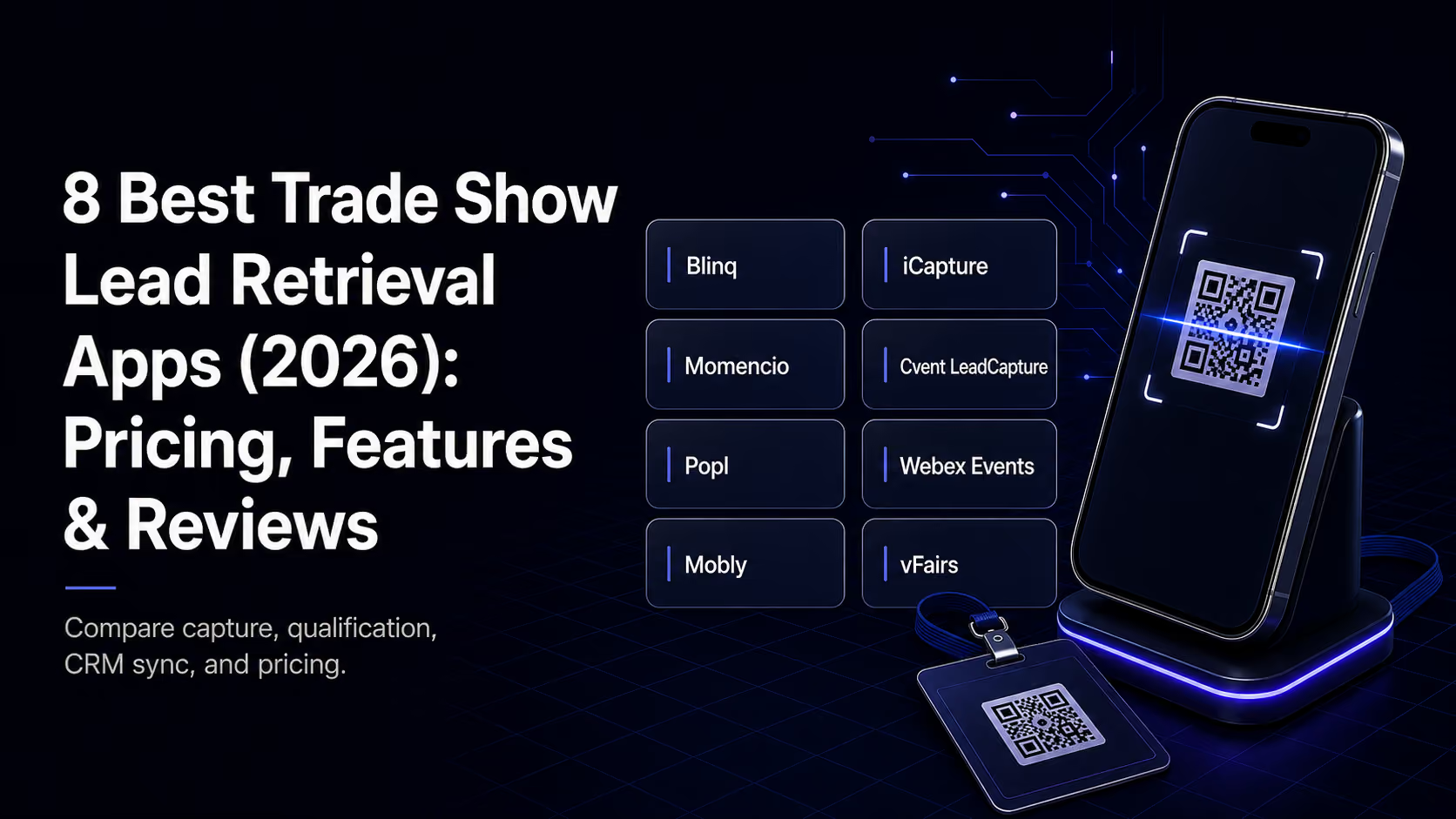
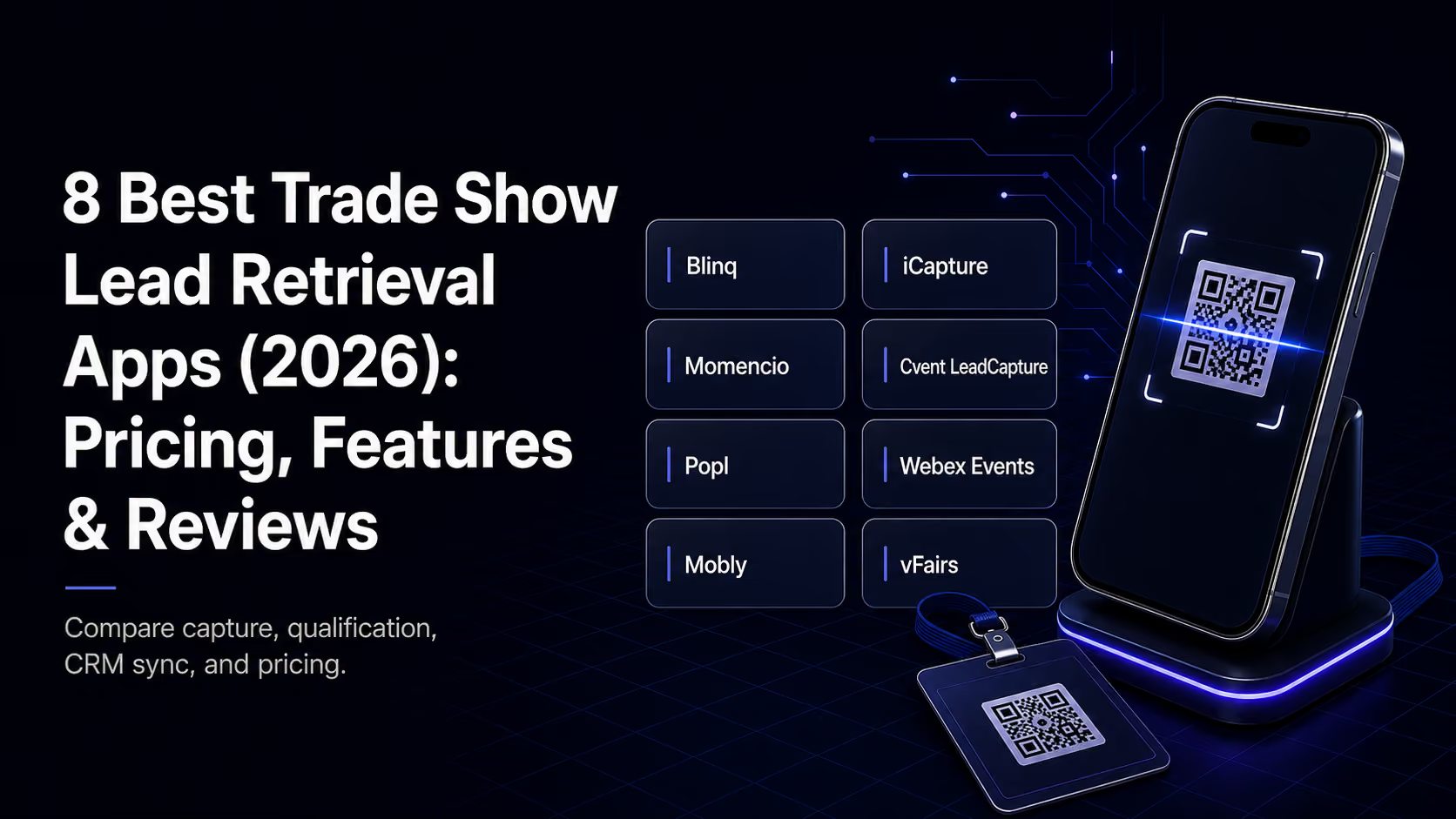
Review methodology and freshness. Feature and pricing claims were checked against vendor-owned pages on August 4, 2026. Prices may depend on seats, events, organizer licenses, integrations, and contract scope. Confirm current terms on the official pages for Blinq, Cvent and iCapture, Momencio, Popl, Webex Events, vFairs, and Mobly.
How We Evaluated These Apps
Every app was assessed across five dimensions that matter most to B2B trade show teams:

Practical next step: Need more than badge scans? Lensmor adds the pre-show intelligence layer: it combines event, exhibitor, and attendee data from relationships with event organizers, data partners, and public signals to help teams discover relevant events, identify target accounts and decision-makers, and prepare outreach before the floor opens. Where attendee coverage varies by event and source, treat each record as an intelligence signal with the appropriate confidence—not as a universal official attendee list. Build the pre-show list in Lensmor.
The 8 Best Lead Retrieval Apps for Trade Shows
1. Blinq
Blinq is a universal event lead-capture workflow for teams that want one process across their event calendar. It scans badges, business cards, and QR codes; enriches captured contacts with verified email, phone, LinkedIn, and company details; and syncs leads to a CRM in real time.
How it works. Reps scan a badge or another contact source in the Blinq app, add tags, qualifiers, and notes, and can use AI Notetaker to capture the conversation. Event campaigns attribute leads to the right show, while offline capture queues scans until the connection returns.
Strengths. Blinq combines universal capture, offline mode, enrichment from 25+ data providers, custom lead qualifiers, AI conversation notes, event-to-pipeline attribution, and native CRM integrations. It is especially useful for teams attending multiple events that want to stop rebuilding their lead-capture workflow for every show.
Limitations. Event Lead Capture is usage-based, so buyers should compare per-lead costs, CRM requirements, supported integrations, event badge compatibility, and enrichment coverage against an organizer-provided scanner or another annual workflow. AI-generated notes and enrichment should still be reviewed before they drive automated follow-up.
Pricing. Event Lead Capture uses usage-based pricing. Confirm current credit pricing and CRM package details on Blinq's Event Lead Capture page before buying.
Best for. B2B teams attending several trade shows or conferences that want reusable capture, enrichment, conversation context, and CRM sync instead of a different scanner rental at every event.
G2 note. Blinq's product page links to the G2 Lead Retrieval category and currently positions Blinq as #1 in the category. Readers should verify the live G2 placement because rankings can change.
Pro Tip: Pre-show intelligence and onsite capture solve different jobs. Use Lensmor to prioritize the accounts, companies, and attendee signals worth acting on before the show, then use Blinq to record the conversation, qualification, and next step when the meeting happens.
2. iCapture
iCapture is Cvent's lead-capture product for teams exhibiting at third-party events. Its value proposition is a reusable capture and qualification workflow across an event program, but buyers should confirm badge compatibility for each show.
How it works. Your booth team scans badges using the iCapture app, then immediately qualifies each lead using custom survey questions you configure before the event. Leads sync to your CRM in real time or queue offline for later sync. The interface is designed for speed: scan, qualify, move on.
Strengths. Custom qualification fields can capture the sales context a plain scan misses, and offline capture is useful in convention centers with unreliable connectivity. Confirm event-system compatibility, supported integrations, and offline behavior during the buying process.
Limitations. iCapture is quote-based through Cvent, so buyers should compare annual program cost, event coverage, transcription workflow, integrations, and reporting before committing.
Pricing. iCapture is listed by Cvent as an add-on and requires a quote. See Cvent's official pricing page.
Best for. Mid-to-large B2B companies attending 3–8 major shows per year that need reliable, battle-tested lead capture across different event platforms.
3. Momencio
Momencio takes a different approach by combining lead capture with interactive booth presentations. Instead of just scanning badges, it turns your iPad into a content hub that captures engagement data alongside contact info.
How it works. Attendees interact with your product content—videos, presentations, and brochures—on tablets at your booth, and Momencio tracks which content they engaged with. Badge scanning happens alongside this engagement tracking, creating a richer lead profile.
Strengths. The engagement tracking is genuinely useful: knowing a prospect spent four minutes on your pricing page is better context than a badge scan alone. Real-time analytics show which booth content is performing. The follow-up email system can automatically send relevant content based on what each visitor viewed.
Limitations. It requires more booth setup and staff training than a simple scanner app. The content-management layer adds complexity that smaller teams may not need. Pricing is on the higher end.
Pricing. Momencio's official pricing page lists Capture from $100 per seat per month, billed annually with a five-seat minimum; higher tiers and tailored plans cost more.
Best for. Companies with complex products that benefit from interactive demos and want engagement data alongside lead capture.
4. Cvent LeadCapture
If your events already run on the Cvent platform, its native LeadCapture tool is the path of least resistance. It integrates with Cvent event-registration data, eliminating the compatibility headaches that can affect third-party apps.
How it works. Scan attendee badges at Cvent-powered events to instantly pull registration data. Add custom qualifiers and notes. Leads export to a CRM or download as CSV. Since it is native to the Cvent ecosystem, data flows without API friction.
Strengths. There are no compatibility issues at Cvent events. It integrates with Cvent's broader event-management platform and supports offline use.
Limitations. It only works at Cvent-powered events, so it is not suitable as a universal app for shows running on other platforms. The feature set is more basic than dedicated lead-retrieval tools, and buyers are tied to the Cvent ecosystem.
Pricing. Typically bundled with Cvent event packages or available as an add-on. Pricing varies by contract.
Best for. Companies primarily attending Cvent-powered events that want simplicity over feature depth.
5. Popl
Popl made its name in digital business cards and has expanded into event lead capture. Its strength is the contactless experience: NFC taps and QR codes instead of badge scanning.
How it works. Your team carries Popl-enabled NFC cards or displays QR codes. When an attendee taps or scans, both parties exchange digital contact cards. Popl captures the contact and allows tagging, notes, and CRM sync.
Strengths. It works at any event without depending on the organizer's badge system. The contactless exchange feels more modern and personal than badge scanning. It is a good fit for networking events and conferences where formal badge scanning is not available.
Limitations. It requires attendees to participate by tapping or scanning rather than passively scanning their badge. It is less effective for high-volume booth traffic where speed matters, and its lead-qualification features are lighter than dedicated trade show tools.
Pricing. Popl offers individual and team products, while event lead capture uses a custom quote. See the official pricing page.
Best for. Sales teams attending a mix of trade shows, conferences, and networking events that want a versatile contact-capture tool.
6. Webex Events
Webex Events combines event management with lead retrieval in an all-in-one platform. It is a heavier solution than a standalone lead-capture app, but the integration is seamless if you are already in the Cisco/Webex ecosystem.
How it works. Badge scanning, custom survey qualifiers, and attendee-engagement tracking all feed into a unified dashboard. Leads can be routed to sales reps in real time based on qualification criteria.
Strengths. It offers enterprise-grade security and compliance, which can matter in regulated industries. Real-time lead routing means hot leads reach the sales team while the conversation is still warm. Reporting and analytics are robust.
Limitations. It can be overkill for companies that only need a lead scanner. Pricing reflects the enterprise positioning, and setup and administration require more work than with a lightweight tool.
Pricing. Webex Events Lead Retrieval is licensed through the event program, and organizers can configure exhibitor purchase pricing. Confirm the applicable event license or package.
Best for. Enterprise B2B companies with dedicated event-marketing teams and compliance requirements.
7. Mobly
Mobly positions itself as a universal lead-capture app that works at any event regardless of the organizer's technology. Its key selling point is flexibility: badge scan, QR code, business-card photo, or manual entry in one app.
How it works. Capture leads via any method available at the event. Mobly's OCR scans business cards, reads badge QR codes, and allows manual entry as a fallback. Custom qualification forms capture the context your sales team needs.
Strengths. Multiple capture methods provide a fallback when one method is unavailable. Buyers should test OCR accuracy, field mapping, integrations, and total quoted cost with their own badges and business cards.
Limitations. Its integration ecosystem is smaller than those of major players. The analytics dashboard is functional but may not be as polished as enterprise tools.
Pricing. Custom pricing—contact sales for a quote.
Best for. Small-to-mid B2B teams that attend events with varying technology and need a flexible, affordable solution.
8. vFairs Lead Capture
vFairs expanded from virtual events into in-person lead capture, bringing a modern UI and thoughtful feature set to the space. The app stands out for its clean design and intuitive user experience.
How it works. Scan badges, add custom qualifiers, capture notes with voice-to-text, and sync to your CRM. The app supports multiple capture methods and works offline with auto-sync when connectivity returns.
Strengths. Voice-to-text notes are a genuine time-saver on a busy show floor: reps can dictate context instead of typing on a phone. The UI is clean and intuitive, and gamification features can motivate booth staff.
Limitations. It is newer to the in-person lead-capture space, so the badge-compatibility list is still growing. Voice-to-text accuracy varies in noisy trade show environments.
Pricing. Custom pricing—contact sales. Generally competitive with mid-tier options.
Best for. Teams that prioritize user experience and want modern features such as voice notes and gamification.
Side-by-Side Comparison
How to Choose the Right Lead Retrieval App
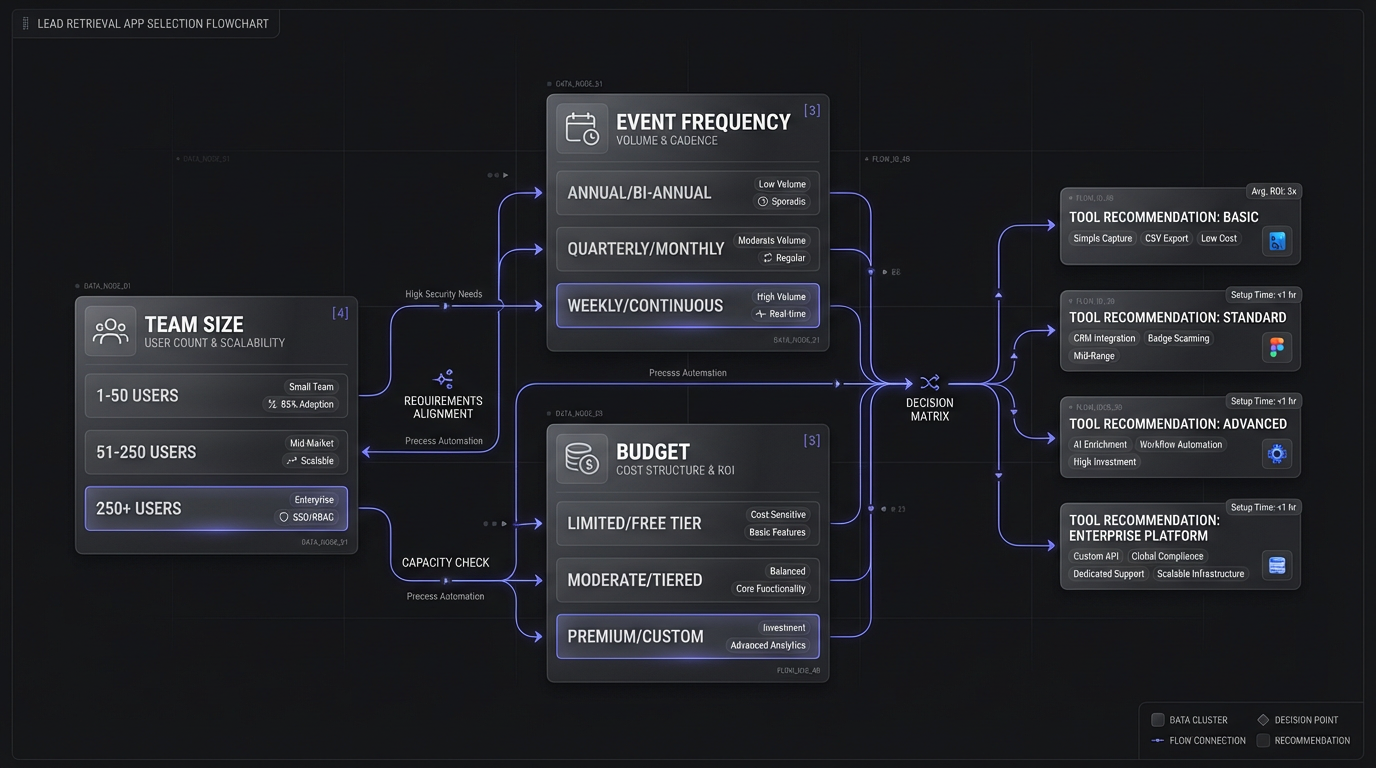
The “best” app depends entirely on your situation. Ask yourself three questions:
How many events do you attend per year? For a small number of shows, compare the organizer's per-event option with a universal app. For a larger program, request annual quotes and compare total cost, supported events, seats, integrations, and administration time.
What event platforms do your shows use? If most of your events run on Cvent, the native LeadCapture tool eliminates compatibility headaches. If you attend events across multiple platforms, you need a universal solution such as Blinq, iCapture, or Mobly.
What's your biggest bottleneck—capture or qualification? If your team scans plenty of badges but struggles with follow-up, the problem is not the scanning tool; it is the lack of context. Invest in apps with strong qualification features such as Momencio or iCapture, or add pre-show intelligence from Lensmor, rather than only buying a faster scanner. Conversely, if you are capturing great context but missing people on the floor, a faster multi-method capture tool such as Blinq, Mobly, or Popl might be the right upgrade.
Pro Tip: Before committing to any lead retrieval app, check the exhibitor service manual for your next trade show. Many events restrict which third-party apps can access their badge data. Confirming compatibility upfront saves you from discovering the issue at your booth.
Pro Tip: Whatever tool you choose, the biggest ROI driver is what happens after capture. Pre-build your follow-up email sequences, segment leads by qualification tier, assign an owner, and route the hottest leads the same day. Do not let the app become a data-collection tool that nobody acts on.
The Bigger Picture
Lead retrieval apps solve the onsite capture problem. A complete event workflow also covers event selection, pre-show account research, meaningful conversation capture, qualification, ownership, relevant follow-up, and CRM attribution.
If your event marketing plan starts and ends with a badge scanner, it optimizes only one link in the chain. Connect event selection, account research, capture, qualification, follow-up, and CRM attribution.
Start Free—create a free Lensmor account and start using its event-intelligence tools. Research events, exhibitors, and relevant contacts before the show starts.